Zapier Review 2026: App Automation for Freelancers – Worth It?
Fastlancer Team · Updated: Sep 5, 2026
Short verdict
Ideal for
- Freelancers who want to automate repetitive tasks between apps without code
- Self-employed people with multiple SaaS tools in their stack
- Solopreneurs who want to save time through automatic data transfers
Not ideal for
- Anyone needing more than a hundred tasks a month for free
- Users expecting multi-step workflows without the mid tier
- Entry price
- Free plan · paid from $69 / month
- Free to start?
- Yes — permanently free plan (100 tasks/month)
- Stands out for
- Connects 9,000+ apps without a single line of code — the world's largest no-code automation platform
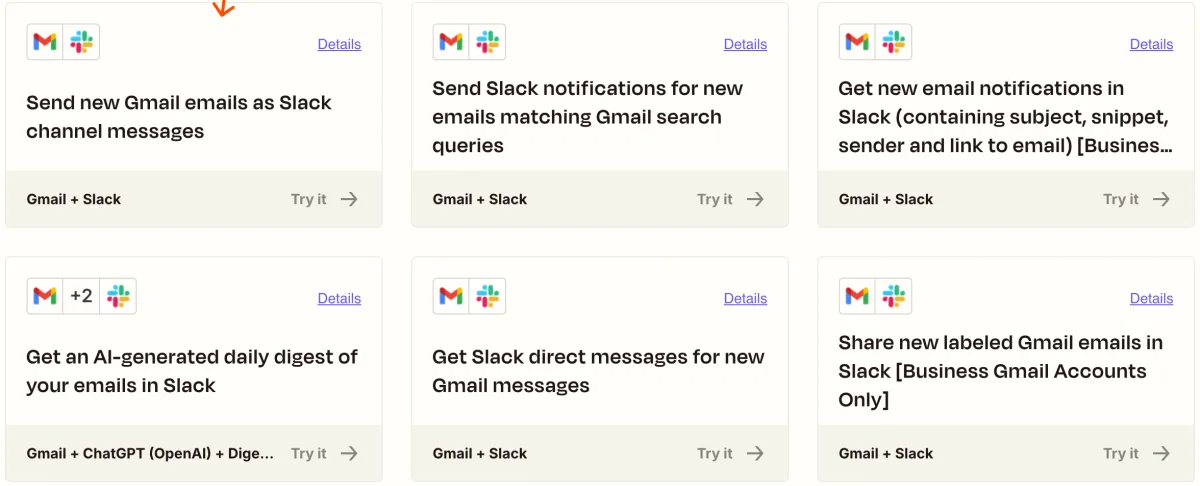
As a freelancer you often run the same manual process: new client fills in contact form → you manually add them to your CRM → manually draft a welcome email → create the project in your PM tool. Zapier does all of this automatically — set it up once, then it runs.
What is Zapier?
Zapier is a no-code automation platform founded in the US in 2011. Connect apps via "Zaps" — workflows that execute actions in other apps when a trigger event occurs. With 9,000+ supported apps — from Gmail and Slack to HubSpot, Notion, Stripe, and Calendly — it's the world's largest integration platform, configured entirely through the UI.
Pros & Cons
Pros
- 9,000+ app integrations
- No code needed
- Free plan permanently sufficient for simple automations
- Reliable and stable
- AI-assisted Zap creation
Cons
- 100 tasks/month quickly exhausted
- Multi-step Zaps only from Professional
- USD pricing exchange-rate exposure
Key Features
- Zaps (workflows): Define a trigger and actions between apps without code.
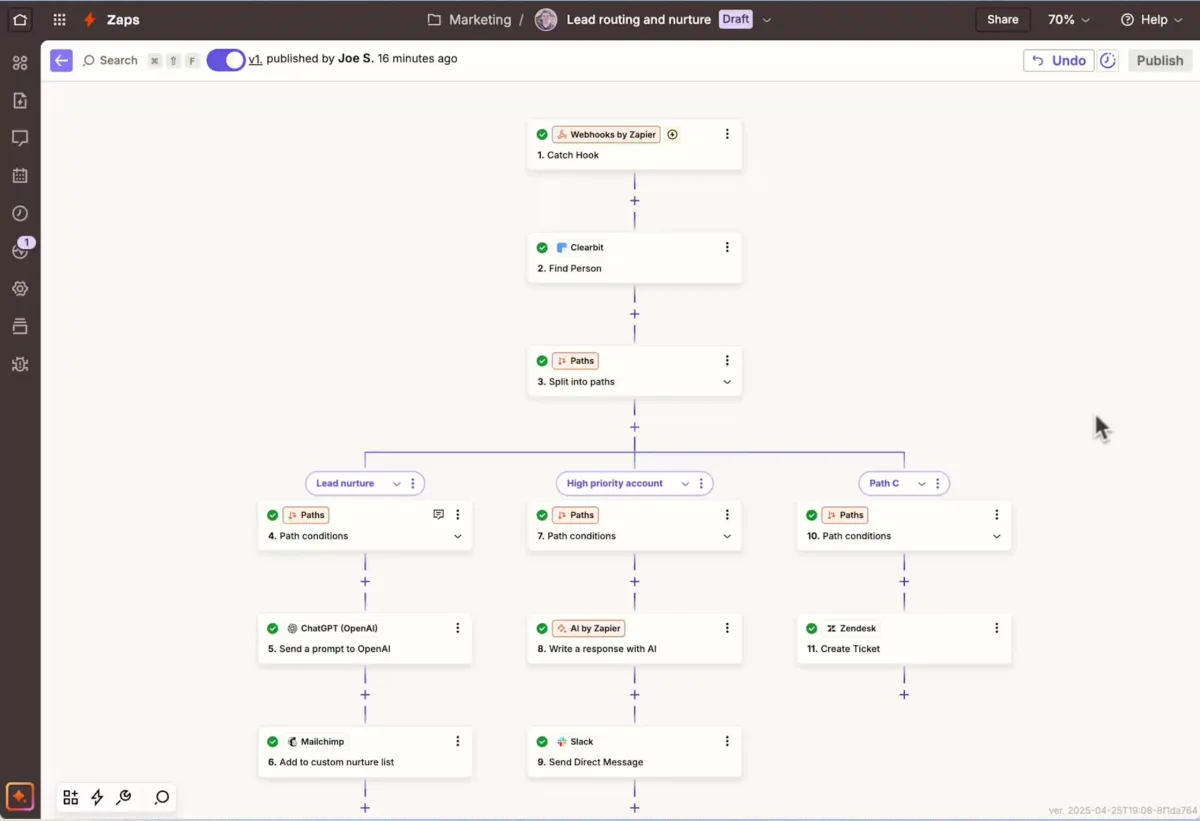
- Multi-step Zaps (Professional): Chain multiple actions — e.g. form submission → CRM entry → welcome email → Slack notification in one workflow.
- Filters & conditions: Run Zaps only under specific conditions — e.g. only when "Budget" exceeds $1,000.
- Webhooks: Custom HTTP requests as trigger or action for tools without native Zapier integration (Professional).
- Zapier Tables & Interfaces: Build simple databases and mini-apps directly in Zapier.
- AI Zap creation: Describe what you want to automate in plain language — Zapier suggests the right Zap.
Why Zapier Makes Sense for Freelancers
Zapier eliminates repetitive data management: once a Zap is created it runs in the background untouched. Common use cases include connecting contact forms with CRMs, automatic project creation after an order, and routing payment notifications. The free plan (100 tasks/month) covers 2–3 simple automations; Professional is the logical next step for multi-step workflows.
Pricing
Free
Free
free forever
- 100 tasks/month
- Unlimited Zaps
- Single-step Zaps only
Professional
$13.39
per month (annual) · $29.99 monthly
- 750 tasks/month
- Multi-step Zaps
- All premium apps
Team
$46.23
per month (annual, 2,000 tasks) · $103.50 monthly
- 2,000 tasks/month
- Up to 25 users
- Shared Zaps & folders
Prices may change — check the official website for current plans.
Price history
Checked Sep 15, 2026 · 2 plans unchanged since Sep 14, 2026
Alternatives by use case


Frequently Asked Questions
What is a Zap?
A Zap is an automatic connection between two or more apps. You define a trigger — e.g. 'new form submitted' — and an action — e.g. 'create contact in CRM' or 'send Slack message'. Every time the trigger fires, Zapier automatically executes the action.
What counts as a 'task' in Zapier?
Every action a Zap successfully executes counts as one task. A two-step Zap (trigger + 2 actions) uses 2 tasks. The free plan's 100 tasks/month covers roughly 50-100 automation runs.
Zapier vs. Make — which is better for freelancers?
Zapier is more beginner-friendly and has the largest app library. Make (formerly Integromat) is cheaper and better for complex multi-step workflows. For simple connections and quick setup: Zapier. For power users with complex automations: Make.
What Zaps are most useful for freelancers?
Typical freelancer Zaps: new contact form submission → create CRM entry, calendar booking → invoice tool, new invoice paid → close project management task, email attachment → automatically save to cloud folder.
Verdict
For freelancers with 2-3 simple automations, the free plan's 100 tasks/month is sufficient. Anyone needing multi-step workflows, premium apps or more than 100 monthly actions will find Professional ($19.99/month annual) one of the most impactful time investments in freelance life.