Free plan ✓
Entry price from $9
Time tracking ✓
Docs/Wiki ✓
Client access ✓
Learning curve High
Free trial 14 days
Available on Web Desktop Mobile
Best for All


Project management tools for freelancers and small teams – for better planning, collaboration and deadlines.
 |  |  |  |  |  |  |  |  |  |  |  |  |  |  |  |  | ||||||||||
|---|---|---|---|---|---|---|---|---|---|---|---|---|---|---|---|---|---|---|---|---|---|---|---|---|---|---|
| Free plan | ✓ | ✓ | ✓ | ✓ | ✓ | ✓ | — | ✓ | ✓ | — | ✓ | ✓ | — | ✓ | — | ✓ | ✓ | — | ✓ | ✓ | ✓ | ✓ | ✓ | — | ✓ | — |
| Entry price Entry price Cheapest paid plan per user per month (usually on annual billing). "Free" = the tool has no paid tier at all. Free plans have their own row. | from $9 | — | from $10.99 | from $5 | from $9 | from $20 | from €5 | from $29 | from $10 | from €8 | from $10 | from $5 | — | from $10 | from $12 | — | from $12.42 | from $9 | — | — | from $9 | from $3.99 | from $10 | — | from $29.99 | from €8 |
| Time tracking | ✓ | — | ✓ | — | ✓ | — | ✓ | ✓ | — | — | ✓ | — | — | — | — | — | — | ✓ | ✓ | — | — | — | — | — | — | ✓ |
| Docs/Wiki | ✓ | ✓ | — | — | ✓ | — | ✓ | — | ✓ | — | — | — | — | — | — | — | ✓ | — | — | — | — | — | — | — | — | — |
| Client access | ✓ | ✓ | ✓ | ✓ | ✓ | ✓ | ✓ | ✓ | ✓ | ✓ | ✓ | — | — | — | — | — | — | ✓ | ✓ | — | — | ✓ | — | ✓ | — | ✓ |
| Learning curve Learning curve How fast the tool becomes productive. "Low" = ready within an hour (Trello level). "Medium" = an afternoon for the basic setup. "High" = powerful, but the flexibility needs configuring first (e.g. ClickUp, Notion). | High | — | Medium | Low | High | High | Medium | Low | Medium | High | High | Low | — | Low | — | — | — | Low | — | — | Low | Low | — | — | — | High |
| Free trial | 14 days | — | 30 days | 14 days | 14 days | 14 days | 14 days | 30 days | — | 30 days | 14 days | 14 days | — | 14 days | 14 days | — | — | 14 days | — | — | 30 days | 7 days | — | — | — | 14 days |
| Available on | Web Desktop Mobile | Web Desktop Mobile | Web Desktop Mobile | Web Desktop Mobile | Web Desktop Mobile | Web Desktop Mobile | Web Desktop Mobile | Web Desktop Mobile | Web Desktop Mobile | Web Mobile | Web Desktop Mobile | Web Mobile | Web | Web Desktop Mobile | Web | Web | Web Desktop Mobile | Web Mobile | Web | Web | Web | Web Mobile | Web | Web | Web | Web Desktop Mobile |
| Best for | All | All | All | Solo & Team | Agency | All | All | Agency | Solo & Team | All | Agency | Solo & Team | All | Solo & Team | Solo | All | Solo | All | All | All | Solo | All | Solo & Team | All | All | Solo & Team |
| View offer* | Visit site | Visit site | Visit site | View offer* | Visit site | View offer* | Visit site | Visit site | Visit site | Visit site | View offer* | Visit site | Visit site | Visit site | Visit site | View offer* | Visit site | View offer* | Visit site | Visit site | View offer* | View offer* | Visit site | View offer* | Visit site |








Answer a few quick questions — we match the right PM tool, data-driven.
What do you need a tool for right now?
14 categories · takes under a minute
Question 1 of 4
Your top recommendations
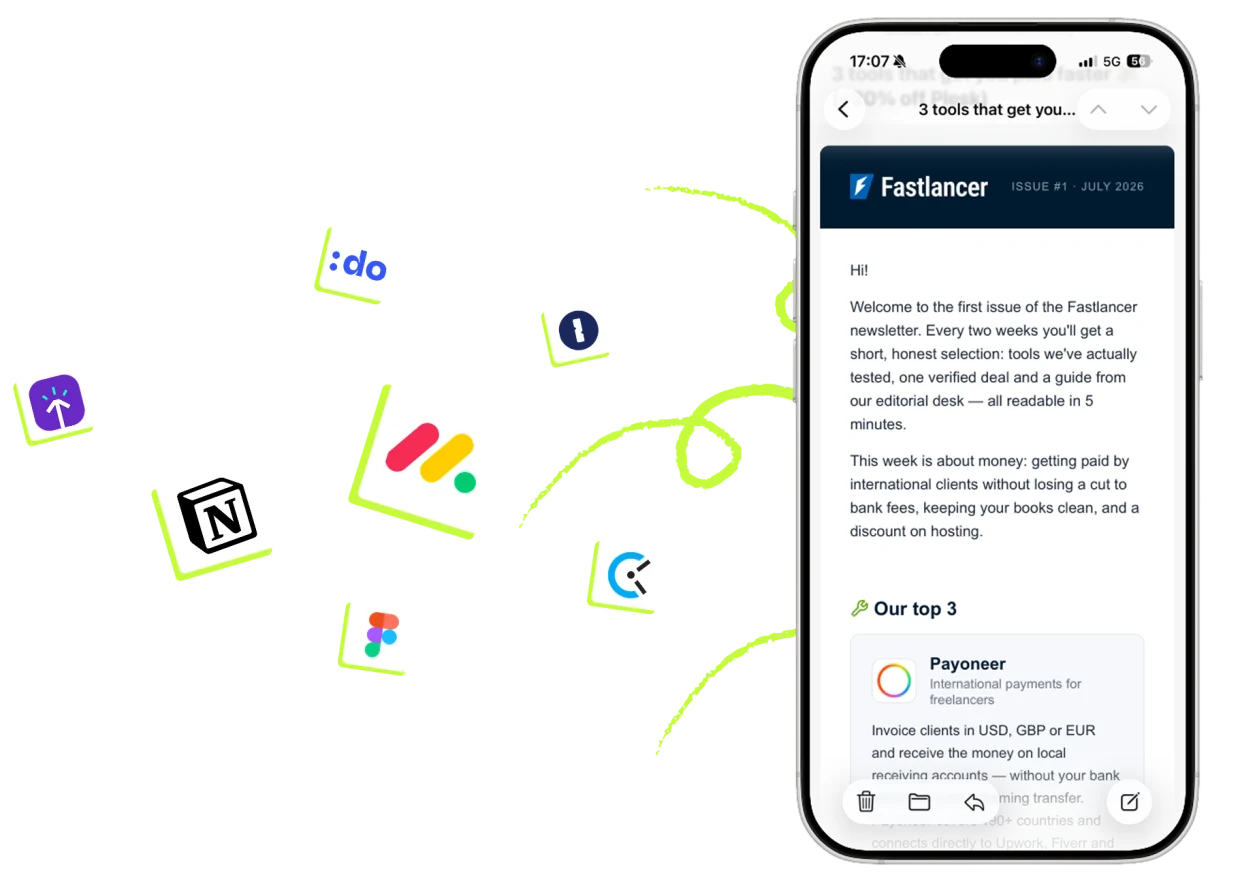
More picks like these? Curated tool tips every 2 weeks by email.
To the newsletterClickUp is our 2026 top pick: tasks, views and docs in one tool, with time tracking and Gantt in the first paid plan. Notion is the better choice when documents and a knowledge base are the center of your work; Trello covers simple Kanban boards. The table above compares the criteria tool by tool.
Yes, for solo freelancers the free tiers often last indefinitely: ClickUp Free, Trello and Asana fully cover task management. You'll only hit limits with guest access, automations and growing teams.
Notion if you want flexible docs, databases and a wiki with project management on the side. ClickUp if classic task management with deadlines, views and time tracking is the priority. Our guide Notion vs. ClickUp compares both in depth.
Often yes: guest or viewer access for external clients is available without extra licenses in ClickUp, Asana and Trello. That's what the “Client access” column in our table tracks. Watch the difference between read-only share links and real guest editors.
Project management tools bundle tasks, deadlines and client communication in one place. The table compares the best 2026 tools — from ClickUp to Notion.
Fastlancer Newsletter
New tools, honest reviews and current deals — curated for freelancers, self-employed professionals and small businesses. Free, unsubscribe anytime.