Smartsheet Review: Spreadsheet-Style Project Management
Tim Wittke · Published: Apr 21, 2026
Short verdict
Ideal for
- Teams that work from spreadsheets and want to keep doing so
- Projects with many dependencies and date chains
- Anyone who needs formulas and automations inside project plans
Not ideal for
- Solo freelancers with simple task lists
- Anyone who has never worked in spreadsheets
- Entry price
- Free plan · paid from €11 / month
- Free to start?
- 30-day trial, free plan heavily limited
- Stands out for
- The familiar spreadsheet with real project management behind it
Efficient organization is essential for freelancers and small business owners juggling multiple projects, clients, and deadlines at once. Smartsheet offers a platform that looks like a familiar spreadsheet but does significantly more: real-time collaboration, flexible views, and automation help you structure tasks and maintain a clear overview. For solo freelancers and growing teams alike, it can be a genuine productivity boost. We took a closer look.
What is Smartsheet?
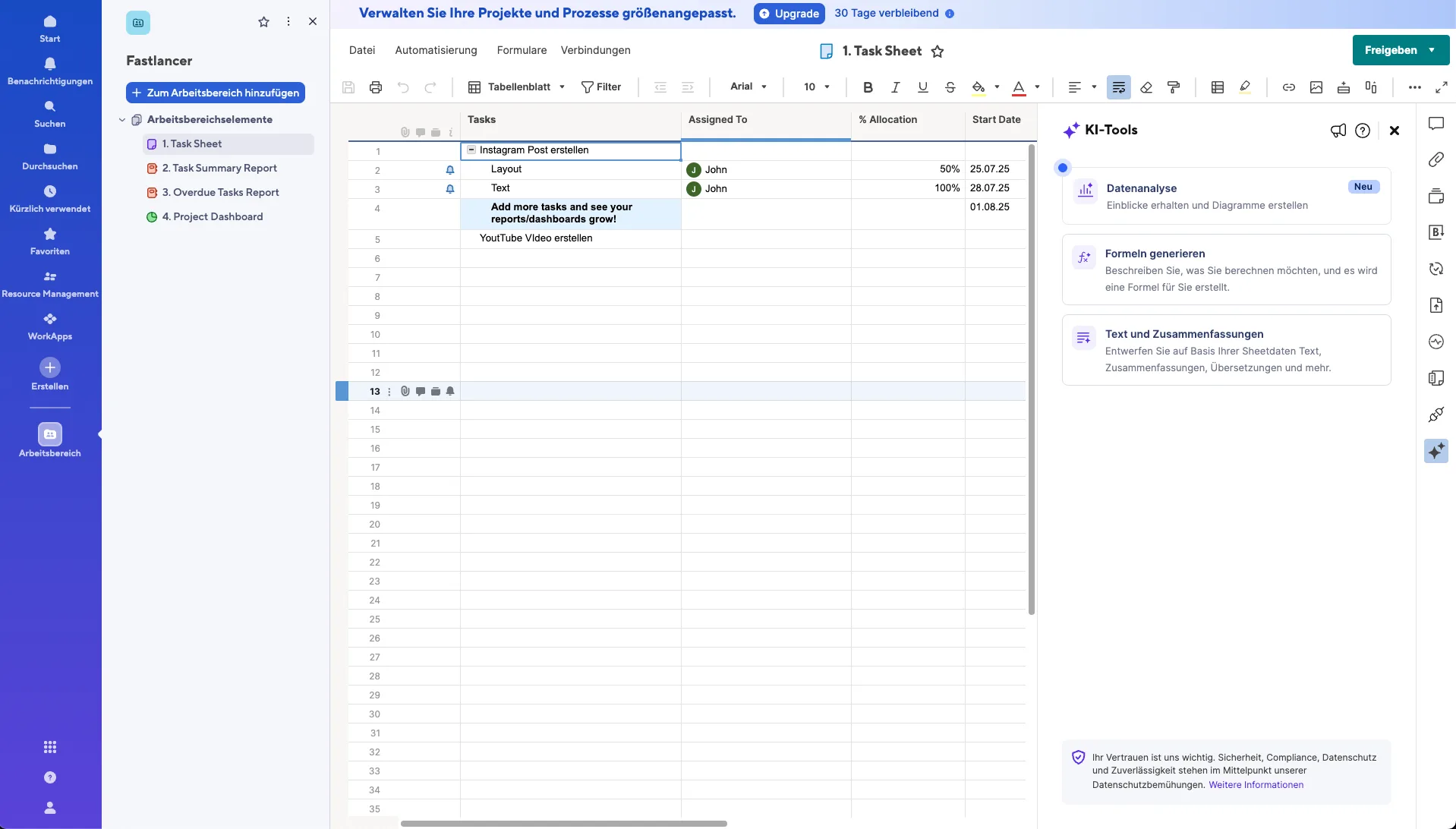
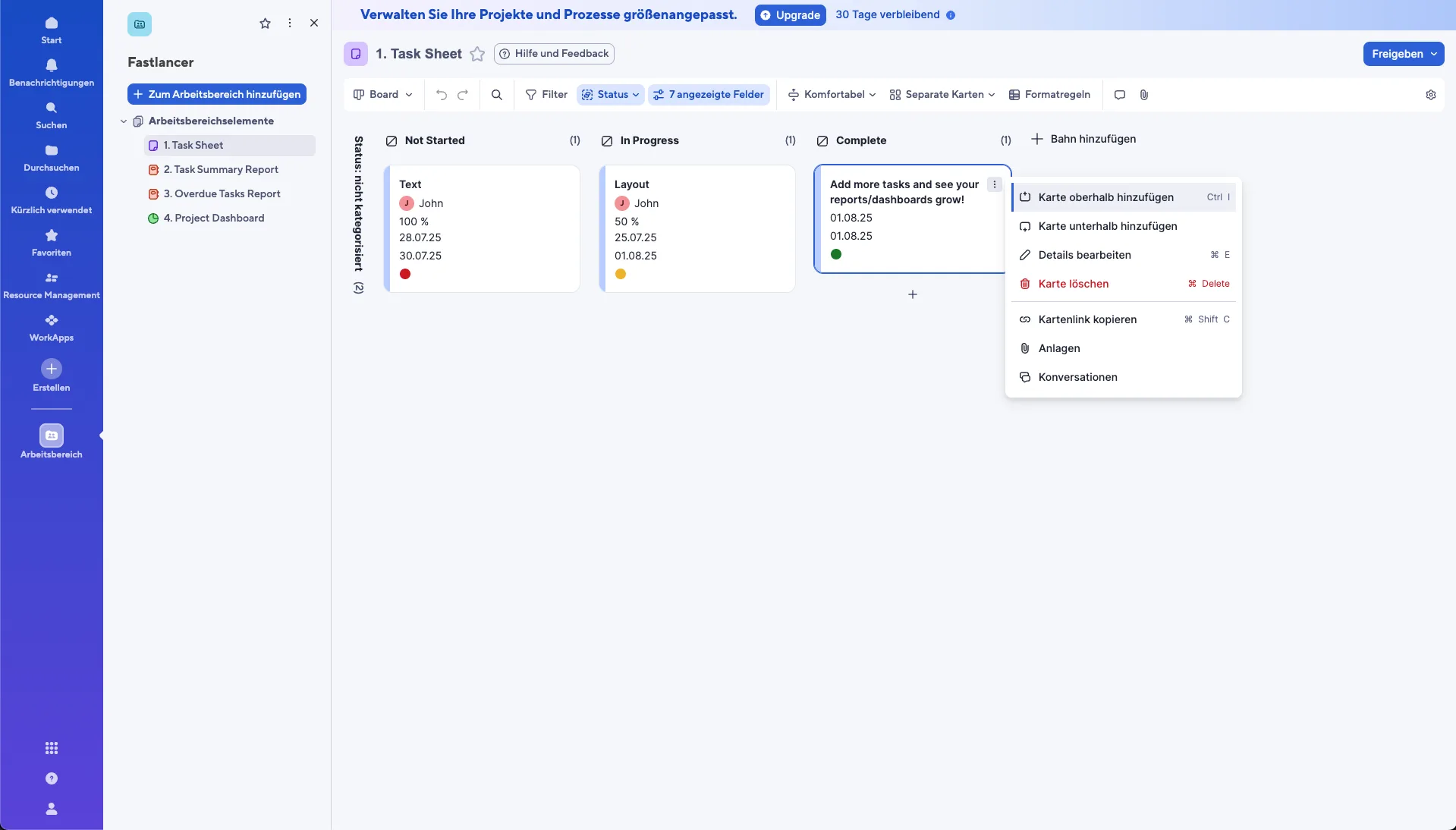
Smartsheet is an online platform for task and project management that combines the familiarity of spreadsheets with modern collaboration tools. Beyond the standard grid view, it offers Gantt charts, kanban boards, and calendars so you can visualize projects in whatever way works best. Document and resource management, real-time dashboards, and file sharing make it a comprehensive solution for planning and executing projects.
What Does Smartsheet Offer?
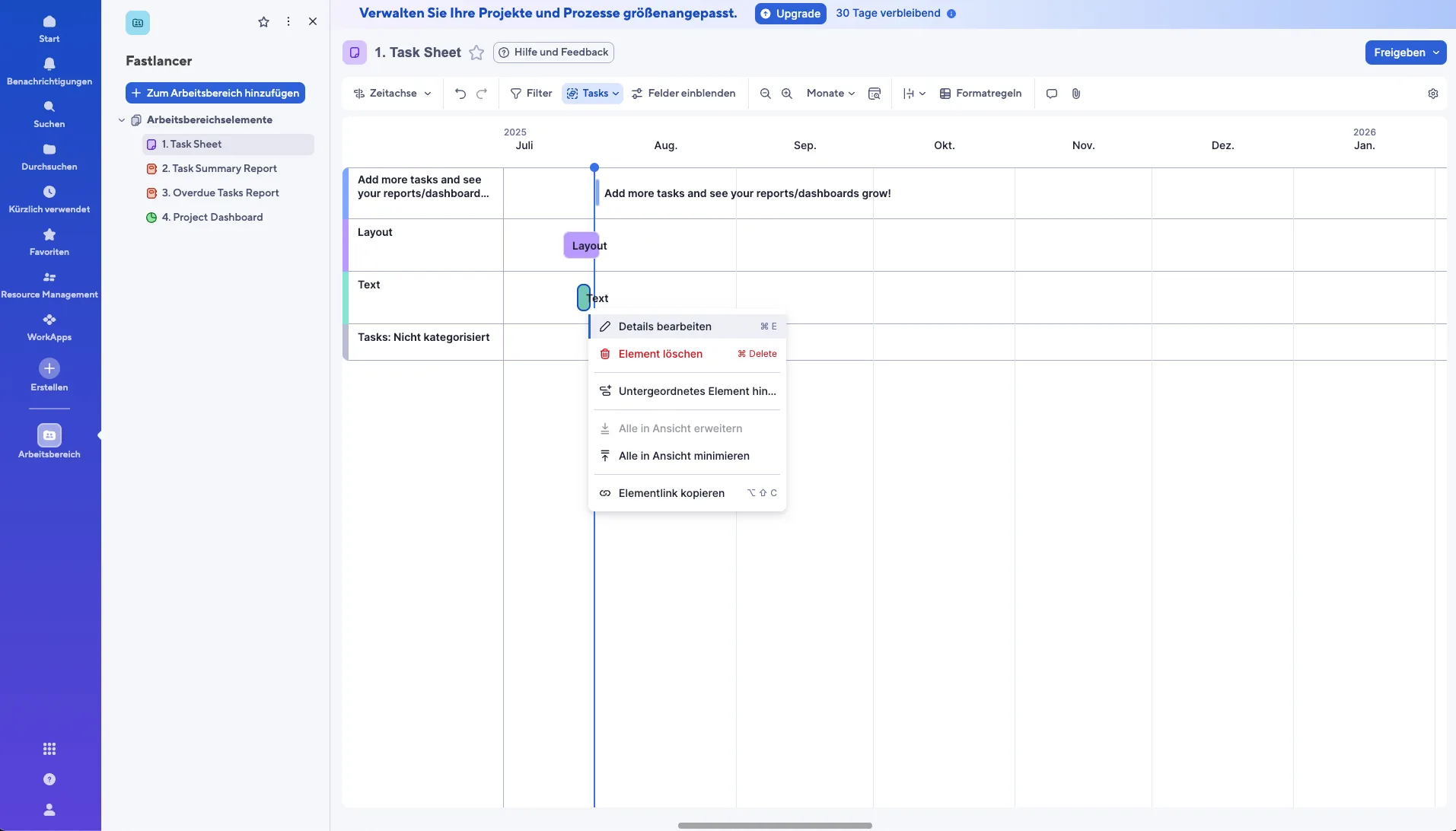
Flexible views: Grid, kanban, Gantt, and calendar views let you manage projects from different angles depending on what you need.
Real-time dashboards: Everyone involved gets an instant overview of status, tasks, and progress.
Automations: Recurring tasks and processes can be automated to save time and reduce errors.
Collaboration: Files, updates, and comments can be shared directly within the project.
Mobile app: Access your projects on the go for both Android and iOS.
Why Smartsheet Works Well for Freelancers and Small Business Owners
Solo freelancers and small teams benefit particularly from the clear structure and automation capabilities. You can share projects transparently with clients, standardize workflows, and provide real-time updates without back-and-forth emails. The mobile app keeps your projects accessible wherever you work. For freelancers managing multiple parallel client projects, or small businesses that need a central coordination tool, Smartsheet can meaningfully simplify daily operations.

What We Like — and What We Don't
Pros
- Spreadsheet interface with real project management
- Ideal for Excel-familiar users
- Strong automation and workflow capabilities
- Integrations with Microsoft 365 and Google Workspace
Cons
- More expensive than dedicated project management tools
- Unfamiliar interface for non-Excel users
- Free plan very limited
Is Smartsheet Affordable for Freelancers?
Smartsheet offers several plans:
Pro plan: around $9/user/month — ideal for individuals and small teams with core project management needs.
Business plan: around $19/user/month — adds advanced reporting, dashboards, and expanded automation capabilities.
Enterprise: custom pricing for larger organizations requiring additional control and support.
For most freelancers, the Pro plan is likely sufficient. Small businesses with team-based workflows will benefit more from the Business plan.
Note: Prices reflect the date of publication and may have changed. Always check current pricing on the official Smartsheet website.
Verdict: Why Smartsheet Is Worth Considering for Freelancers
Smartsheet is a versatile project management tool — usable solo, but its strengths (automations, resource planning, reporting) really show from mid-size teams upward. The combination of familiar spreadsheet logic, automation, and collaboration tools makes it a strong platform for bringing more structure and efficiency to your working day. If you're managing multiple projects simultaneously and need a central solution to keep everything running smoothly, Smartsheet is definitely worth testing.
Pricing
Pro
€8
per user/month billed annually · €11 month-to-month
- Up to 10 users
- Gantt, card and calendar views
- Unlimited sheets
Business
€17
per user/month billed annually · €22 month-to-month
- Unlimited users
- Workload and dashboards
- Document generation
Enterprise
On request
- Single sign-on
- Advanced permissions
- Custom contract terms
Prices may change — check the official website for current plans.
Price history
Checked Sep 20, 2026 · 2 plans unchanged since Sep 14, 2026
Alternatives by use case
- ClickUp If a project tool rather than a spreadsheet is the goal
- Monday.com If the table logic should stay but feel friendlier
- Trello If a board is enough for simple workflows