ClickUp: The All-in-One Project Management Platform for Freelancers
Fastlancer Team · Updated: Aug 18, 2026

Short verdict
Ideal for
- Teams that want tasks, docs and goals in a single tool
- Freelancers running many parallel projects with their own workflows
- Anyone looking for a lot of function on a free plan
Not ideal for
- Anyone who wants to start without a learning curve
- Teams with very large workspaces where speed matters
- Entry price
- Free plan · paid from $10 / month
- Free to start?
- Yes — a permanently free plan, paid tiers with a 14-day trial
- Stands out for
- Tasks, docs, whiteboards, time tracking and goals inside one tool
Pros & Cons
Pros
- All-in-one: tasks, docs, whiteboards, time tracking, goals
- Extreme customization for any workflow
- Generous free plan with core features
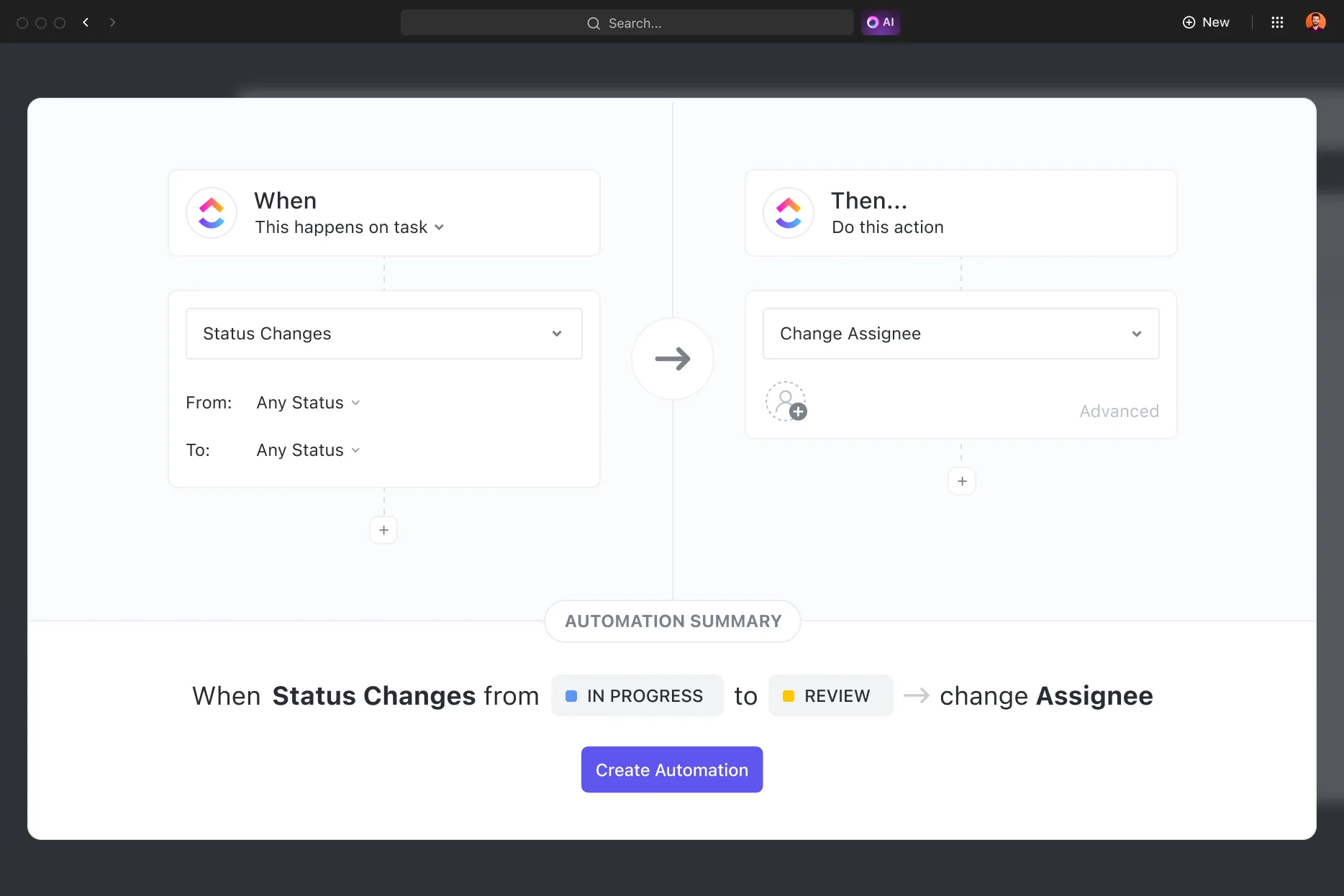
- Strong automation features on paid plans
Cons
- Overwhelming features, steep learning curve
- Performance can lag in large workspaces
- Frequent updates can disrupt existing workflows
As freelancers, we often juggle multiple projects, client requirements, and deadlines at the same time. Staying organized is the key to working efficiently and focusing on what truly matters: delivering high-quality work. That's where ClickUp comes in – an all-in-one project management tool designed to optimize workflows and boost productivity.
ClickUp is especially valuable for freelancers who want to improve their self-organization and structure larger projects. Its strengths become even more apparent when working with a team.
What is ClickUp?
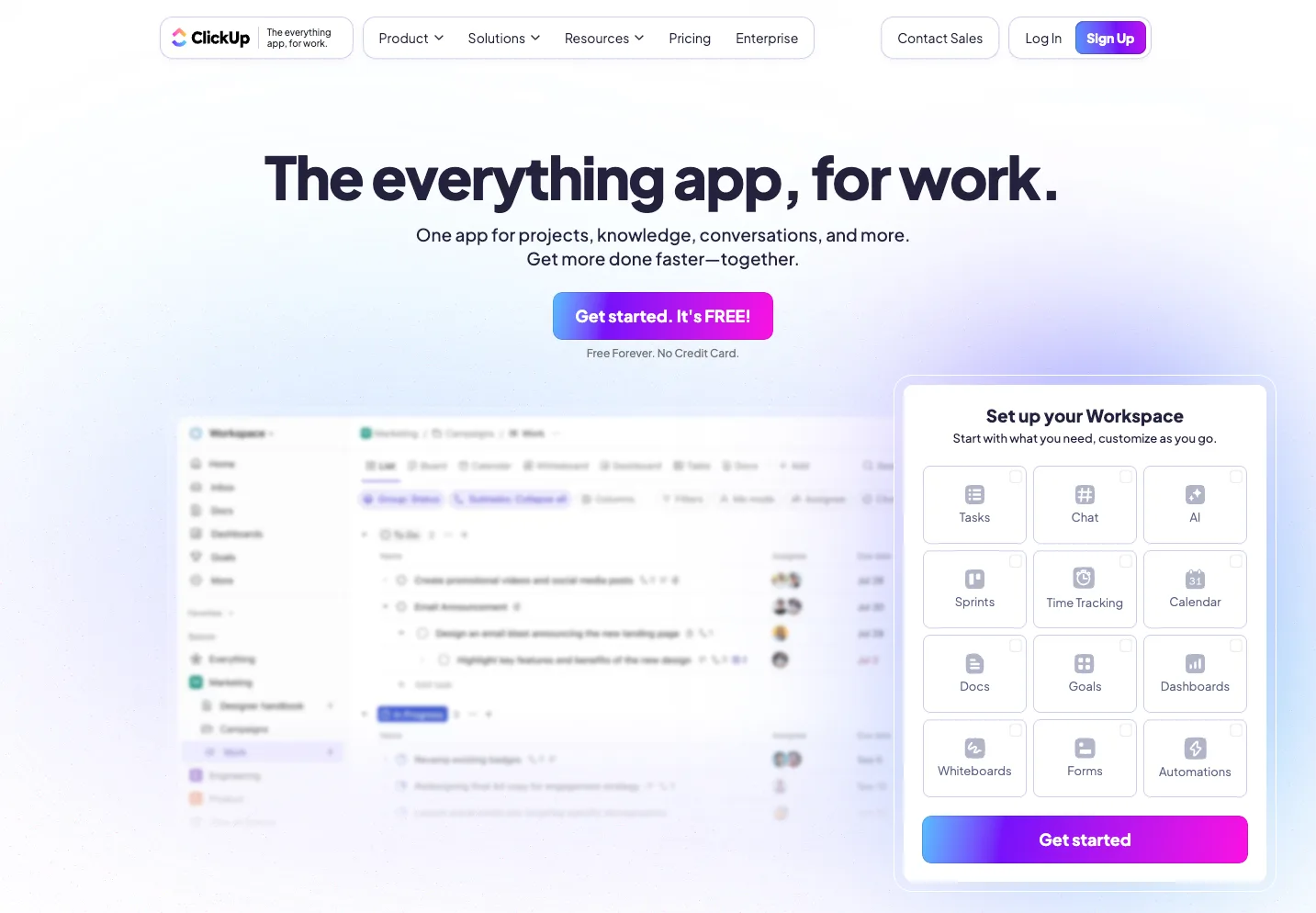
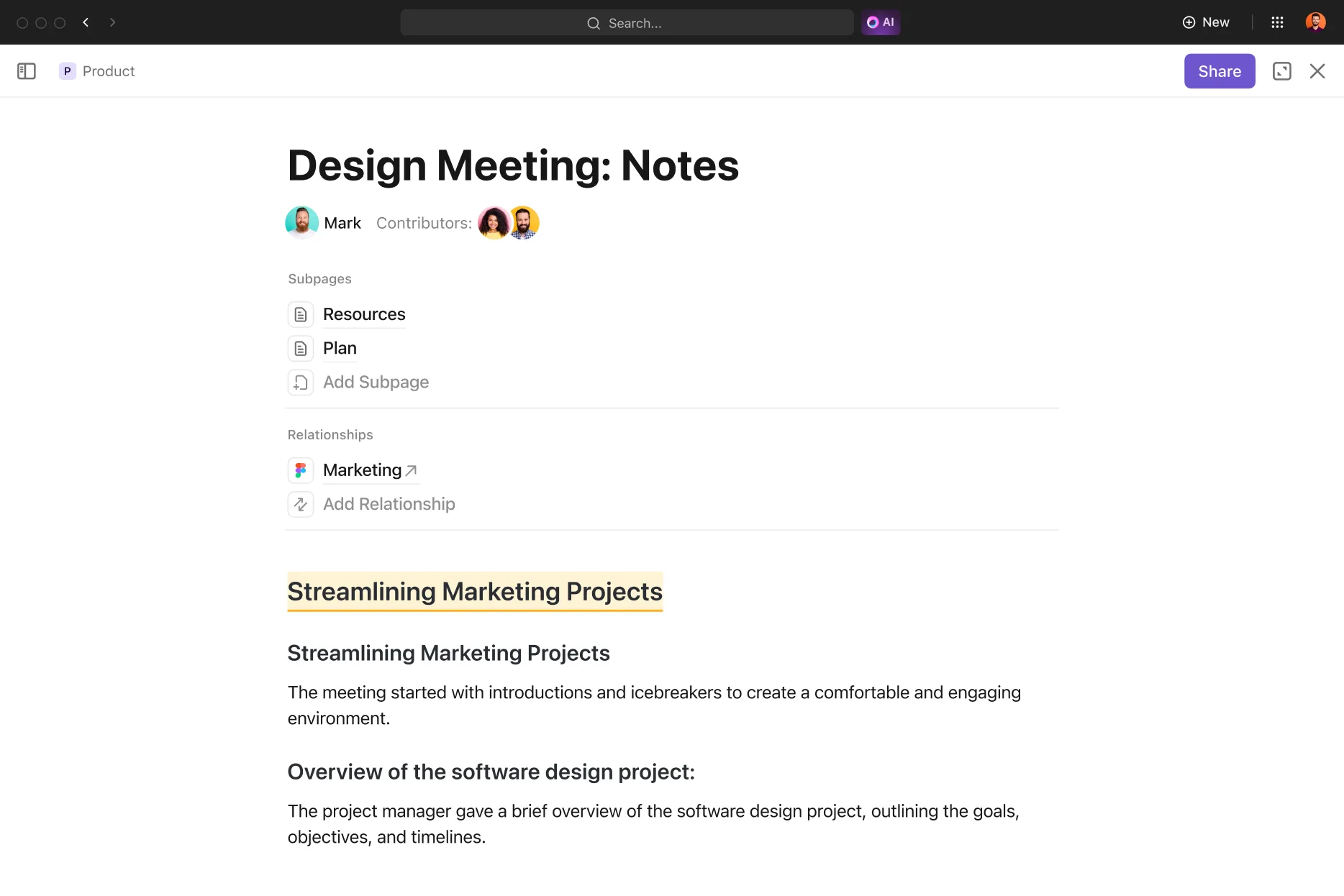
ClickUp is a versatile project management platform designed to streamline workflows and improve collaboration. Whether you work as a solo freelancer or with a small team, ClickUp allows you to manage your entire business in one place.
With features like task management, time tracking, customizable dashboards, and multiple project views, it adapts to your workflow. The platform is available on web, desktop, and mobile, giving you access to your projects anytime, anywhere.
How Does ClickUp Work?
ClickUp's core strength lies in its flexibility. You can structure your workspace according to your needs by organizing projects into folders and separating client work clearly.
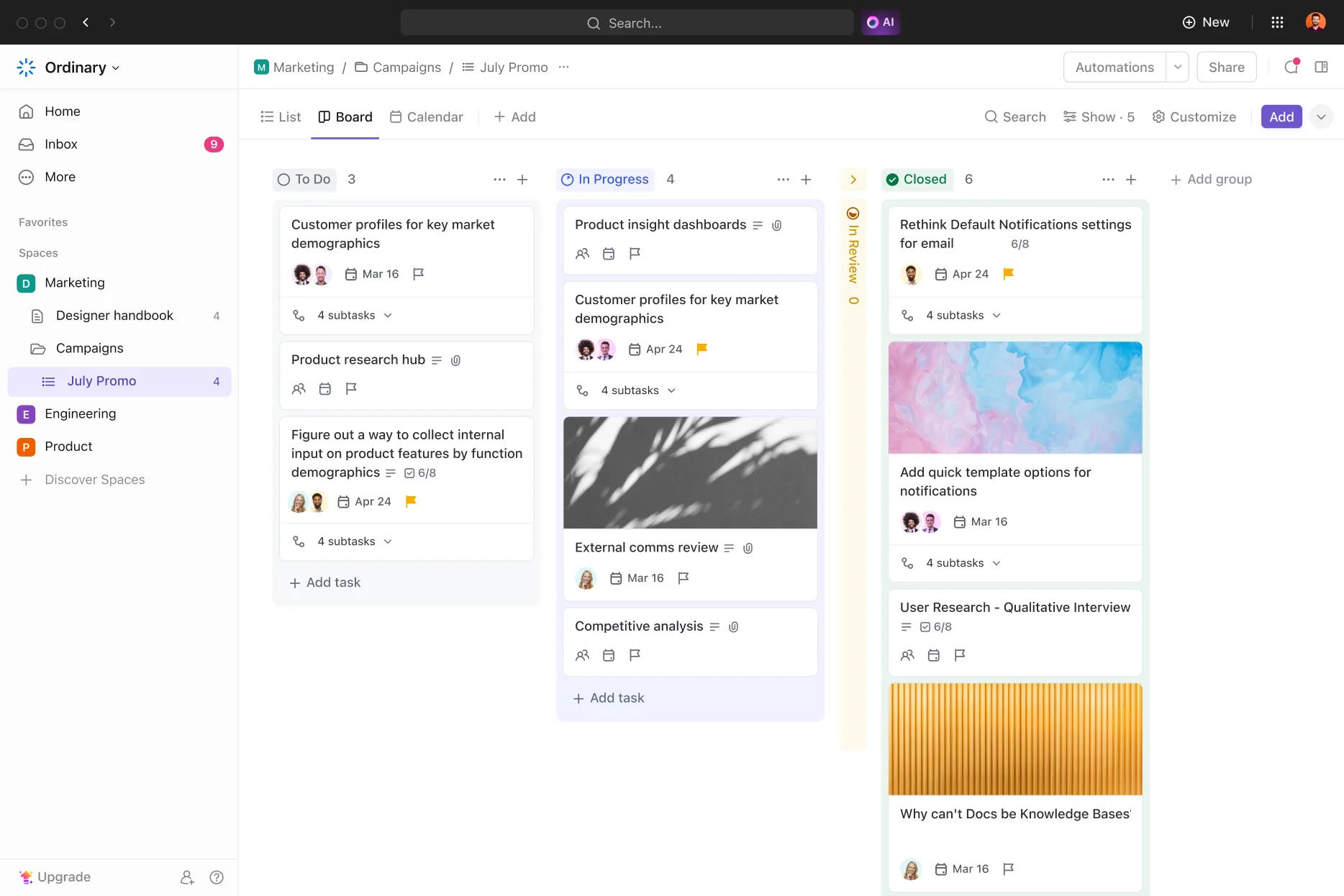
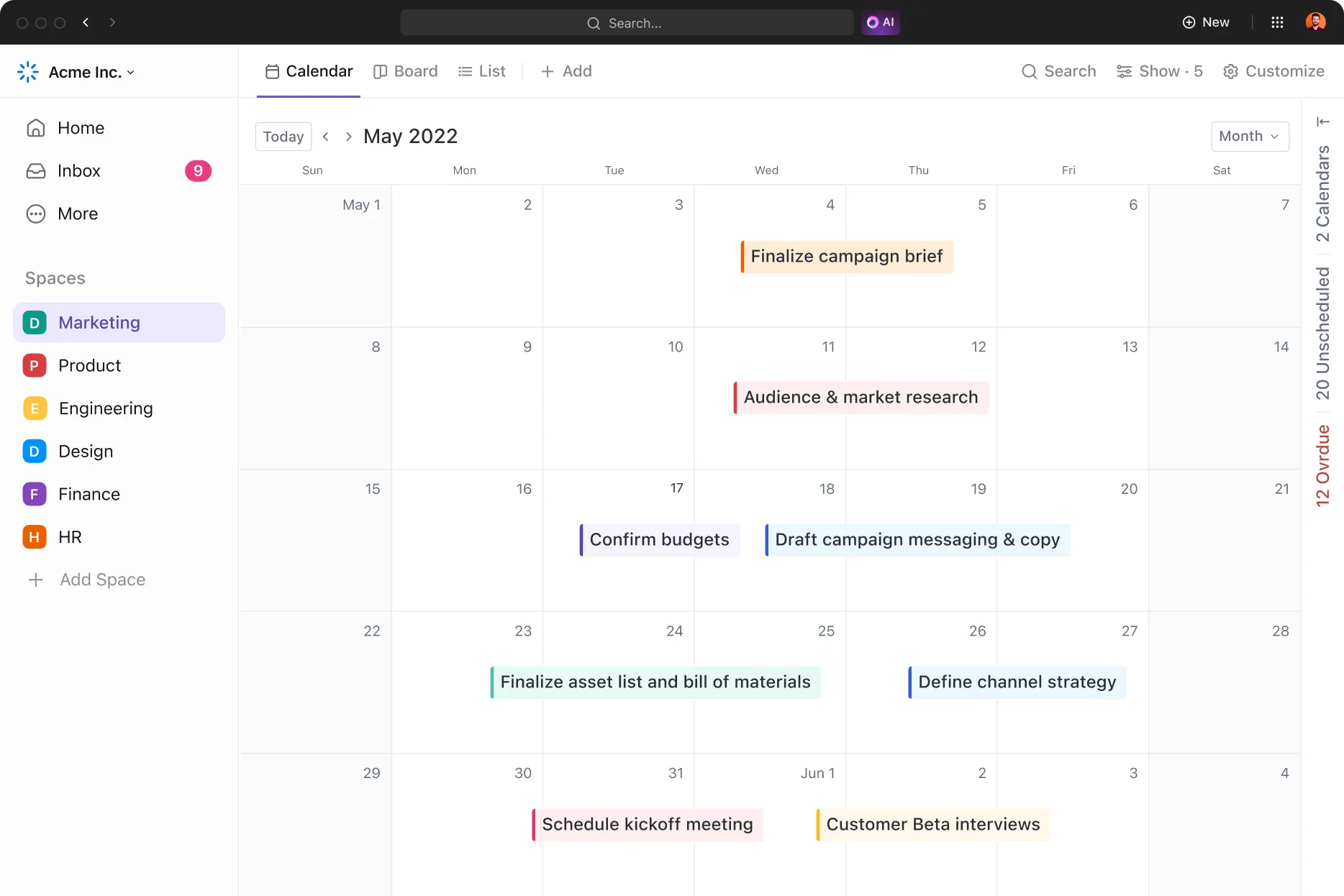
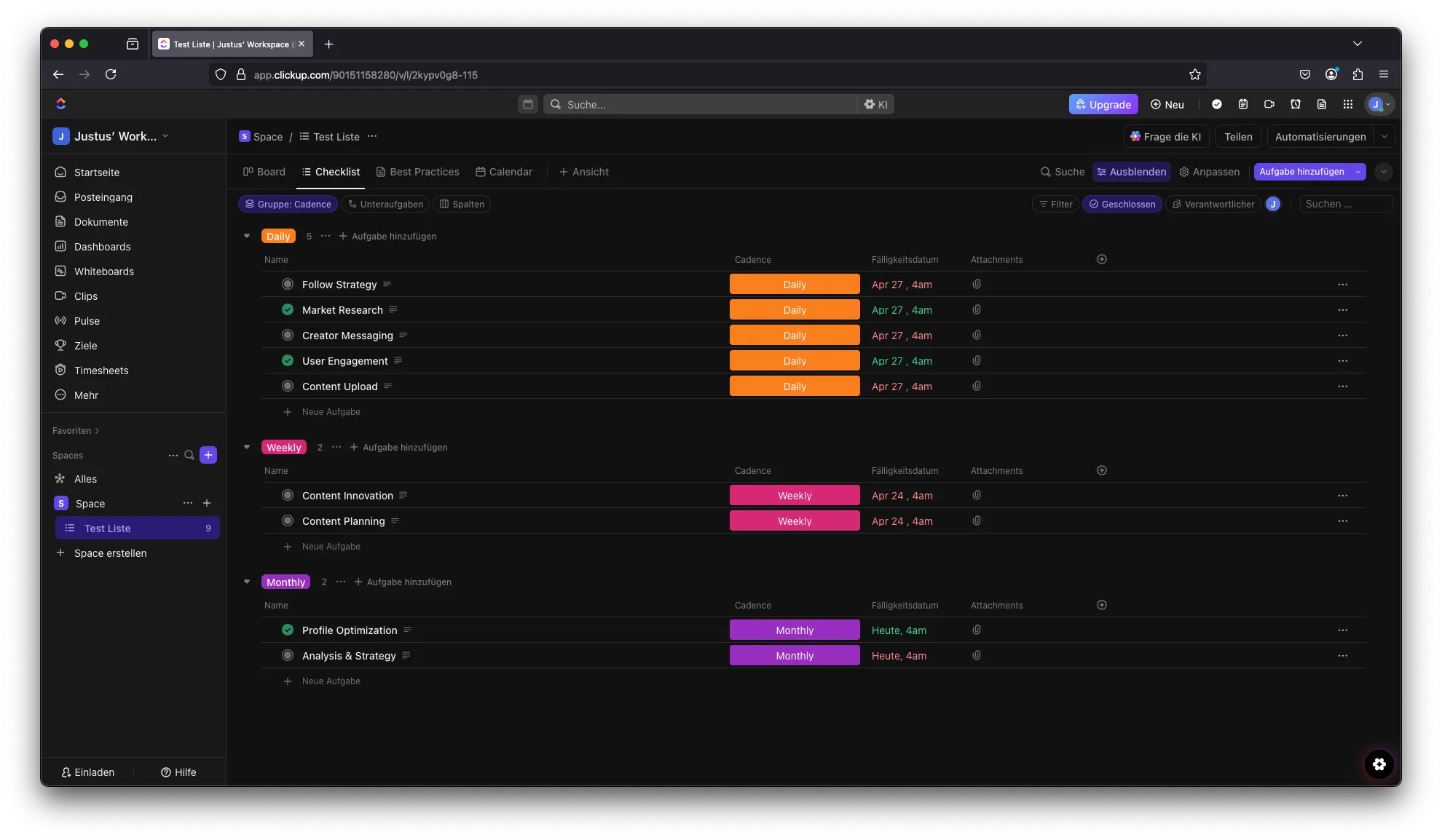
Tasks can be broken down into subtasks, assigned deadlines and priorities, and enriched with descriptions. Different views such as List, Kanban Board, Calendar, and Gantt Chart allow you to visualize progress in the way that suits you best.
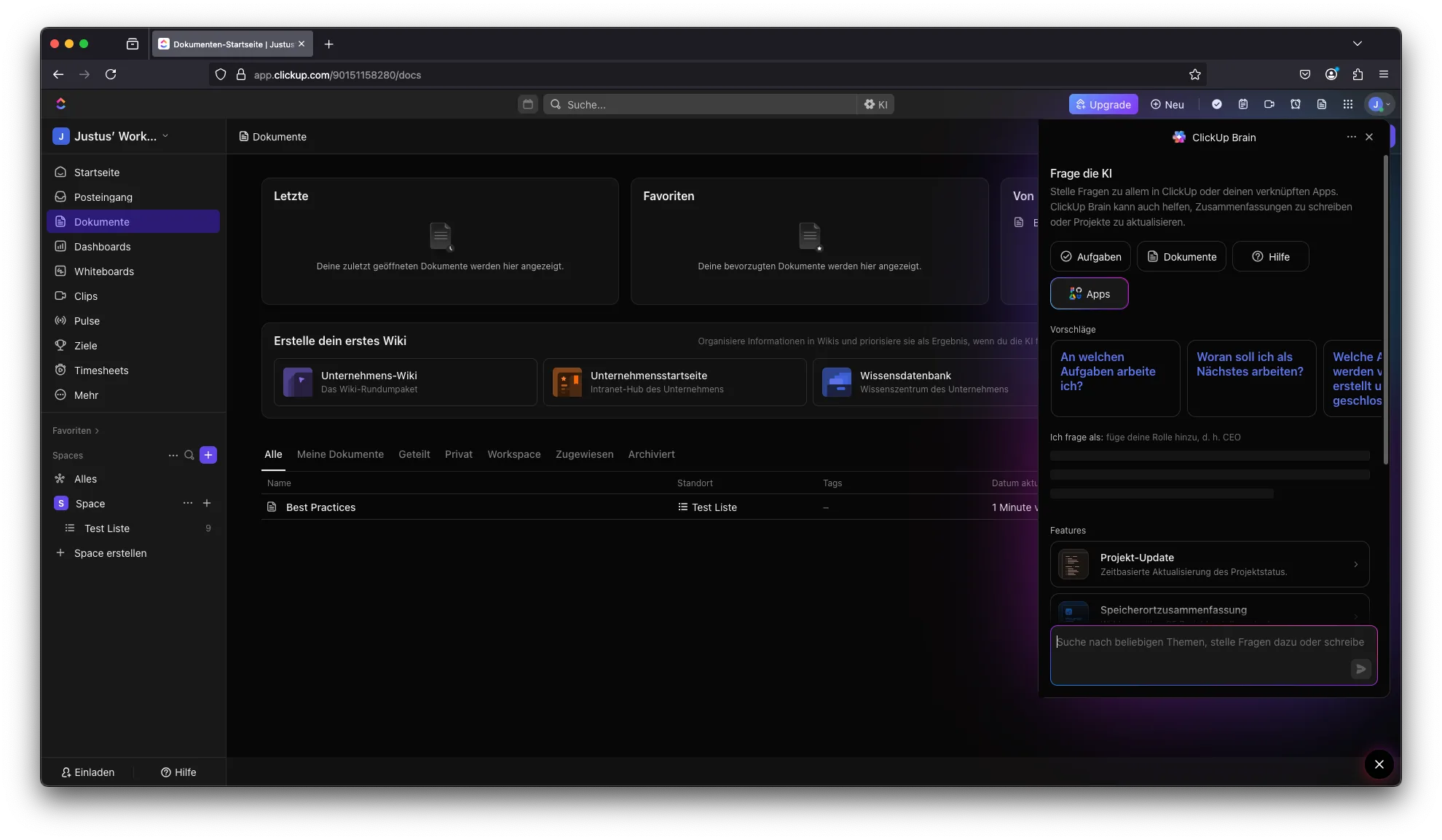
Communication is integrated directly into the platform. Comments, file sharing, and automations help streamline collaboration. In many cases, entire project communication can happen within ClickUp. The platform even supports audio calls for faster coordination.
Why ClickUp Is Ideal for Freelancers
ClickUp is like a Swiss army knife for freelancers – it combines everything you need into one platform.
Customizable workspaces for organizing client projects
Built-in time tracking to monitor billable hours
Task dependencies for managing complex projects
Seamless integrations with tools like Google Drive, Slack, Zoom, or Trello
Collaboration features like comments and mentions
Ready-made templates for project planning and client onboarding
These features not only increase productivity but also help you present yourself more professionally to clients.
What We Like:
All-in-one solution for tasks, documentation, and time tracking
Highly customizable workflows
Generous free plan with strong features
Mobile app for flexibility
Scales with your growing business
What Could Be Better:
Occasional performance issues in larger workspaces
Learning curve for beginners
File uploads may sometimes be slow with larger files
Pricing – Is ClickUp Affordable for Freelancers?
ClickUp is known for its cost-efficiency. The Free Forever Plan offers unlimited tasks and multiple views, making it a strong starting point for solo freelancers.
Paid plans start at (per user, per month, on annual billing):
Unlimited Plan: $7 per month ($10 billed monthly)
Business Plan: $12 per month ($19 billed monthly)
These plans are ideal for freelancers working with subcontractors or small teams.
Note: Prices may change. Always check the official website for the most up-to-date information. See current pricing.
Final Verdict – Is ClickUp Worth It for Freelancers?
ClickUp is more than just another tool – it's a comprehensive system for structuring your freelance business. With its flexible setup, generous free plan, and scalability, it offers excellent value for independent professionals.
If you're looking for a project management tool that saves time, improves organization, and grows with your business, ClickUp is one of the strongest options available.
Alternatives to ClickUp
Notion — all-in-one workspace combining notes, databases, and project management in one flexible tool
Monday.com — visual project management with strong board customization and team collaboration features
Miro — visual whiteboard platform ideal for brainstorming, sprint planning, and creative team workflows
Asana — focused task and project management with clear timelines and team assignment features
Trello — simple kanban boards for smaller projects, very beginner-friendly with a solid free plan
Prefer to own your data on your own server? Our comparison of open source project management software covers OpenProject, Plane, Leantime and three more self-hostable options.
We rank all of them — plus awork and Plaky — in our guide ClickUp alternatives 2026. Coming from Trello instead? See free Trello alternatives.
See how ClickUp pairs with time tracking, email marketing, and security tools in our best small business tools guide.
See for yourself here:
Pricing
Free Forever
Free
free forever, unlimited members
- Unlimited tasks
- 100 MB storage
- 100 automations a month
Unlimited
$10
per user/month, $7 billed annually
- Unlimited storage and dashboards
- Gantt charts and time tracking
- Guest seats with permissions
Business
$19
per user/month, $12 billed annually
- Advanced automations
- Time estimates and workload
- Google single sign-on
Enterprise
On request
- White labelling
- Advanced permissions
- Onboarding support
Prices may change — check the official website for current plans.
Price history
Checked Oct 12, 2026 · 2 plans unchanged since Sep 14, 2026
Alternatives by use case




Frequently Asked Questions
Is ClickUp free?
Yes — ClickUp has a permanently free plan with unlimited tasks and members. The free plan works well for solo freelancers but has limits on storage (100 MB), automations (100/month), and dashboards. Paid plans start at $7/user/month on annual billing ($10 billed monthly).
ClickUp vs. Notion — what's the difference?
ClickUp is primarily a project management tool with strong task handling, time tracking, and automation. Notion is more flexible as a knowledge base and documentation tool. If you need to manage complex projects with deadlines and dependencies, ClickUp is the better fit. If you need structured knowledge storage and documents, Notion wins.
Is ClickUp suitable for solo freelancers?
Yes, with a caveat: ClickUp is feature-rich and requires upfront setup time. If you just need simple task lists, Todoist or TickTick are quicker to start with. For freelancers managing multiple client projects simultaneously, ClickUp is worth it for its flexibility and deep integrations.
How much does ClickUp cost?
ClickUp offers a free plan. Paid plans on annual billing: Unlimited at $7/user/month, Business at $12/user/month. Billed monthly they are $10 and $19. For solo freelancers the Unlimited plan is usually sufficient — it unlocks unlimited integrations and better automations.