Monday.com Review: Too Much for Freelancers — or Just Right?
Tim Wittke · Updated: Jul 8, 2026
Short verdict
Ideal for
- Small teams that map workflows as colour-coded tables
- Anyone looking for ready templates for sales, marketing or projects
- Teams that need many automations between steps
Not ideal for
- Solo freelancers — the scope targets teams
- Teams over two people that want to stay free
- Entry price
- Free plan · paid from $9 / month
- Free to start?
- 14-day trial, free plan capped at two seats
- Stands out for
- Colour-coded tables that let almost any workflow be rebuilt as a board
Anyone who organizes projects as a freelancer or small business owner knows the feeling: tasks pile up, deadlines creep closer, and the overview disappears fast. Monday.com aims to solve exactly this by bringing all workflows, tasks, and communication together in one place. The tool promises more structure and transparency — for individuals and growing teams alike. We took a closer look at how well it holds up in practice and whether monday.com is genuinely worth it for freelancers.
What is Monday.com?
Monday.com is a cloud-based Work OS that helps teams manage projects, tasks, and workflows in one place. Rather than just creating to-do lists, you can map out complete project structures, track progress in real time, and assign tasks with full clarity. The tool is flexible enough to work for solo freelancers and large teams alike.
What Does Monday.com Offer?
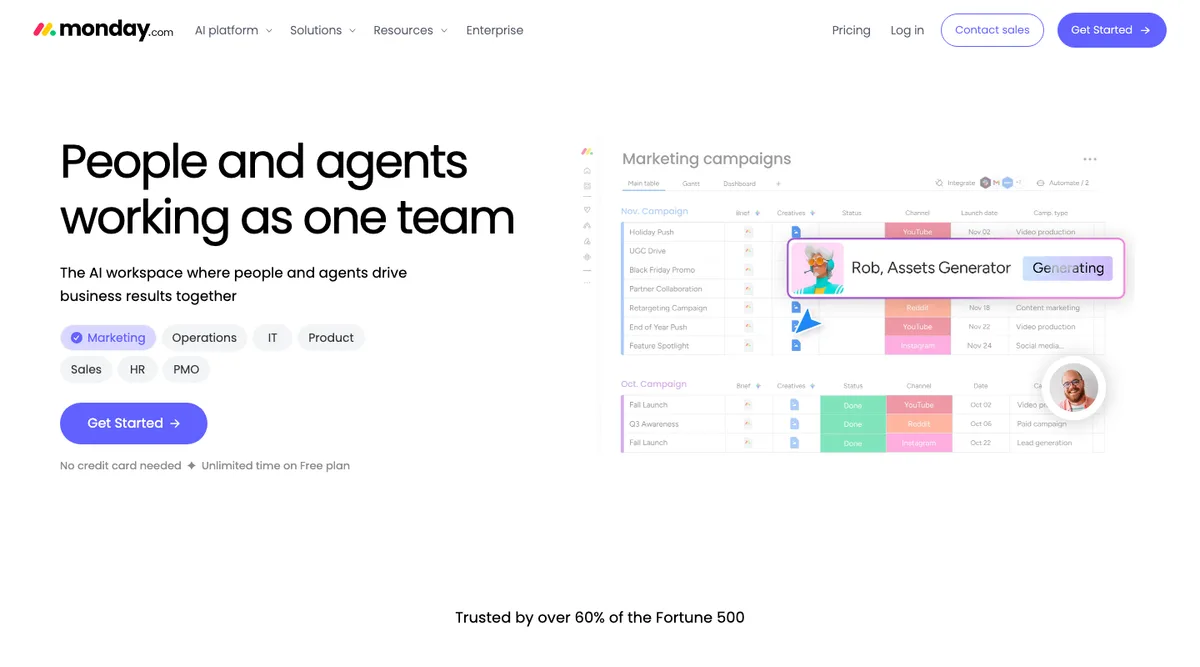
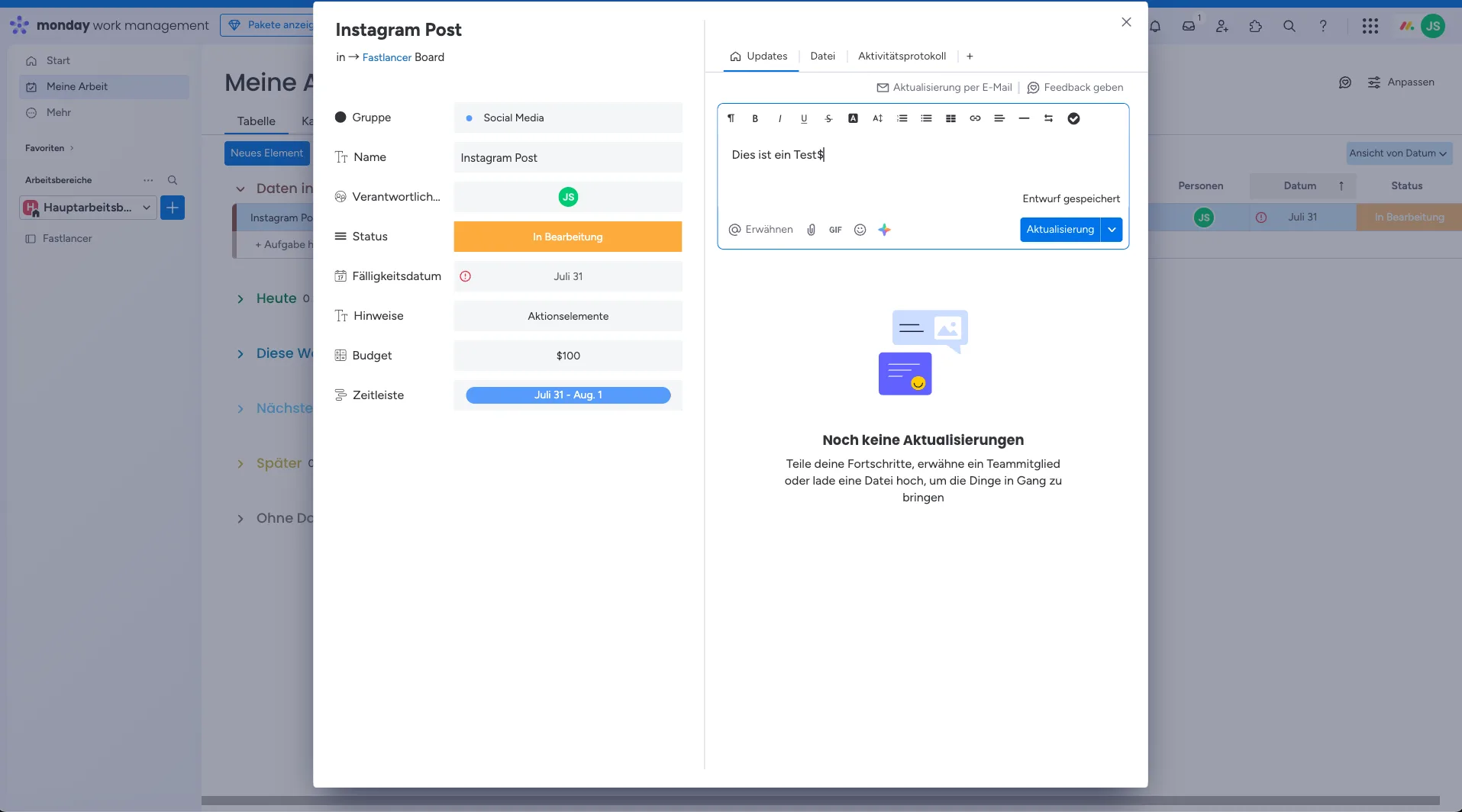
Customizable workflows: Boards, columns, and tasks can be individually configured to match how you work.
Task management and deadlines: Clear overview of tasks and status using color-coded labels.
Team collaboration: Comments, file uploads, and @-mentions keep everyone aligned.
Automations: Automate recurring tasks such as status updates or reminders.
Integrations: Connect to tools like Google Drive, Slack, Zoom, and many more.
Dashboards: Visual reports and real-time analytics for better planning and decision-making.
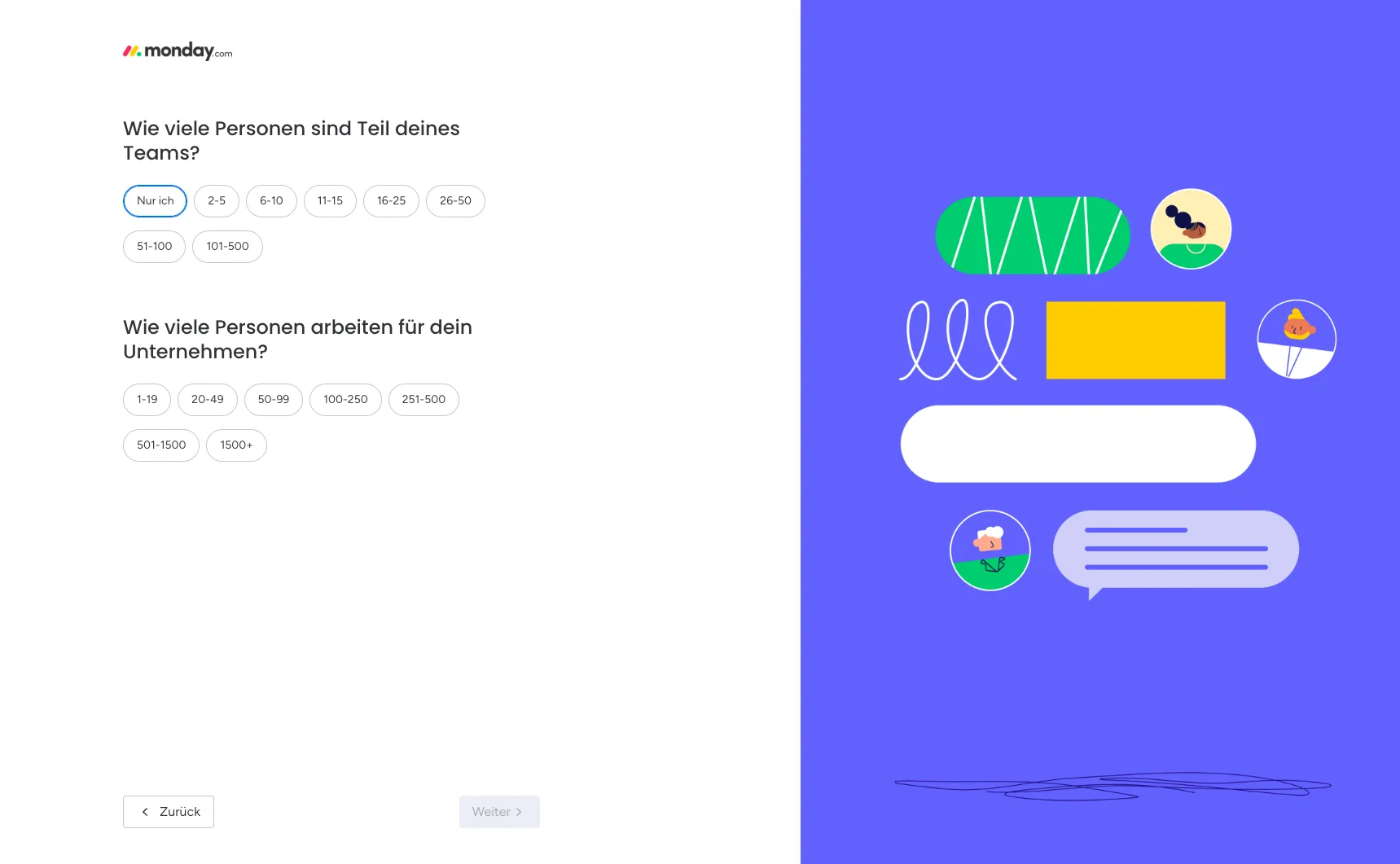
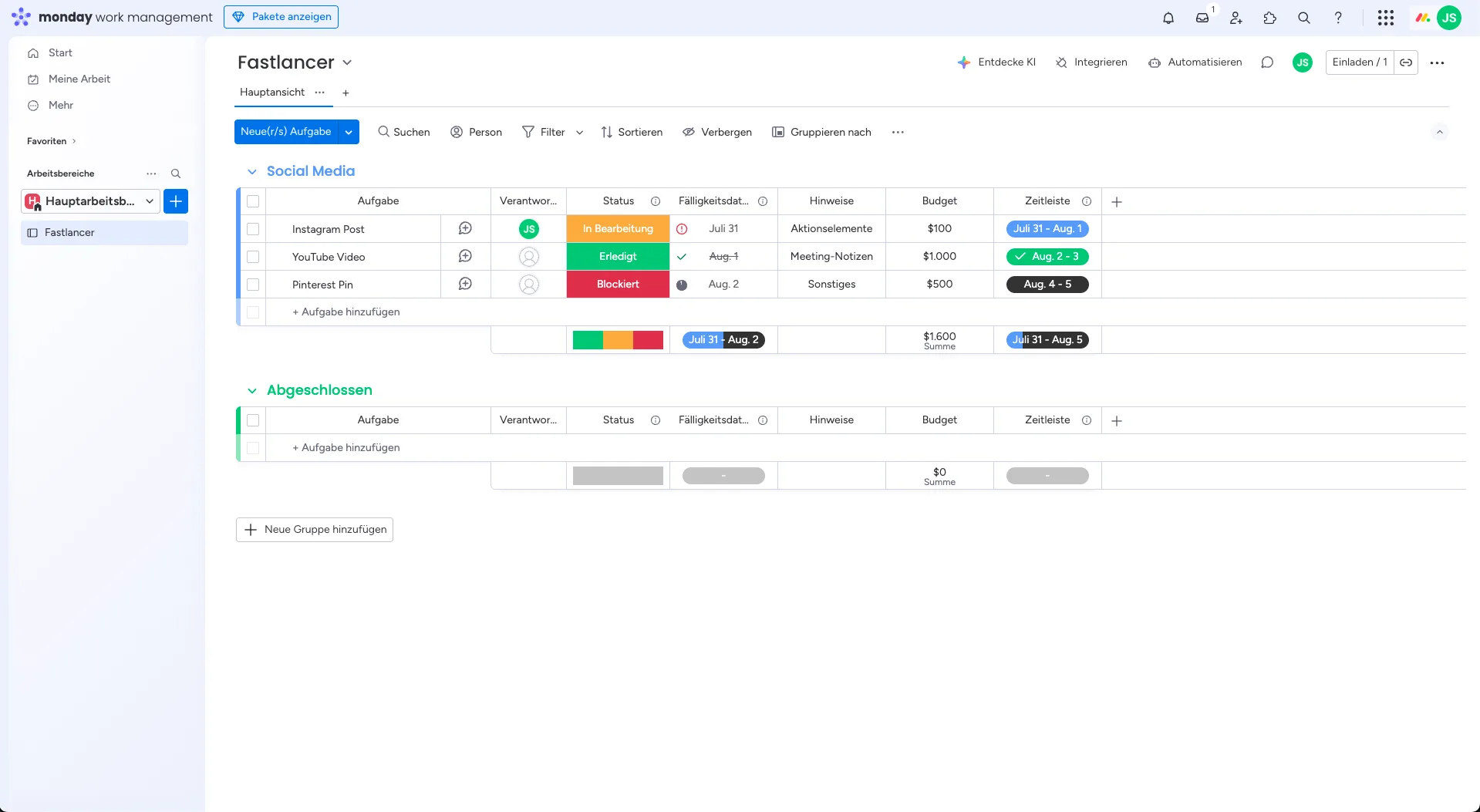
Why Monday.com Is Worth Considering for Freelancers and Small Business Owners
For freelancers managing multiple projects in parallel, monday.com provides clear structure and simplifies client communication. The tool is especially useful when you:
need to keep track of deadlines and tasks across multiple projects,
work with several clients or teams simultaneously,
want to visualize projects in different formats (kanban, timeline, Gantt).
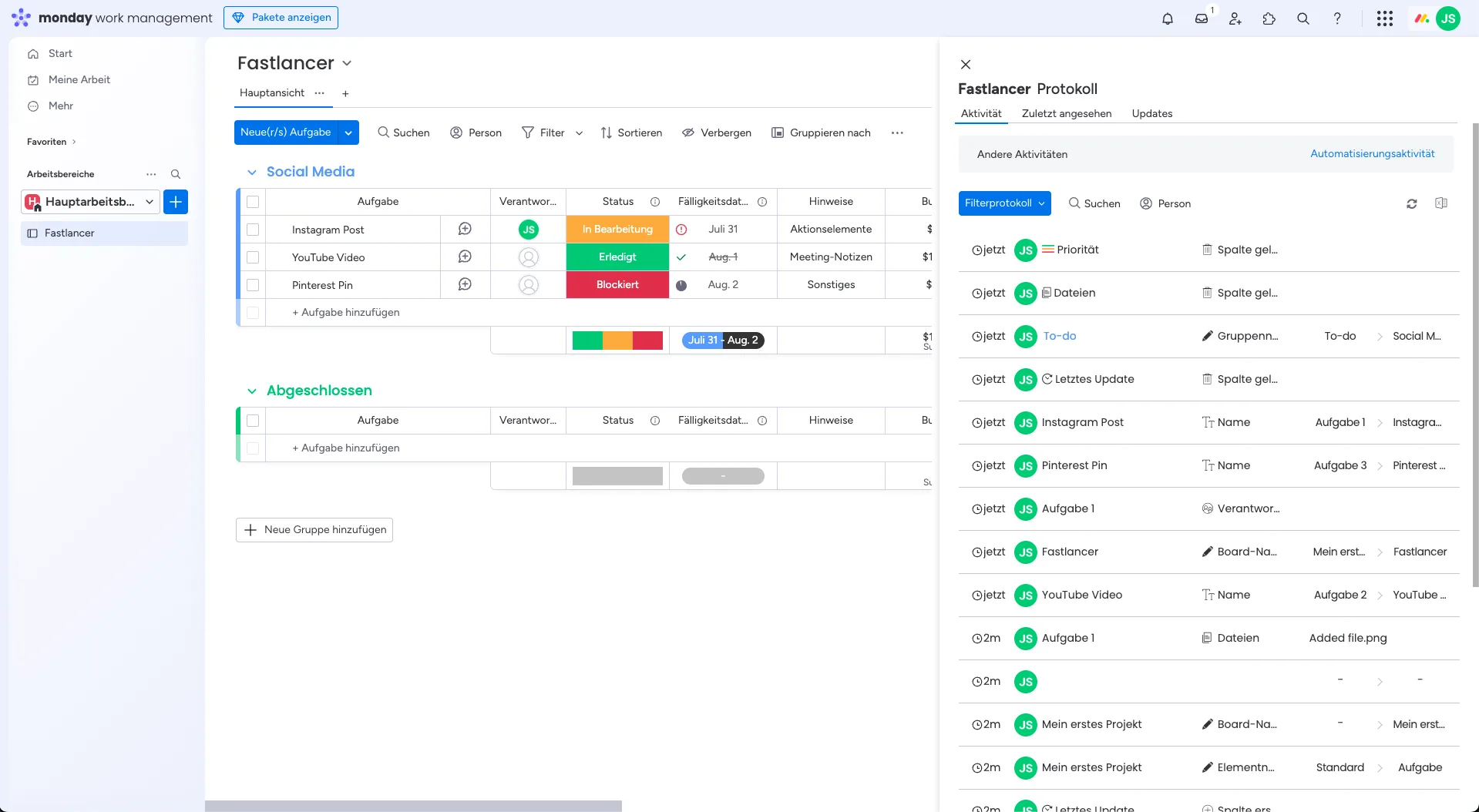
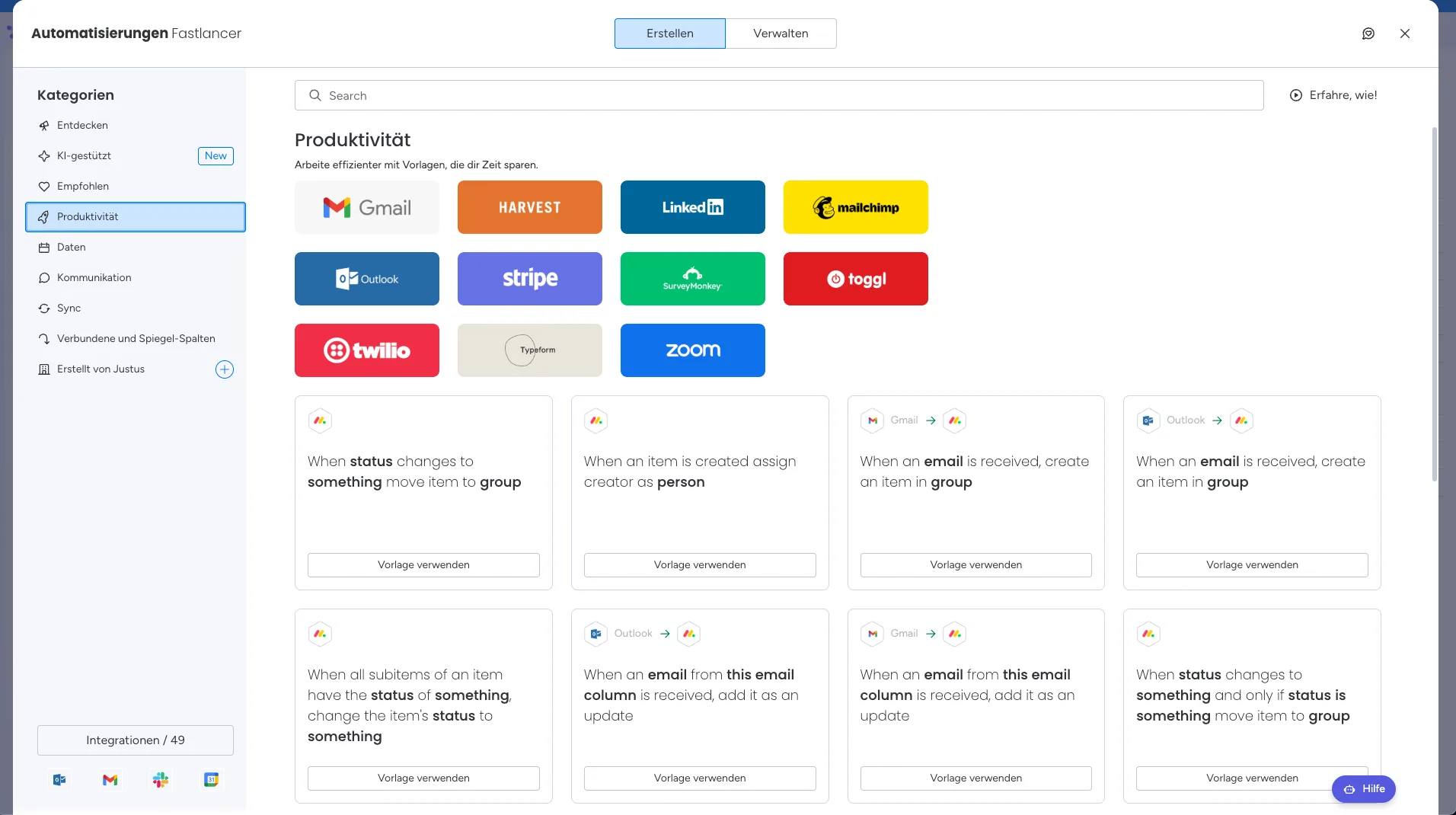
What We Like — and What We Don't
Pros
- Visually appealing, easy-to-learn interface
- Flexible across industries and team sizes
- Strong automation and CRM features available
- Good mobile apps for iOS and Android
Cons
- Free plan limited to 2 seats
- Pricing for larger teams can escalate quickly
- Often too extensive for solo freelancers
Is Monday.com Affordable for Freelancers?
Monday.com offers several plans — including a permanently free plan for up to 2 seats and 3 boards (prices for annual billing, up to 3 users):
Free: $0/month — up to 2 users, 3 boards, 200+ templates. Ideal for individuals.
Basic: from $9/user/month — unlimited boards, 5 GB storage, 24/7 support.
Standard: from $12/user/month — workflow management, dashboards, integrations.
Pro: from $19/user/month — time tracking, advanced automations, private boards.
Enterprise: custom pricing — additional security features and priority support.
Note: these prices apply for up to 3 users. Larger teams will see costs increase accordingly.
Note: Prices reflect the date of publication and may have changed. Always check current pricing on the official monday.com website.
Verdict: Why Monday.com Is Worth a Look for Freelancers & Small Business Owners
Monday.com is a powerful project management tool that offers real flexibility and brings clear structure to your workflows. For freelancers, the ability to manage projects, deadlines, and client communication in one central place is the standout benefit. Small teams benefit from the visual organization and easy collaboration without needing additional tools.
The price can feel high for individuals compared to simpler alternatives like Trello or Asana. But if customizability, automations, and a clear visual overview matter to you, monday.com is a highly versatile tool that scales well as your projects and business grow.
Pricing
Free
Free
up to 2 seats and 3 boards
- 200+ templates
- Unlimited docs
- iOS and Android apps
Basic
€9
per seat/month billed annually
- Unlimited boards
- 5 GB storage
- 24/7 support
Standard
€12
per seat/month billed annually
- Timeline and calendar views
- Dashboards across 5 boards
- Automations and integrations
Pro
€19
per seat/month billed annually
- Time tracking
- Private boards
- Chart view
Prices may change — check the official website for current plans.
Price history
Checked Oct 16, 2026 · 3 changes since Sep 14, 2026
- Sep 15, 2026Basic from €7.38 to €9 (+22%)
- Sep 15, 2026Standard from €9.84 to €12 (+22%)
- Sep 15, 2026Pro from €15.57 to €19 (+22%)