HubSpot Review 2026: Best Free CRM for Freelancers?
Tim Wittke · Updated: Sep 5, 2026
Short verdict
Ideal for
- Freelancers managing multiple clients and leads who need an organized system
- Consultants and coaches who need a sales pipeline for proposals and closings
- Solopreneurs combining CRM with email marketing for free
Not ideal for
- Anyone who does not want another brand under their emails
- Teams over two people on the free plan
- Entry price
- Free plan · paid from $7 / month
- Free to start?
- Yes — permanently free plan (1,000 contacts, 2 users)
- Stands out for
- The most comprehensive free CRM on the market — full pipeline, contact history and email marketing with no time limit
Freelancers often have no system for their client relationships — inquiries land in the inbox, proposals in a folder, follow-ups in memory. HubSpot solves this with one of the most generous free CRMs on the market: full pipeline, email marketing and contact history without a paid plan.
What is HubSpot?
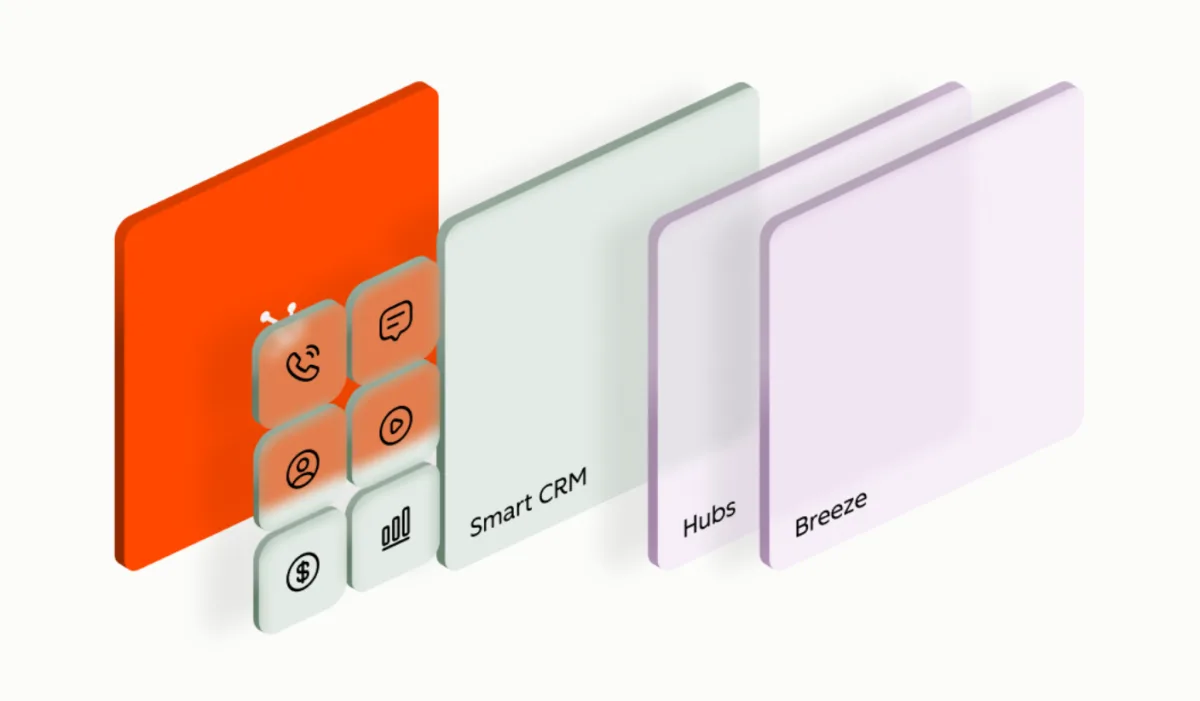
HubSpot is a US-based CRM and marketing platform founded in 2006, now with over 306,000 customers worldwide. The product is divided into several "Hubs": Marketing Hub, Sales Hub, Service Hub, Content Hub and Data Hub — all built on a shared CRM foundation.
The key advantage for freelancers: the CRM is permanently free with up to 1,000 contacts — no artificial limit after 30 days. Email marketing, forms, live chat and a complete deal pipeline are included in the free version.
Pros & Cons
Pros
- 1,000 contacts permanently free
- Full deal pipeline for lead tracking
- Email marketing, forms and live chat
- Intuitive interface, fast onboarding
- All Hubs on one platform
Cons
- HubSpot logo in free-plan emails
- 2-user limit on free plan
- Over-engineered for simple client management
Key Features
- CRM & contact management: All client data in one place — with complete interaction history, notes, emails and tasks per contact.
- Deal pipeline: Visual sales pipeline for tracking proposals, closings and revenue forecasts — customizable to your sales process.
- Email marketing: Send newsletters and campaigns directly from HubSpot — free plan includes HubSpot logo, Starter removes it.
- Forms & landing pages: Embeddable contact forms and simple landing pages for lead generation (free).
- Live chat & chatbot: Chat widget for your website — inquiries land directly in the CRM and are created as contacts automatically.
- Meetings tool: Calendar link for bookings (like Calendly) — integrated directly in HubSpot and linked with contact history.
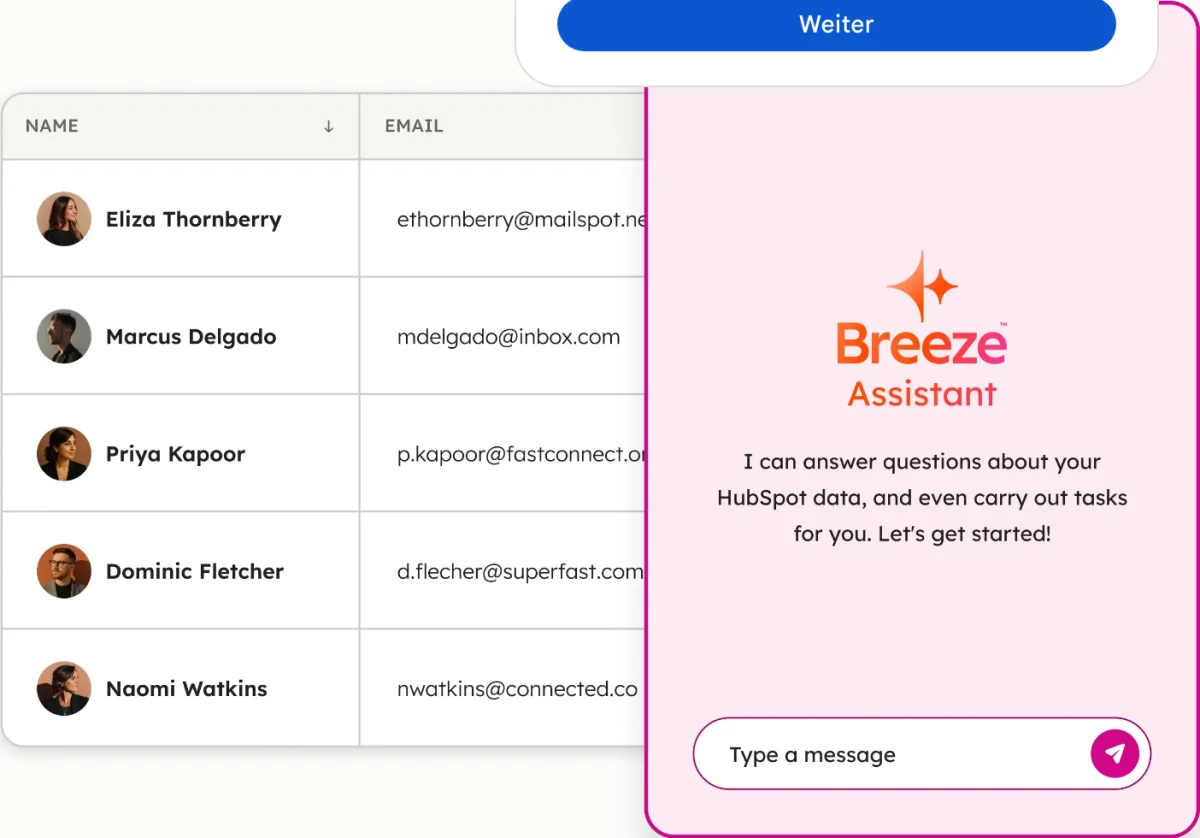
Why HubSpot Makes Sense for Freelancers
For freelancers who actively generate leads and guide clients through a proposal process, HubSpot Free is a genuine game-changer. The deal pipeline shows at a glance which stage every client relationship is in — from the first inquiry to the signed contract.
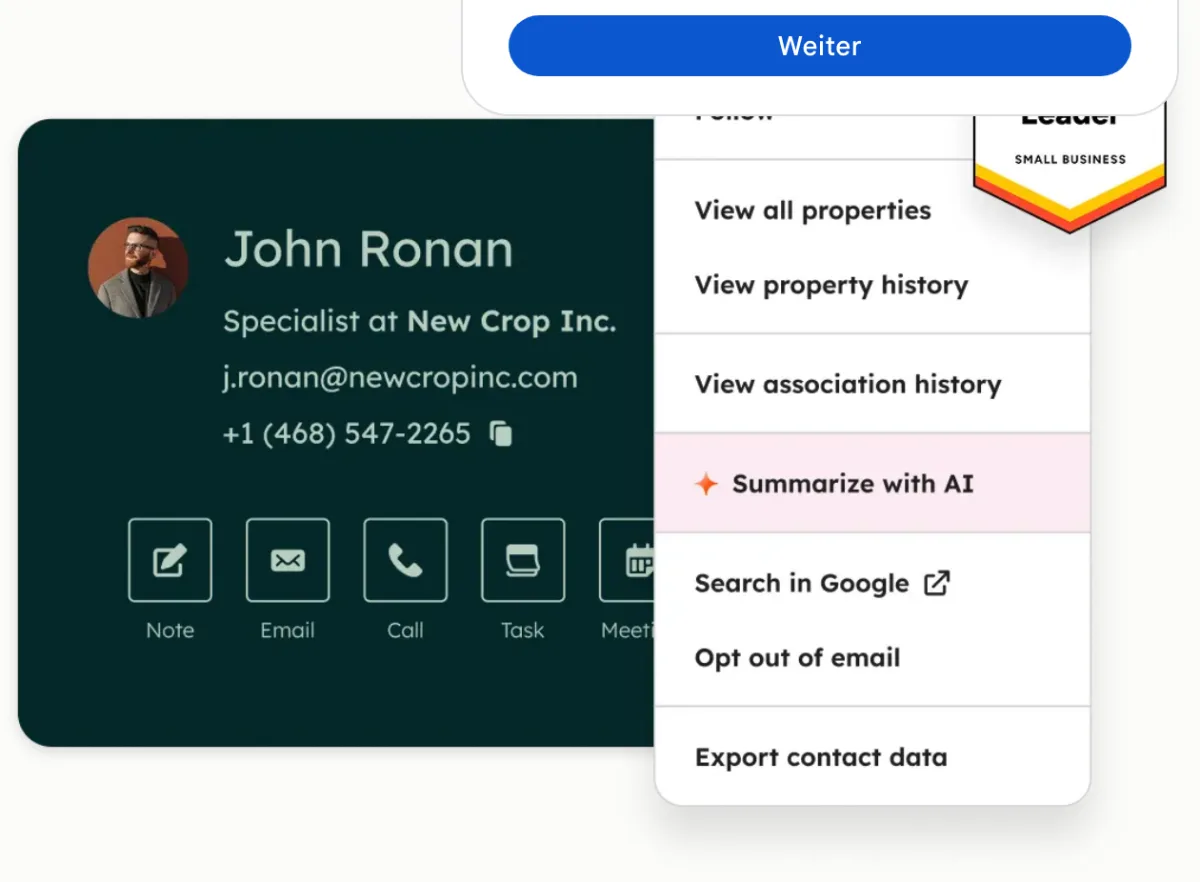
Particularly practical: the Meetings tool. Clients book directly via a HubSpot link into your calendar, and the contact is automatically created in the CRM with the interaction logged — no manual entry needed.
If you have just 3-5 fixed clients, you don't need a CRM. Once you're managing more than 10 leads, active proposals and ongoing clients simultaneously, a structured system pays for itself clearly.
Pricing
Free
Free
free forever, up to 2 users
- Up to 1,000 contacts (1M records for deals, companies etc.)
- Unlimited deals & tasks
- Deal pipeline (Sales)
Starter
from $7
per seat/month (annual, year-one promo) — $10/month billed monthly in year one, then $20
- No HubSpot logo in emails
- Advanced email automations
- More ad audiences and conversion events
Professional
from $800
per month on an annual contract ($890 billed monthly, also with a yearly commitment; 3 seats, Marketing Hub) — plus a mandatory $3,000 onboarding fee
- Marketing automation
- SEO & blog tools
- A/B testing
Prices may change — check the official website for current plans.
Alternatives by use case




Frequently Asked Questions
Is HubSpot really permanently free?
Yes — the free plan has no expiration date. You get a complete CRM with up to 1,000 contacts, unlimited deals and a sales pipeline. Limits: HubSpot logo in emails, max. 2 users and limited automation.
Do I need HubSpot as a solo freelancer?
If you manage more than 10-15 active clients and leads simultaneously or want a structured system for proposals and follow-ups: yes. If you only have a handful of fixed clients, a simpler solution like Notion or a spreadsheet often suffices.
What's the difference between Free and Starter?
Starter ($20 per seat/month regular, $7–10 promo in year one for the Customer Platform) removes the HubSpot logo from emails, allows more users and adds advanced email automations; ad management and retargeting are already in the free tools. For solo freelancers the free plan is often sufficient — Starter pays off once you actively do email marketing.
HubSpot vs. other CRMs for freelancers?
HubSpot has the broadest free feature set; Pipedrive has no free plan at all (Lite from $14), Zoho CRM Free allows 3 users instead of 2. Pipedrive is more intuitive for pure sales pipelines. Zoho CRM is cheaper in the paid tiers. For freelancers starting with a free solution, HubSpot is the first choice.
Verdict
For freelancers looking for a CRM to manage clients, HubSpot Free is one of the best options available: a generous contact allowance, a full deal pipeline and email marketing at no cost. The first paid tier makes sense once HubSpot branding in emails becomes a problem, advanced automations are needed, or more than two people require access.