Clockify Review: Best Free Time Tracker for Freelancers?
Tim Wittke · Updated: Aug 17, 2026
Short verdict
Ideal for
- Freelancers tracking billable hours across multiple clients
- Small teams of up to 5 people needing free time tracking
- Side business owners who want reports without paying anything
Not ideal for
- Teams over five people that want to stay free
- Anyone who needs invoices straight out of tracked time
- Entry price
- Free plan · paid from $3.99 / month
- Free to start?
- Yes — free plan, up to 5 users, no expiry
- Stands out for
- The only major time tracker with a genuinely free plan — unlimited projects, no credit card required
Time is your most valuable asset as a freelancer, self-employed professional, or side-business owner. Tracking hours, projects, and billable time is non-negotiable — and Clockify offers a powerful, permanently free solution built around exactly those needs.
What stands out in daily use
What works well: The admin interface is clean for a tool with this much depth. Managing time entries for team members is as straightforward as logging your own. More options are in our Toggl alternatives guide.
Where it gets annoying: The Notion integration only works through the Chrome extension — other browsers or mobile require manual entry. On the free plan you also cannot import time data from other systems, and report exports cannot be customized in detail.
Anyone who needs custom exports or API workflows should budget for Pro from the start.
What is Clockify?
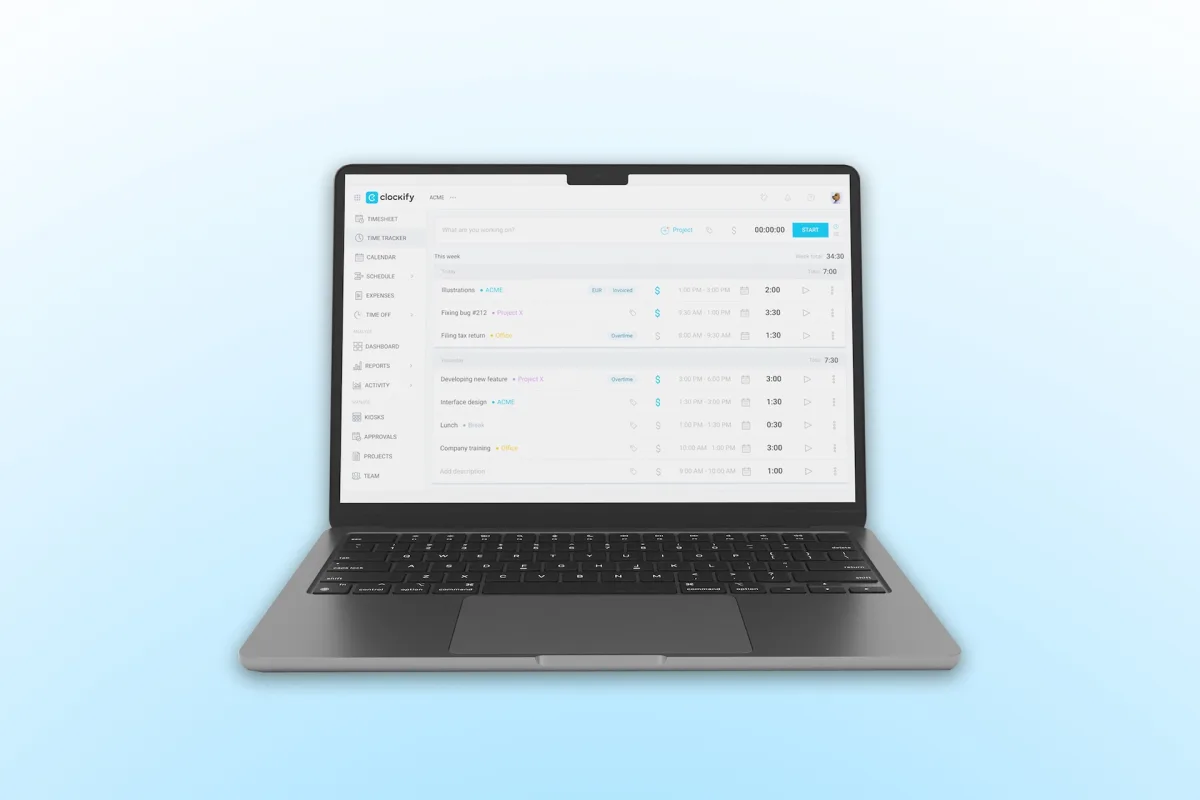
Clockify is a time tracking and productivity platform for logging work hours, managing projects, and documenting billable time — in the browser or via app. Start a live timer or enter time manually, generate reports, analyze time budgets, manage tasks and team members, and track absences. You can plan activities in a calendar view, create invoices from tracked time, and add GPS, screenshots, or reminders for more precise documentation.
A permanently free plan covers most day-to-day needs for solo freelancers and small teams alike.
Pros & Cons
Pros
- Permanently free plan, up to 5 users
- Simple timer or manual time tracking
- Detailed reports and exports for billing
- All devices and browsers work
Cons
- Free plan limited to 5 users
- Invoicing, GPS, approvals only from Standard
- Interface feels sparse compared to Toggl
Key Features of Clockify
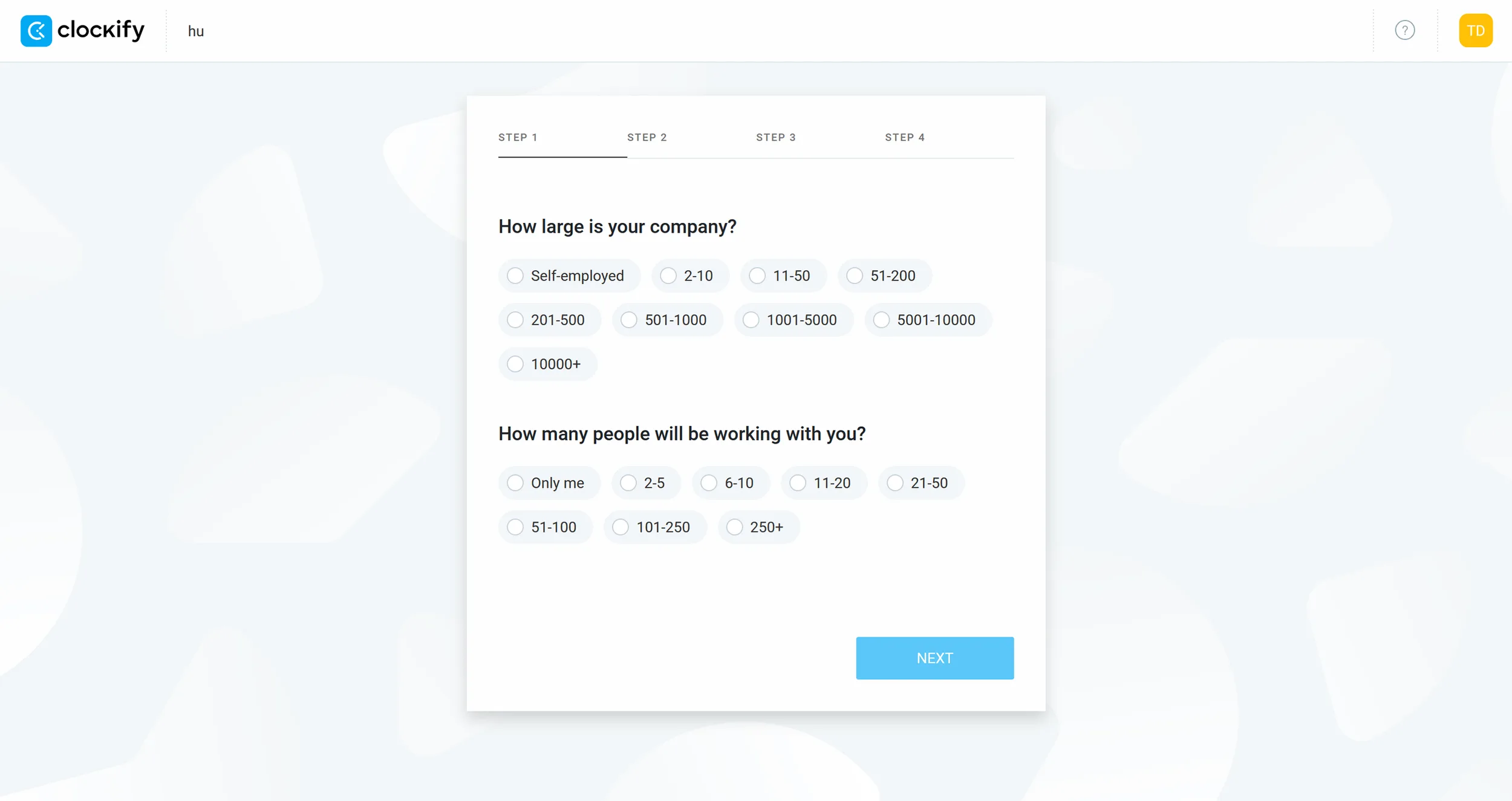
Real-time and manual time tracking: Log hours live with a timer or enter them retroactively — with the option to mark time as billable.
Calendar and timesheet view: Plan your week visually, use templates, or manage hours through the weekly overview — with reminders and approval options.
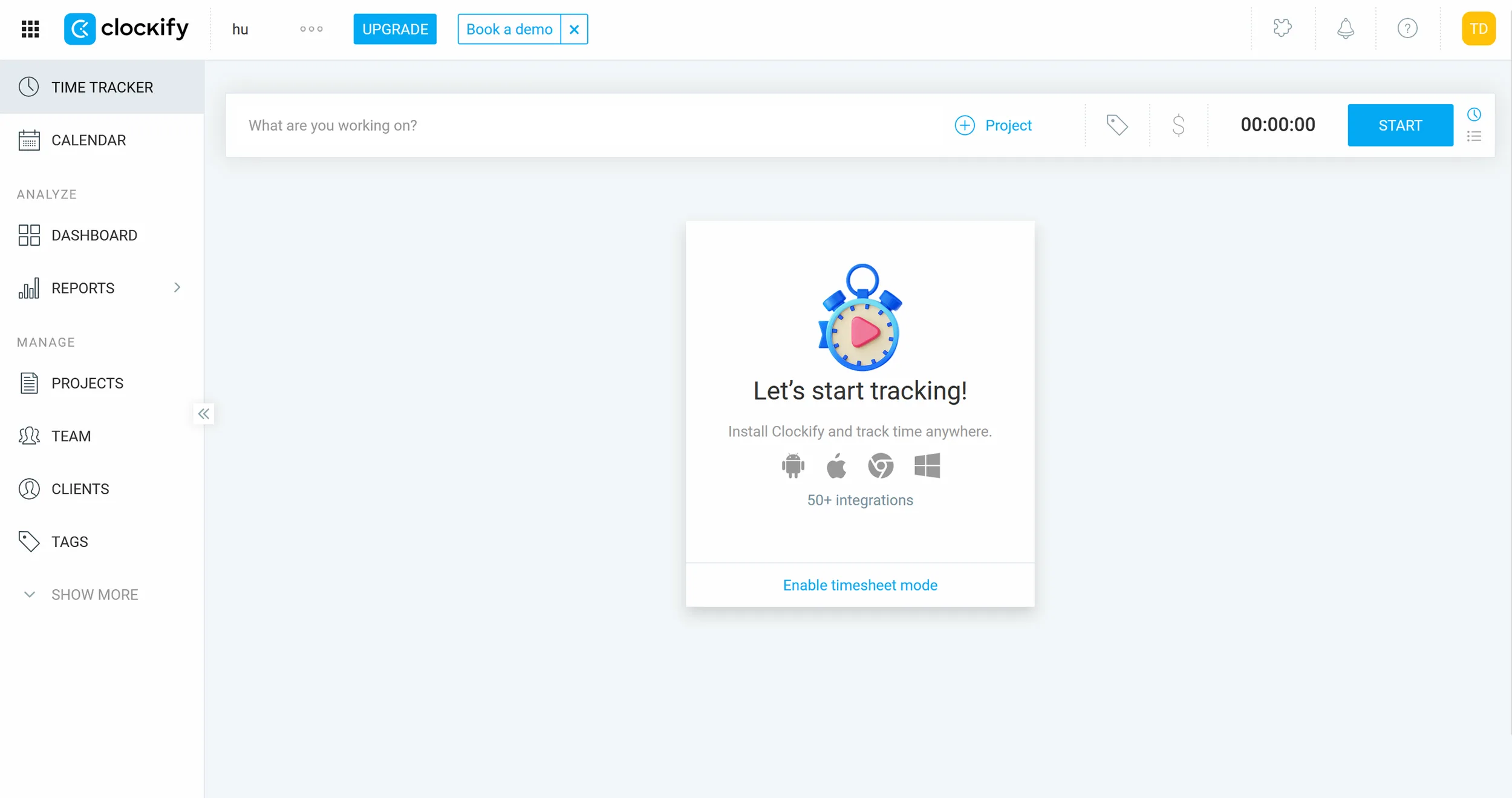
Project and task management: Track time budgets, assign tasks, set hourly rates, and get forecasts on project progress.
Reports and dashboards: Detailed breakdowns of working hours, projects, team activity, and revenue — filterable, shareable, and exportable.
Invoicing and expense management: Generate invoices directly from tracked time and expenses — including receipt capture and PDF export (Standard plan and above).
Cross-platform and integrations: Available as web, desktop, and mobile app, with 80+ integrations including Trello, Asana, QuickBooks, and Google Calendar.
Why Clockify Works Well for Freelancers and Side Business Owners
Clockify covers the core workflow most independent workers need daily: track time by project and client, bill hours accurately, and use calendar and reporting views to see exactly where your time goes. The combination of time tracking, project management, and reporting is useful whether you're optimizing for better planning, invoicing, or understanding your own productivity patterns.
Clockify free plan limits 2026: what changed
Clockify's free plan is capped at 5 users. It used to be unlimited — that changed in April 2026, and it is the single most important thing to know if you are comparing older reviews. Everything else about the free tier stayed generous: time tracking, projects and clients are unlimited, you get the timesheet, the auto tracker, basic reports with PDF export, and every app and integration except QuickBooks.
| Free plan | The number | What it means in practice |
|---|---|---|
| Time tracking | unlimited | No cap on entries, projects or clients — the core job is not throttled |
| Users | 5 | The 2026 change. Fine for a solo freelancer or a small collective, a hard stop for a growing team |
| Billable rates | not included | You can track time but not price it — this is what Basic buys |
| Report exports | PDF only | CSV and Excel start at Basic; relevant if you feed hours into invoicing |
For a solo freelancer the free plan is still the whole product — and that is not faint praise, because unlimited tracking with no time limit is rarer than it sounds. The moment you need to attach a rate to an hour, or hand a client a CSV, you are on a paid tier.
Clockify pricing 2026: what each plan costs
Paid plans start at $3.99 per user per month — the cheapest entry point of any serious time tracker. That price is the reason Clockify keeps appearing in comparisons against Toggl Track, which starts at $9 — we've run that matchup in detail in our Clockify vs Toggl comparison.
Where the money actually goes: the jump from Free to Basic is the one that matters for a freelancer, and it costs less than a coffee a month. Everything above Basic is built for teams — approvals, time off, profitability reporting — and adds little for someone billing their own hours. If a comparison tells you Clockify is cheaper than Toggl, that is the comparison it means: $3.99 against $9 for the equivalent billable-rates capability.
Pricing
Free
Free
free forever, up to 5 users
- Unlimited time tracking & projects
- Up to 5 users
- Basic reports (PDF export)
Basic
$3.99
per user/month
- Everything in Free
- Add time for others
- CSV & Excel report exports
Standard
$5.49
per user/month
- Everything in Basic
- Invoicing
- Time off management
Pro
$7.99
per user/month
- Everything in Standard
- GPS tracking & screenshots
- Expenses & budgets
Prices may change — check the official website for current plans.
Price history
Checked Sep 15, 2026 · 3 plans unchanged since Sep 14, 2026
Alternatives by use case
- Toggl Track If everyday handling matters more than feature depth
- Clockodo If EU hosting and working-time records are required
- Hubstaff If field work needs GPS evidence
- Jibble If on-site staff need a clock-in terminal




Frequently Asked Questions
Is Clockify really permanently free?
Yes — Clockify's free plan has no time limit and no credit card required. It supports up to 5 users with unlimited projects and time entries. Paid plans start at $3.99/user/month (Basic) and add features like invoicing, GPS tracking, and timesheet approvals.
Clockify vs. Toggl Track — what's the difference?
Both offer a free plan for up to 5 users. Toggl Track has a more intuitive interface and cleaner reports. Clockify has a broader feature set even on the free plan and more affordable paid plans. For solo freelancers both are excellent — Clockify edges ahead for teams on a budget.
Can I use Clockify for client invoicing?
Invoicing is available from the Standard plan ($5.49/user/month) upward. On the free plan you can export time reports as PDF or CSV and process them in your accounting tool. Clockify integrates with QuickBooks, FreshBooks, and Xero on paid plans.
How accurate is Clockify's time tracking?
Clockify tracks time to the second via timer. You can manually edit or add entries after the fact. Accuracy depends on consistently starting and stopping the timer — there's no automatic background tracking on the free plan.
Clockify pricing in 2026 — full breakdown of all plans
Five tiers, with a free plan for up to five users that covers unlimited projects, time tracking and basic reports — still one of the most generous in this category. The step that matters for a freelancer is the first paid tier, which unlocks billable rates and invoicing. Everything above it is built for teams: approvals, time off, profitability reporting.
What does Clockify's free plan include in 2026?
Clockify Free includes: up to 5 users, unlimited projects, unlimited time tracking, web timer + desktop + mobile apps, basic reports (CSV/PDF/Excel export), Pomodoro timer, calendar view, and 80+ integrations (including Asana, Trello, Jira, ClickUp, Notion). What you don't get on Free: invoicing, billable rates, project budgets, timesheet approvals, GPS tracking and audit logs. For solo freelancers tracking time for personal productivity or simple client reporting, the free plan is genuinely sufficient long-term — no time-limit trial, no credit card required.
Verdict
Clockify delivers serious time tracking at zero cost for solo freelancers and small teams. The free plan covers the daily workflow — timer, projects, reports and exports — without artificial time limits. The step into the first paid tier makes sense once invoicing or timesheet approvals matter; the tier above adds GPS tracking and expense management. For individuals the free plan stays viable for years.