Pumble: Team Chat Like Slack – But Permanently Free
Tim Wittke · Updated: Jul 18, 2026
Short verdict
Ideal for
- Freelancers who need a shared chat space with clients or project teams — without the Slack price tag
- Small teams and startups that keep hitting Slack's 90-day history limit on the free plan
- Remote teams that want chat, video meetings and screen sharing in a single tool
- Clockify or Plaky users who want to stay inside the CAKE.com ecosystem (one login, one bundle price)
Not ideal for
- Anyone who needs heavy automation inside chat
- Teams that want to invite externals without the mid tier
- Businesses with contractual EU data-residency requirements
- Entry price
- Free plan · paid from $2.49 / month
- Free to start?
- Yes — 7-day trial of all paid features (no credit card); the free plan stays free forever
- Stands out for
- Unlimited message history and unlimited users on the free plan — the things Slack charges for, Pumble gives away
Pumble is the team chat app from CAKE.com — the company that proved with the time tracker Clockify that "free" and "full-featured" are not a contradiction. The recipe repeats here: much of what sits behind Slack's paywall is free in Pumble.
What is Pumble?
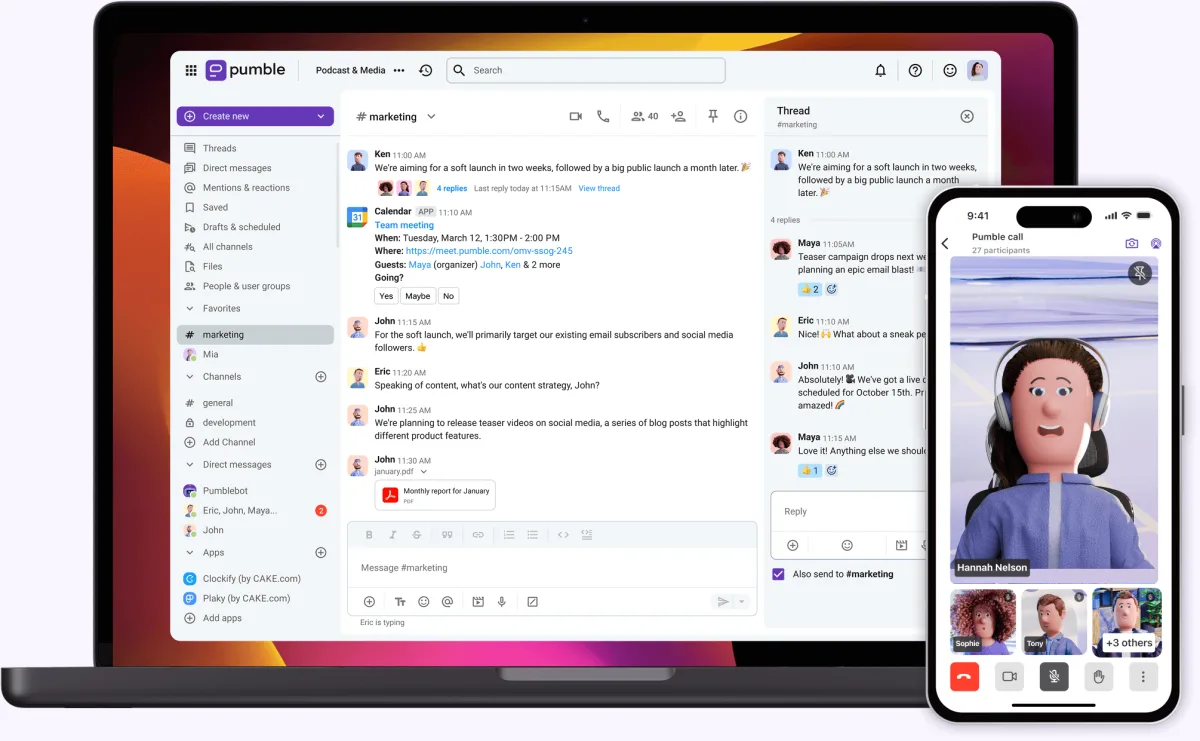
Pumble organizes team communication the familiar way: channels for topics and projects, direct messages for quick pings, threads so discussions don't flood the channel. Add file sharing, a searchable history and scheduled messages. It runs in the browser and as an app for Windows, macOS, Linux, iOS and Android — the interface is available in English, German, French, Spanish and Portuguese.
The free plan is the real headline
The biggest difference from Slack sits in the free tier: unlimited message history and unlimited users. Slack's free plan hides everything older than 90 days — go looking for that spring client discussion and you're out of luck, or out of pocket. Pumble keeps the entire history searchable no matter how big the team gets, and adds 10 GB of workspace storage, unlimited channels and 1:1 calls. For a small freelance network or a project team with a client, that is often enough forever.
Calls, meetings and screen sharing
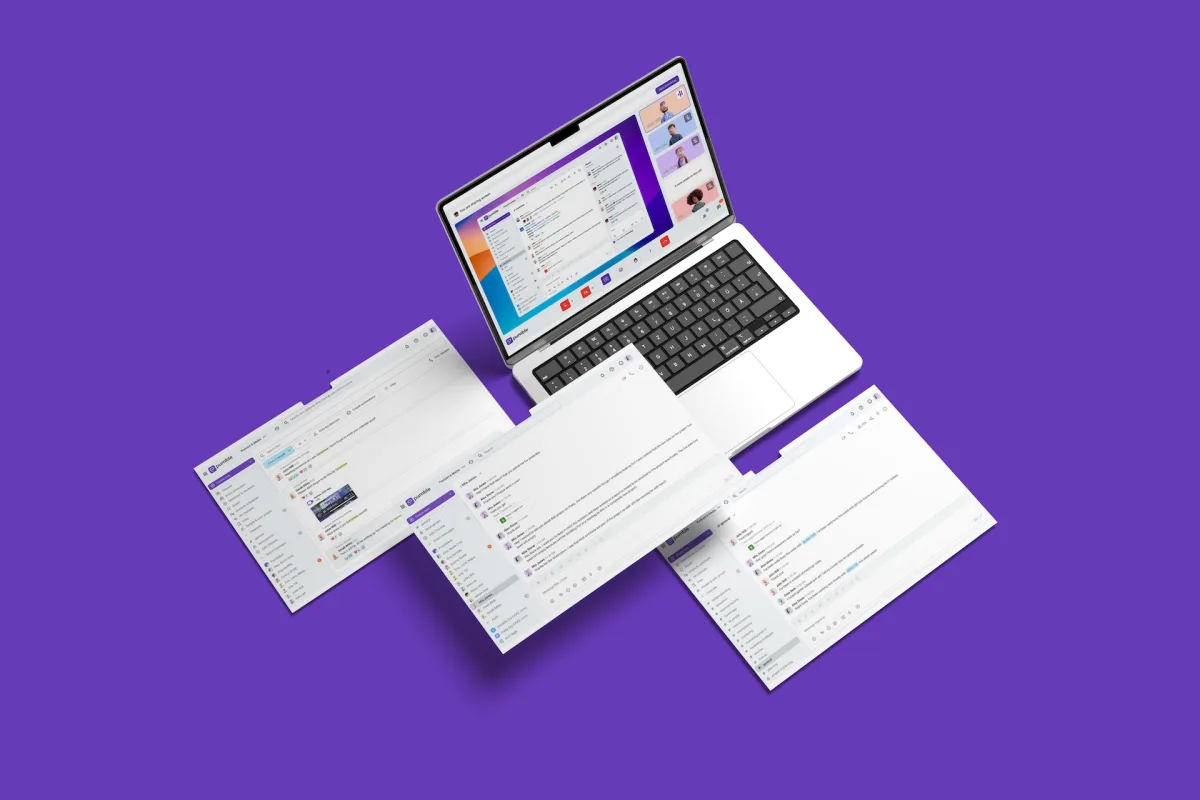
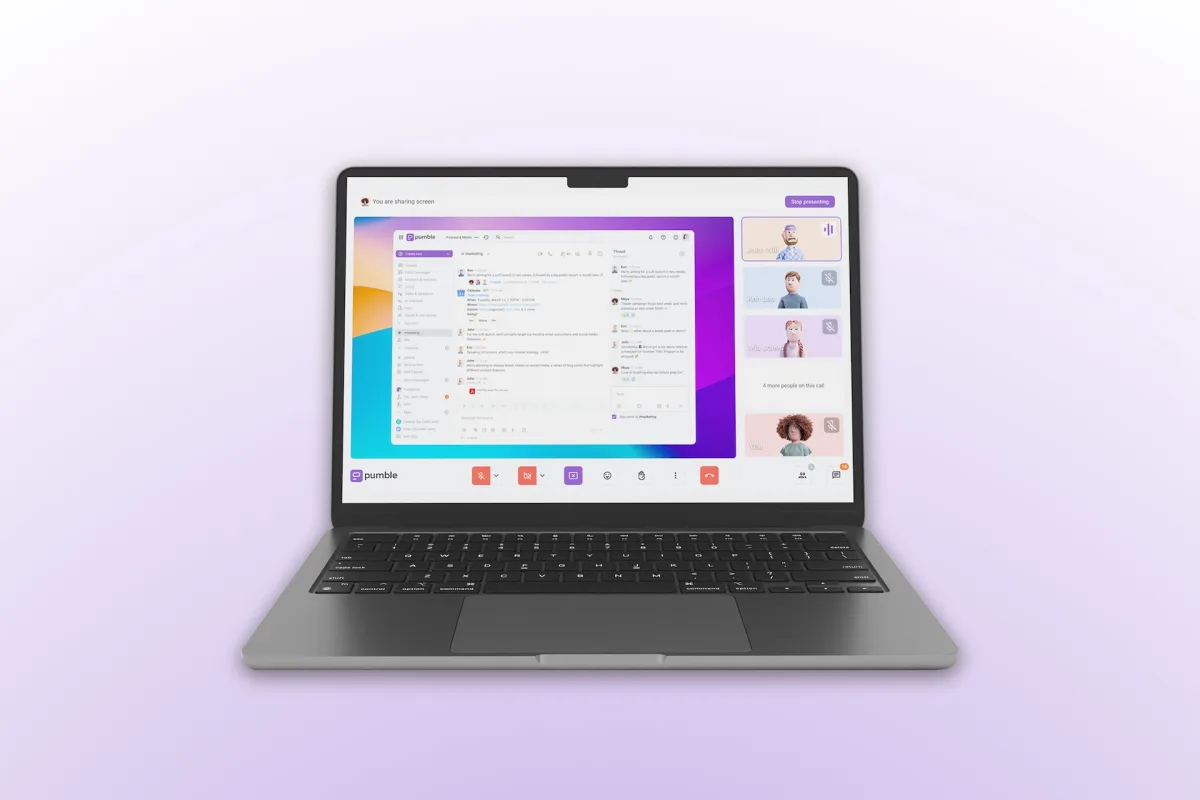
Voice and video calls are built in: 1:1 calls are free, group meetings start with the Pro plan (up to 50 participants, up to 100 on Business — which also adds recordings). Screen sharing comes with annotation tools, and scheduled meetings hook into the Google Calendar integration. For many small teams this replaces the chat-tool-plus-Zoom combination.
Pricing: a fraction of Slack
Slack's cheapest paid plan costs roughly three times as much — that is the entire argument in this category. Billing is per seat per month.
The ladder: the first paid tier unlocks group meetings and more storage, the second adds guest access for clients plus unlimited integrations and meeting recordings, the third brings SSO and generous per-seat storage. If you also use Clockify and Plaky, the CAKE.com bundle packs all three together.
Who should pick Pumble?
Pumble fits whenever the brief reads "Slack, but affordable": client project communication, small agency teams, remote collaboration. The Slack import removes the biggest switching hurdle. If you depend on a large app ecosystem and workflow automations, stay with Slack; Chanty is also worth a look as another budget-friendly Slack alternative — and our communication tools overview collects more options.
Pros & Cons
Pros
- Unlimited message history on free plan
- Unlimited users, no per-seat trap
- Cheaper than Slack: $3.99 per seat
- Built-in video meetings and screen sharing
- Slack import assistant for easy switching
Cons
- Fewer automations than Slack
- Guest access requires Business plan
- No EU data-hosting guarantee
Pricing
Free
Free
free forever
- Unlimited users & unlimited message history
- Unlimited channels
- 10 GB storage per workspace
Pro
$2.49
per seat/month billed annually (monthly: $2.99)
- 10 GB storage per seat
- Group meetings with up to 50 participants
- Screen sharing with annotations
Business
$3.99
per seat/month billed annually (monthly: $4.99)
- 20 GB storage per seat
- Meetings with up to 100 participants + recordings
- Guest access (5 single-channel guests per seat, free)
Enterprise
$6.99
per seat/month billed annually (monthly: $7.99)
- 100 GB storage per seat
- Single sign-on (SAML2, OAuth2)
- Custom data retention
Prices may change — check the official website for current plans.
Price history
Checked Sep 16, 2026 · 3 plans unchanged since Aug 31, 2026
Alternatives by use case
- Slack If automation and integrations decide it
- Chanty If chat and tasks belong together
- Proton for Business If European data residency is a condition


Frequently Asked Questions
What is Pumble?
Pumble is the team chat app from CAKE.com — the company behind the time tracker Clockify. It works like Slack: communication is organized into channels, direct messages and threads, plus built-in voice and video calls with screen sharing. Available in the browser, as a desktop app (Windows, macOS, Linux) and on iOS and Android.
Is Pumble really free?
Yes — and the free plan is unusually generous: unlimited users, unlimited channels and unlimited message history, plus 10 GB of workspace storage and 1:1 calls. You only pay once you need group meetings, more storage or guest access — the Pro plan starts at $2.49 per seat/month (billed annually).
Pumble vs. Slack — which is better for freelancers and small teams?
For budget-conscious teams, usually Pumble: Slack's free plan hides messages after 90 days, while Pumble keeps your full history searchable forever. Paid plans also cost a fraction of Slack's. Slack wins on its massive app ecosystem (2,600+ integrations) and workflow automations — if you depend on those, stay put. Switching is straightforward, though: Pumble imports Slack export files including channels, history and users — only shared files stay behind (links are preserved).
Can Pumble host video meetings with multiple participants?
Yes — 1:1 calls are included in the free plan, and from the Pro plan ($2.49/seat/month) you get group meetings with up to 50 participants plus screen sharing with annotations; the Business plan raises the limit to 100 participants and adds meeting recordings. For chat-plus-calls workflows, that replaces a separate Zoom subscription.
Where does Pumble store its data?
Pumble is built by CAKE.com, headquartered in Palo Alto, California, and advertises GDPR compliance, SOC 2 certification and SSO — but there is no EU data-residency guarantee. For most freelance teams that is the same trade-off as with Slack; if you strictly need EU hosting, check the European options in our communication tools overview.
Verdict
Pumble is the pragmatic answer to the question of why team chat has to be so expensive. The free plan covers more — unlimited history, unlimited users — than Slack offers its entry-level paying customers, and the paid tiers cost a fraction of the usual per-seat prices. In exchange you accept a smaller integration ecosystem and less automation depth than Slack. For freelancers working with project teams and small businesses that want chat plus video calls without subscription shock, it is an easy recommendation to try.