Chanty Review 2026: Is It a Better Slack Alternative for Freelancers?
Fastlancer Team · Updated: Jul 16, 2026
Short verdict
Ideal for
- Small teams looking for an affordable Slack replacement
- Anyone who wants chat and tasks in one tool
- Teams that do not depend on many integrations
Not ideal for
- Anyone who needs a wide integration library
- Freelancers in client teams where Slack is mandated
- Entry price
- Free plan · paid from €4 / month
- Free to start?
- Yes — a permanently free plan with unlimited message history
- Stands out for
- Unlimited history on the free plan, plus tasks created straight from chat
Pros & Cons
Pros
- Unlimited message history on free plan
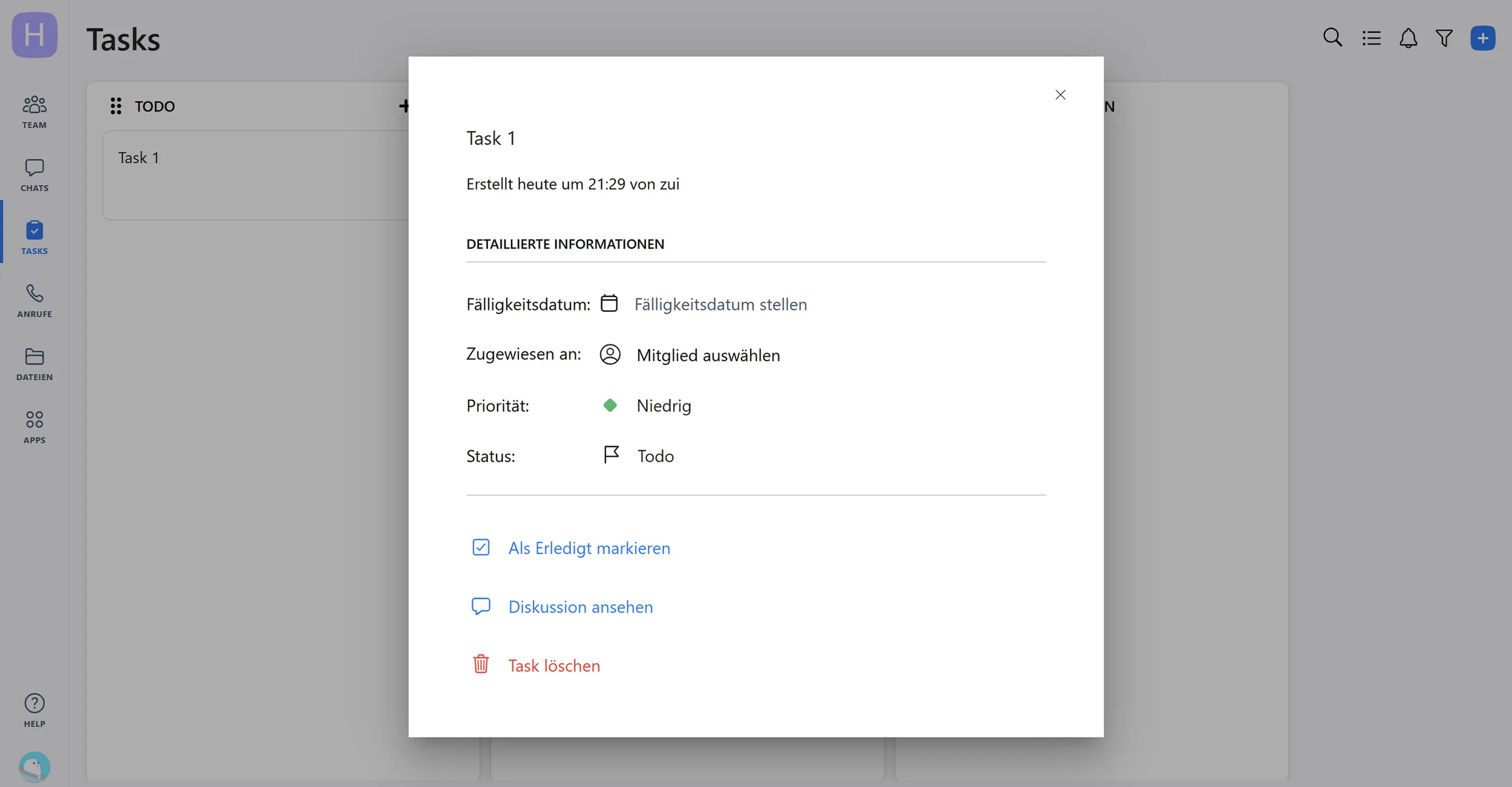
- Integrated task management directly from chats
- Simpler interface than Slack
- Good value for small teams
Cons
- Much smaller app integration library than Slack
- Less widespread than Slack or Teams
- Mobile app less polished than desktop
Collaborating with clients, agencies, or fellow freelancers is part of everyday freelance work. Instead of messy email threads, Chanty offers a streamlined solution: free for up to 5 team members, including video calls, file sharing, and task management.
What Is Chanty?
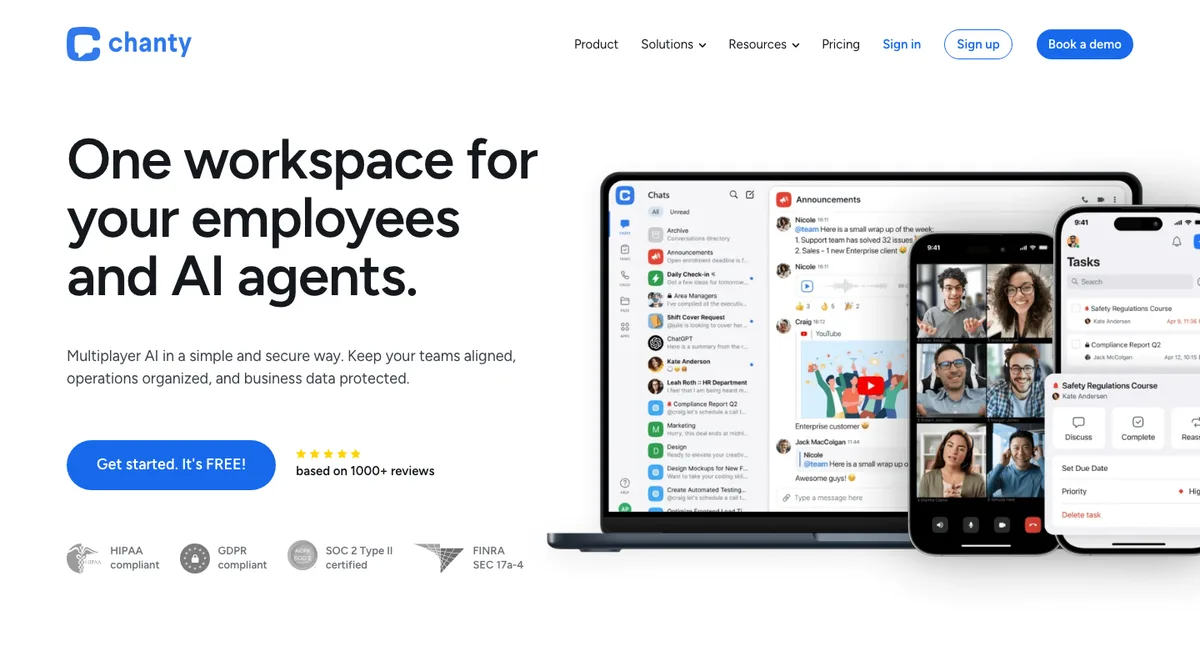
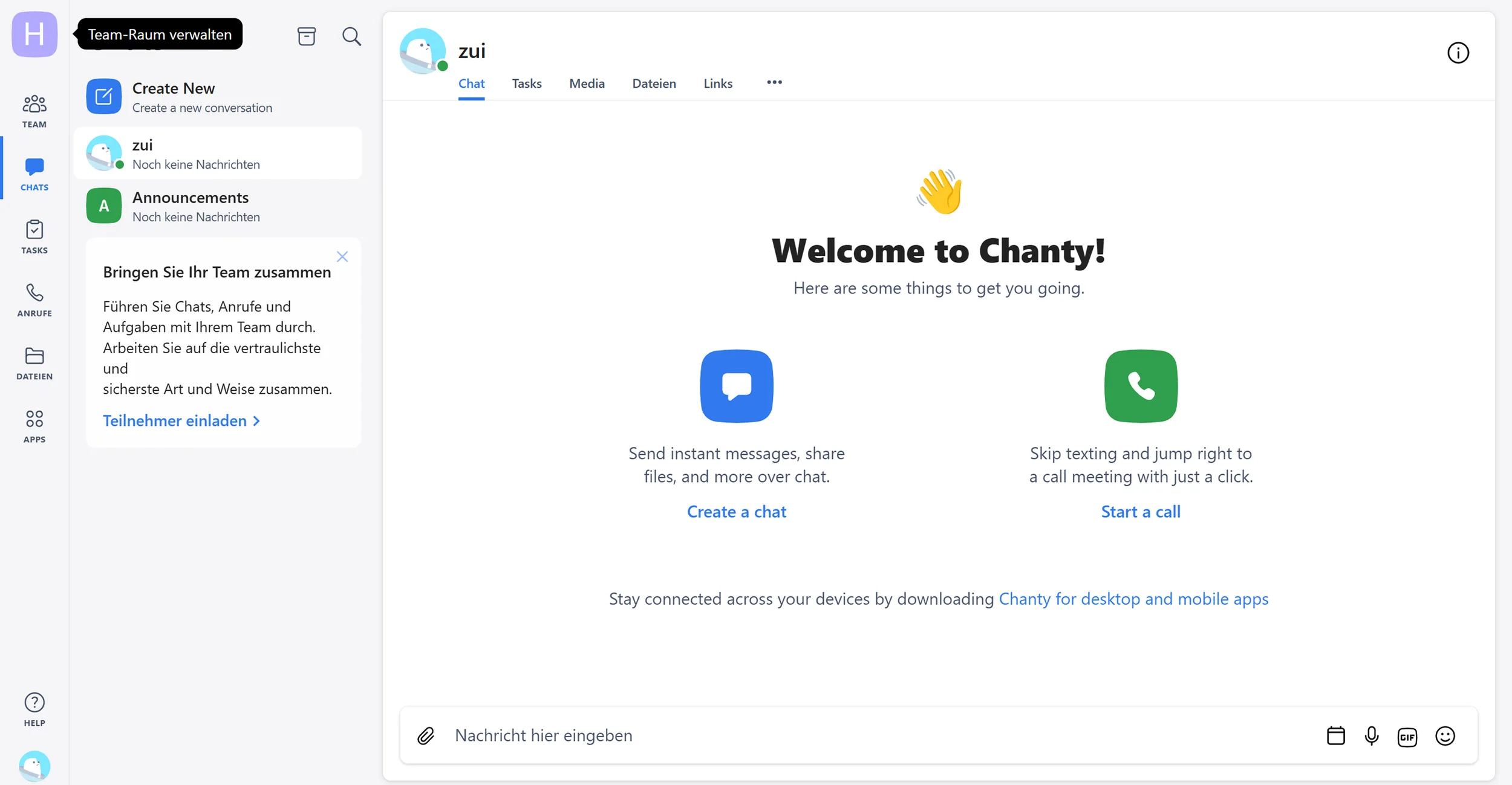
Chanty is a lightweight team communication tool launched in 2017. It combines chat, video calls, file sharing, and task management in one platform. Messages can be instantly converted into tasks. Available as a web, desktop, and mobile app, it suits small teams and solo freelancers who want to work efficiently and cost-effectively.
Key Features of Chanty
Unlimited chat history even on the free plan
Audio and video calls for up to 1,000 participants
Public and private channels for organized communication
Built-in task manager with assignments and deadlines
File sharing and collaborative document editing
Screen sharing for presentations and support
Voice messages for quick communication on the go
Scheduled messages for time-delayed communication
Powerful search across messages and files
Apps for web, desktop (Windows/Mac), and mobile (iOS/Android)
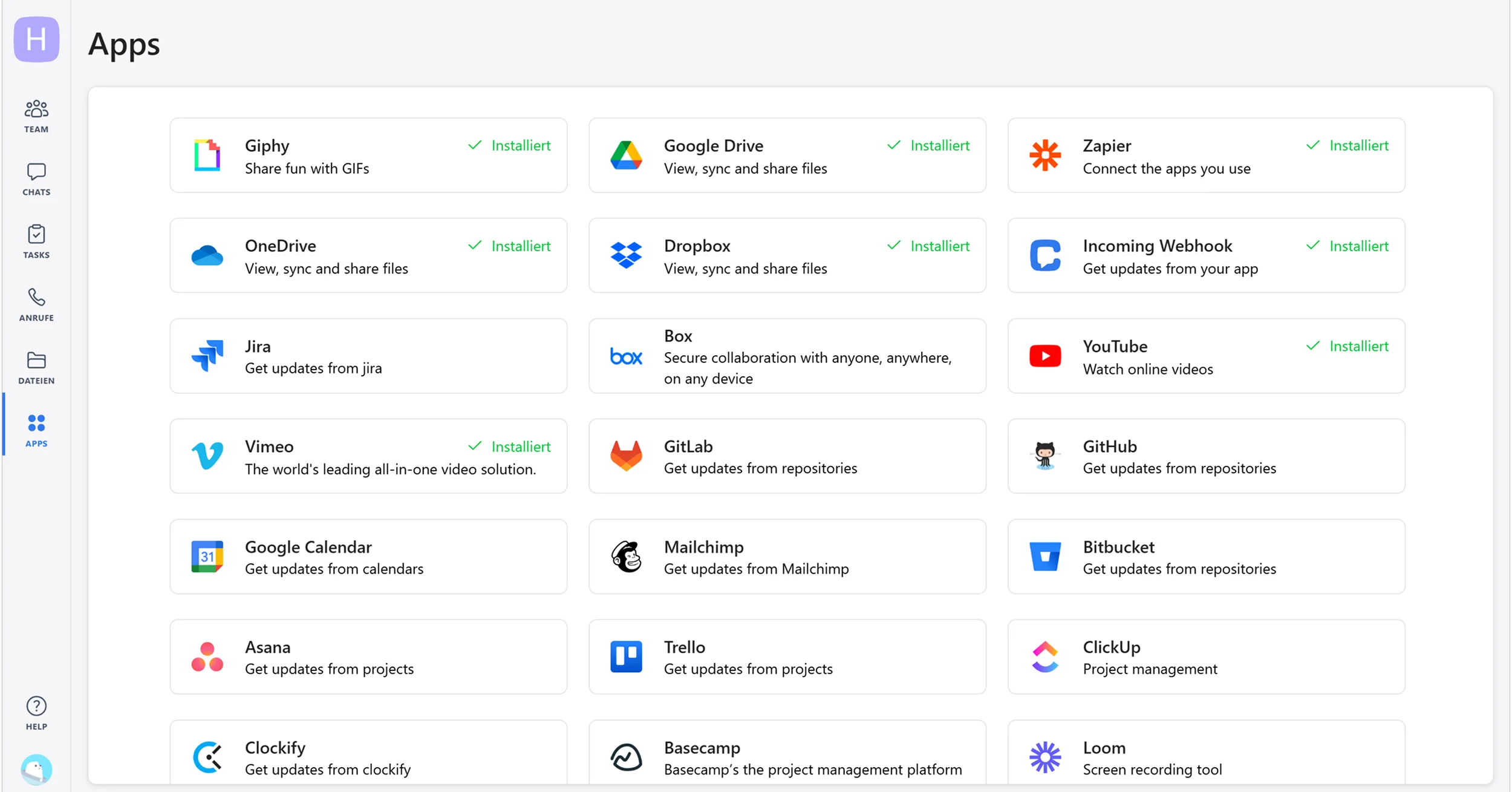
Integrations with Google Drive, Trello, and other tools
Guest access for external clients and partners
Emoji reactions and GIF support
Why Is Chanty Ideal for Freelancers?
The free plan for up to 5 members suits small freelancer collectives or budget-conscious projects. A plus for privacy-minded teams: Chanty is GDPR-compliant, ISO 27001 and SOC 2 certified, with EU data residency available on request. Converting messages into tasks prevents to-dos from getting lost in chat. Video calls for up to 1,000 participants cover client presentations and team meetings without additional tools, and screen sharing handles designs, code, or documents. For freelancers who want professional communication without the cost of Slack or Microsoft Teams, Chanty delivers strong value.
What We Like – and What Could Be Better
Chanty Pricing
The Free plan covers up to 5 team members (plus 1 guest) with unlimited message history, 20 GB of team storage, up to 10 integrations and all core features. The Business plan adds group audio and video calls, screen sharing, priority support, and unlimited members. Chanty's free plan includes more functionality than Slack's or Microsoft Teams', and Chanty itself claims teams save 30–40% vs. comparable tools. The Business plan comes with a 14-day money-back guarantee.
Note: Prices may change. Please check the official website for current details.
Final Verdict: Is Chanty Worth It for Freelancers?
The free plan is comprehensive enough that many small teams will never need to upgrade. For freelancers working in virtual teams or managing a collective, Chanty covers all essential features at a fraction of competitor costs. The integrated chat-to-task workflow improves project management without requiring separate tools.
Alternatives to Chanty
Slack – market leader with more integrations but significantly more expensive
Microsoft Teams – ideal for Office 365 users
Discord – free and flexible but fewer business features
Rocket.Chat – open-source option with self-hosting capabilities
Mattermost – enterprise-focused with strong security features
Pricing
Free
Free
free forever
- Unlimited message history
- Tasks from chat
- Up to five members
Business
€3
per user/month billed monthly
- Guest access for externals
- Unlimited integrations
- Group video calls
Enterprise
On request
- Advanced permissions
- Custom contract terms
- Onboarding support
Prices may change — check the official website for current plans.
Price history
Checked Sep 16, 2026 · 1 change since Sep 14, 2026
- Sep 16, 2026Business from €4 to €3 (−25%)
Alternatives by use case


Frequently Asked Questions
How much does Chanty cost?
The Free plan covers up to 5 team members plus 1 guest with unlimited message history, 20 GB of team storage, and up to 10 integrations. The Business plan adds group audio and video calls, screen sharing, priority support and unlimited members, with a 14-day money-back guarantee.
Is Chanty better than Slack?
Chanty's free plan includes more functionality than Slack's — most notably unlimited message history — and the interface is simpler and faster to set up, at a much lower price. Slack remains ahead on app integrations and is more widespread among external partners, who usually use Slack or Teams.
Does Chanty have a free plan?
Yes — the free plan supports up to 5 team members (plus 1 guest) and includes unlimited chat history, 20 GB of team storage, up to 10 integrations, and all core features. Many small teams never need to upgrade.