Slack Review 2026: Best Team Chat for Freelancers?
Tim Wittke · Updated: Sep 5, 2026
Short verdict
Ideal for
- Freelancers embedded in client teams where Slack is the required communication channel
- Remote solopreneurs coordinating multiple projects in parallel
- Freelancers managing their own micro-teams or subcontractors
Not ideal for
- Anyone who needs searchable history without paying
- Teams using more than ten integrations on the free plan
- Entry price
- Free plan · paid from $15 / month
- Free to start?
- Yes — permanently free (90-day message history)
- Stands out for
- The market standard for structured team communication — channels by topic, 2,600+ integrations and a free plan that covers short projects
As a freelancer you work in one client's Slack workspace today, Microsoft Teams tomorrow — and coordinate subcontractors in between. Slack is the market standard and often a client requirement. The real question: when does your own workspace make sense, and when does the free tier suffice?
What stands out in daily use
Slack is the default in most agency and client environments — as an invited guest in someone else's workspace just as much as in your own project channels.
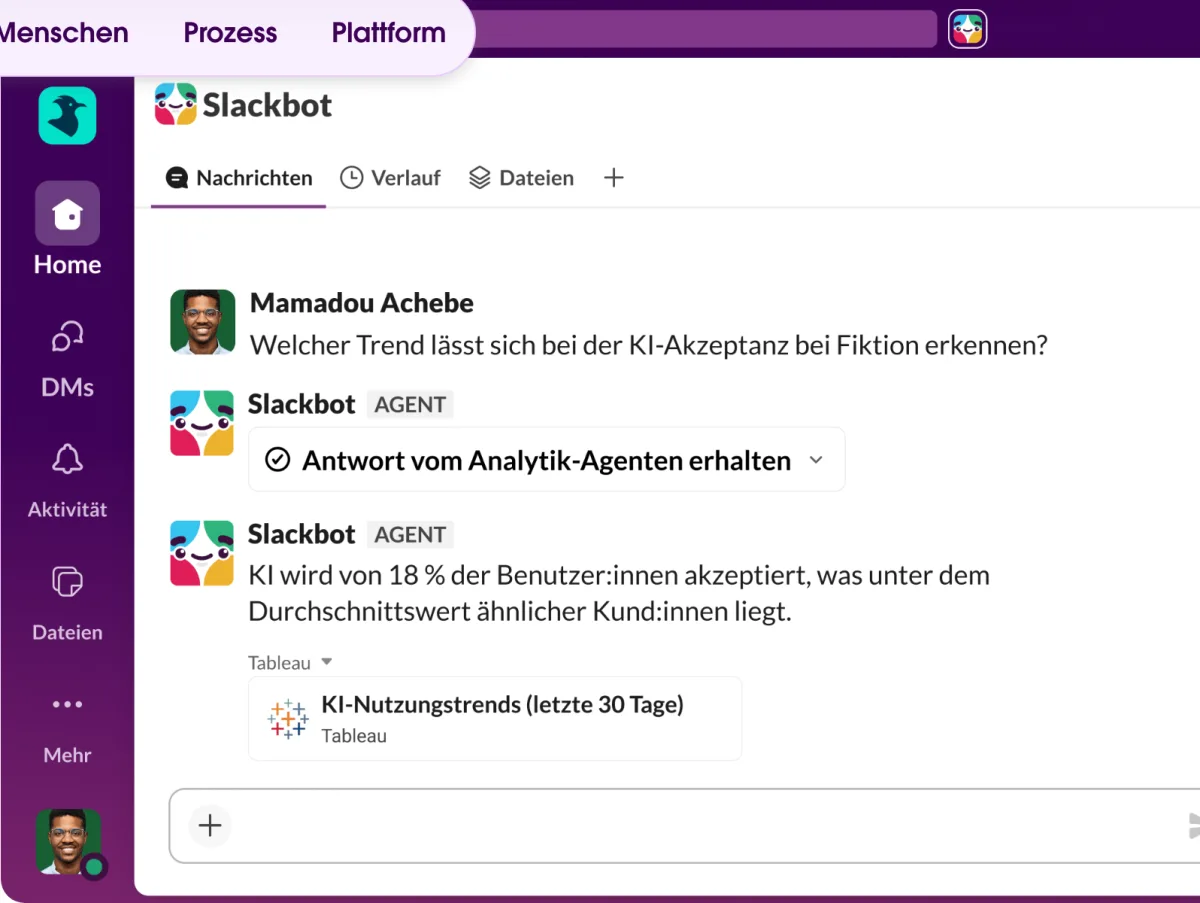
The branding pays off more than it sounds like it would. The sounds, visual design, and tone give Slack a distinctive character that feels pleasant and professional in daily use. The interface stays clean enough that conversations remain traceable down into nested threads.
The pricing trap many overlook: On the Free plan, messages drop out of search after a few weeks. Anyone using Slack as a knowledge store usually notices only when something important can't be found — at which point the upgrade is forced.
When Discord, Teams, or WhatsApp Business is enough: When you need low-friction communication without a formal org structure. Once channels need organizing by project, team, or topic, Slack starts paying off — otherwise not.
What is Slack?
Slack is a US-based team communication platform, launched in 2013 and, by third-party estimates, used by several tens of millions of people daily (Slack has not published a figure since 2019). The core principle: communication runs in topic-specific channels — one per project, client, or topic — rather than email threads or WhatsApp groups.
In 2021, Salesforce acquired Slack for $27.7 billion. The platform remains independent but gains Salesforce integrations for CRM users.
Pros & Cons
Pros
- Market standard among tech clients
- Channel structure prevents DM chaos
- 2,600+ integrations including Notion, Zoom, GitHub
- Free plan usable forever solo
- Stable iOS and Android apps
Cons
- 90-day message history on Free
- Pro plan costs per user
- Free plan capped at 10 integrations
Key Features
- Channels: Public or private rooms for projects, teams, or topics — organized and searchable instead of buried in DMs.
- Threads: Replies directly under a message without disrupting the main flow — ideal for parallel discussions.
- Huddles: Instant audio/video calls from a channel or DM — no external meeting link needed.
- Slack Connect: Links separate workspaces — 1:1 messages already on Free, shared channels with up to 250 organizations from Pro.
- App integrations: 2,600+ integrations — Google Drive, Notion, Zoom, GitHub, Trello, Jira, and more.
- AI features (paid plans only): Channel and thread summaries from Pro; AI search, daily recaps, Slackbot as a personal agent and the AI workflow generator from Business+.
Why Slack Matters for Freelancers
As a freelancer you often don't choose Slack — the client demands it. Tech companies, agencies, and scale-ups default to it. Knowing how to structure channels, use huddles, and filter notifications is directly career-relevant.
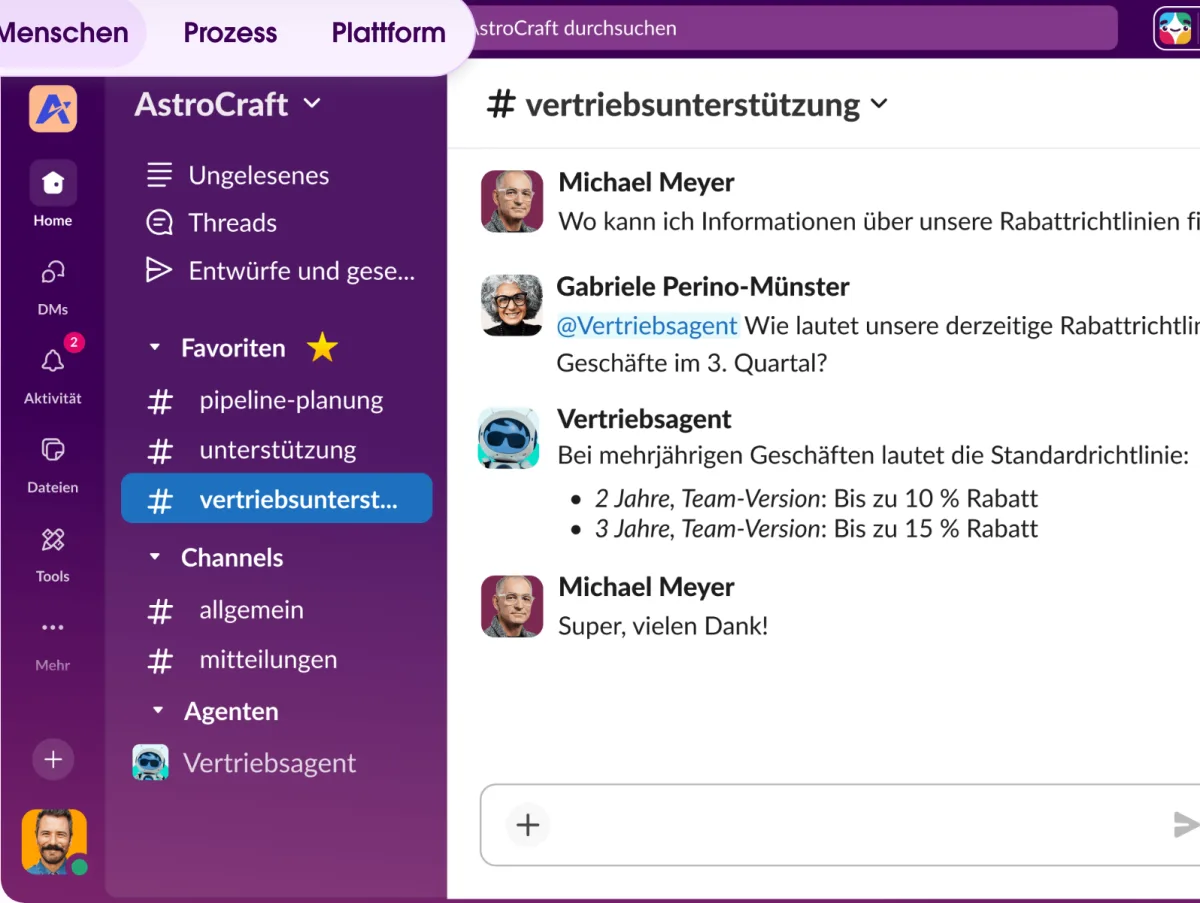
Your own workspace pays off once you're coordinating subcontractors or other freelancers. Channel structure beats WhatsApp groups and email threads when projects get complex.
The free tier covers 90 days of history — enough for active projects. It becomes a problem when you need older decisions or more than 10 integrations.
Pricing
Free
Free
free forever
- 90-day message history
- Up to 10 app integrations
- 1:1 Huddles (audio/video)
Pro
$7.25
per user/month (annual) · $8.75 monthly
- Unlimited message history
- Unlimited app integrations
- Group audio/video
Business+
$15
per user/month (annual) · $18 monthly
- All Pro features
- Slackbot (personal AI agent)
- AI search, daily AI recaps, file summaries
Prices may change — check the official website for current plans.
Price history
Checked Sep 20, 2026 · 1 plan unchanged since Sep 20, 2026
Alternatives by use case
- Pumble If message history should survive on a free plan
- Chanty If chat and tasks belong together
- Proton for Business If European data residency is a condition
- Zoom If calls matter more than channels


Frequently Asked Questions
Is Slack worth it for solo freelancers?
If your client uses Slack: yes, you need it. For personal projects without a team, Slack is overkill — email, Signal, or WhatsApp works fine. Once you're regularly communicating with 2+ people and need structure, Slack pays off.
What's the difference between Free and Pro?
Free limits message history to 90 days and allows only 10 app integrations. Pro ($7.25/user/month annual, $8.75 monthly) removes both limits and adds group huddles. Worth it for teams of 2–3 or more, or when older message history matters.
Slack vs. Microsoft Teams — which is better for freelancers?
Teams makes sense if your client already runs it — but since 2023/2024 Microsoft sells new Microsoft 365 subscriptions without Teams; a free Teams tier exists. Slack is more intuitive, has better third-party integrations, and is the standard among tech and startup clients. For cross-company collaboration, Slack is more flexible.
Can I use Slack for free with clients?
Only partly. Guest accounts exist on paid plans only; on Free you get 1:1 direct messages with external people via Slack Connect. From Pro you can open shared Slack Connect channels with clients — a partner on Free gets a 90-day Pro trial for that, but long-term both sides need a paid plan (except when the host is on Enterprise+).
Verdict
For freelancers working in client teams, Slack is often non-negotiable — the client simply uses it. The free tier covers active projects well. Anyone coordinating their own teams or needing older messages should upgrade to Pro ($7.25/user/month on annual billing). Solo freelancers without a team don't necessarily need Slack — email or Signal works fine.