Foxit PDF Editor: The Affordable Adobe Acrobat Alternative
Tim Wittke · Updated: Oct 7, 2026
Short verdict
Ideal for
- Freelancers who edit, merge and sign PDFs — without paying for the Adobe subscription
- Self-employed people with contracts and proposals who need built-in e-signature
- Anyone who needs to make scanned documents searchable via OCR
- Users who prefer a one-time perpetual license over a subscription (option available)
Not ideal for
- Anyone who only reads and fills in PDFs
- People who want a permanently free option
- Users expecting AI features without paying extra
- Entry price
- From $10.99 / month
- Free to start?
- Yes — 14-day free trial of PDF Editor+ (no purchase required)
- Stands out for
- Full Acrobat-grade feature set (editing, OCR, eSign, AI redaction) at 44 % less than Adobe Acrobat Pro for Teams
Foxit PDF Editor has been the best-known serious alternative to Adobe Acrobat for years — and for freelancers, one thing above all: significantly cheaper, at a nearly identical feature set. Anyone who regularly edits contracts, proposals or forms as PDFs ends up paying roughly double with Adobe for features available here at a fraction.
What is Foxit PDF Editor?
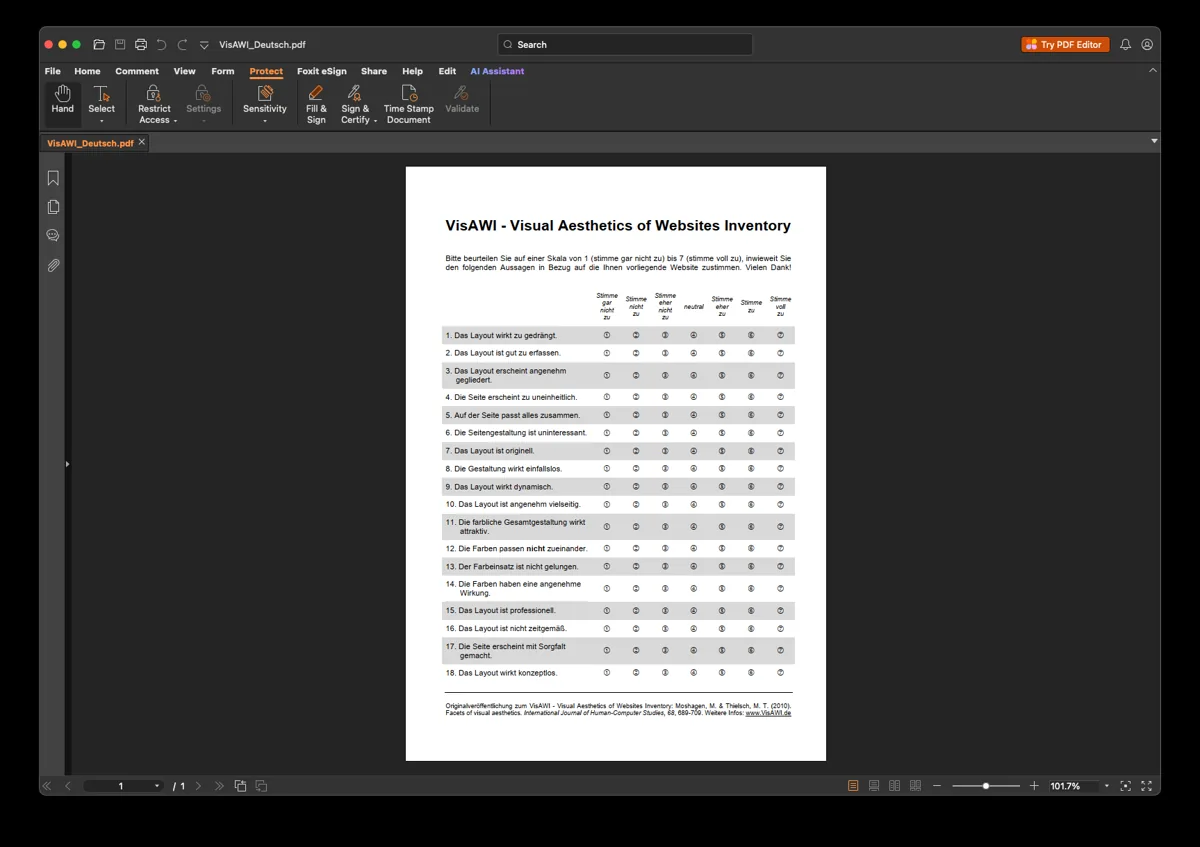
Foxit PDF Editor is a desktop and cloud app that lets you not just read PDFs but fully edit them: change text and images, merge or split pages, convert from Word/Excel, make scanned documents searchable via OCR, build and fill forms, comment and redact. It runs on Windows, macOS, in the browser and as an app for iOS and Android — the feature set covers virtually everything Adobe Acrobat does.
Foxit PDF Editor cost 2026: what each option costs
Foxit sells the editor as a monthly or annual subscription — and, unlike Adobe, still as a one-time purchase. That last option is the whole reason Foxit keeps coming up as an Acrobat alternative: Adobe sells subscriptions only.
The perpetual licence is the calculation worth running. Bought outright it pays for itself against the annual subscription during year two, and after that it costs nothing. The catch is the usual one: your version freezes, and upgrading to a future major release costs extra. If you are content to run the same release for three or four years, buying outright is clearly cheaper. If you want each new version, the subscription is the honest choice.
Against Adobe the gap is real, and Foxit publishes the comparison itself: its upper annual tier costs roughly half of Acrobat Pro for Teams for a near-identical feature set on the work most freelancers actually do.
Is Foxit PDF Editor free?
No — Foxit PDF Editor is paid software. What Foxit offers free is a trial of the full editor, plus Foxit PDF Reader, which is genuinely free forever but only reads, annotates and fills forms; it does not edit page content. If your task is "sign this and send it back", the free Reader covers it. If it is "change the text in this PDF", that is the paid editor.
E-signature and AI redaction included
Two Plus-plan features matter especially for the self-employed. Foxit eSign (150 envelopes/year) replaces a separate DocuSign subscription: contracts and proposals go out for legally binding e-signature straight from Foxit. And AI Smart Redact automatically detects and blacks out sensitive data (names, addresses, account details) — handy when you need to share documents compliantly without checking every line by hand.
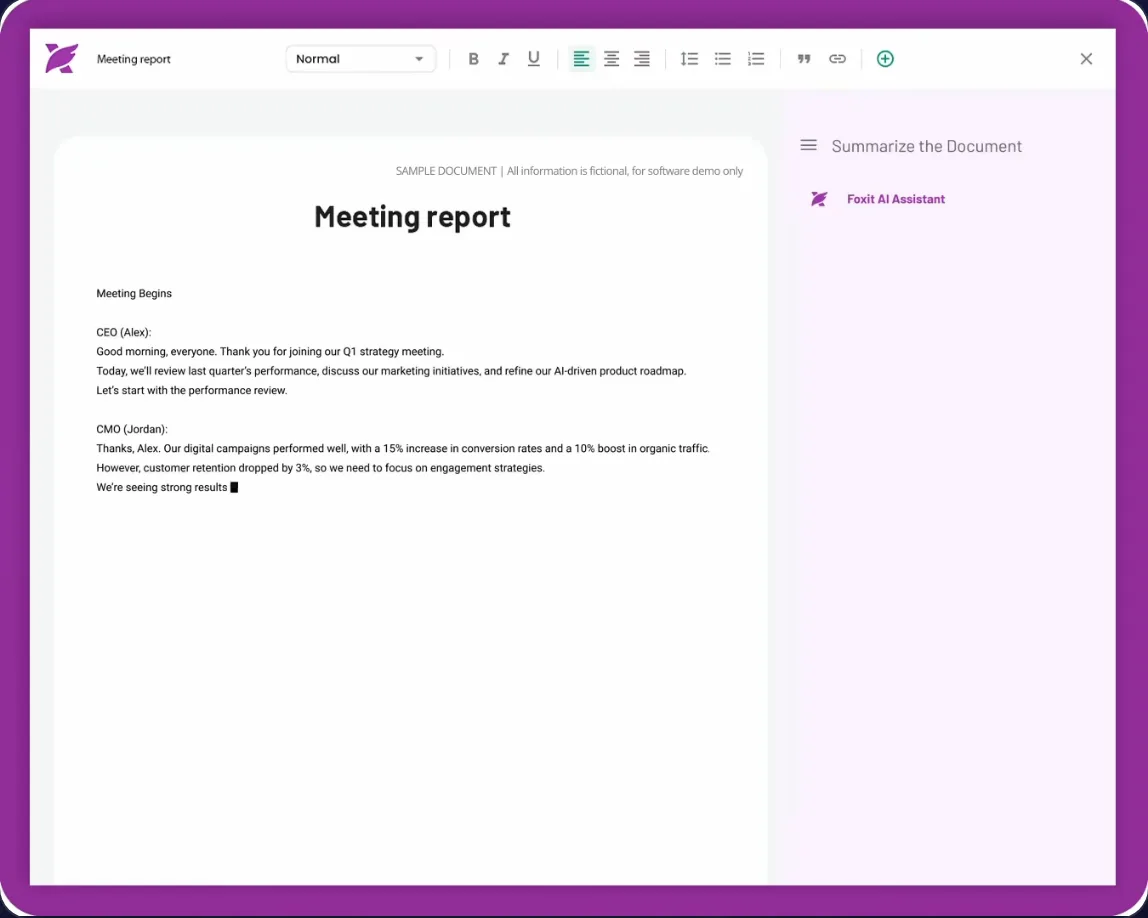
For deeper AI tasks — summarizing, rewriting, translating — there's the Foxit AI Assistant add-on ($49.99/year, 2,000 credits/month). Every plan — the free version included — already comes with 300 credits a month; the add-on only pays off once you work with the assistant daily.
Subscription or perpetual license?
Unlike Adobe (subscription only), Foxit still offers a perpetual license. For freelancers who only need PDF editing occasionally, that's often the cheapest total bill.
Who is Foxit right for?
Foxit fits anyone who actively edits PDFs: adjusting contracts, assembling proposals, building forms, signing and redacting documents. If you only read or occasionally fill PDFs, you don't need an editor — a free reader will do. And if you're already deep in Adobe Creative Cloud, you'll likely stay with Acrobat for ecosystem reasons. For the typical freelance workflow of contracts and proposals, Foxit is the clearly more economical choice — find more design and utility tools in our design tools overview.
Pros & Cons
Pros
- Full PDF editing, conversion, OCR, forms
- About a third cheaper than Adobe Acrobat
- Built-in e-signature replaces separate DocuSign subscription
- AI Smart Redact removes sensitive data automatically
- Perpetual one-time license available as alternative
Cons
- No free plan, only 14-day trial
- Beyond 300 AI credits a month, the assistant costs extra
- Overkill for just reading or filling PDFs
Pricing
PDF Editor
$10.83
per month billed annually ($129.99/year; $10.99 billed monthly)
- Full PDF editing & conversion
- OCR text recognition
- 300 AI credits per month included
PDF Editor+
$13.33
per month billed annually ($159.99/year)
- Everything in PDF Editor
- Mobile apps (iOS, Android)
- AI Smart Redact (automatic redaction)
AI Assistant (add-on)
$49.99
per year — 2,000 AI credits/month
- Add on to either plan
- Summarize, rewrite, translate
- Access to ai.foxit.com
Perpetual license
Variable
one-time — in the Foxit shop
- Permanent license instead of a subscription
- For a specific version
- Major-version updates cost extra
Prices may change — check the official website for current plans.
Price history
Checked Oct 19, 2026 · 2 plans unchanged since Sep 25, 2026
Alternatives by use case
- Zapier If documents should be routed automatically
- Canva If documents need designing rather than editing
- GetMyInvoices If incoming receipts are the actual job


Frequently Asked Questions
What is Foxit PDF Editor?
Foxit PDF Editor is a full-featured PDF editor and one of the best-known alternatives to Adobe Acrobat. You can edit, merge and convert PDFs, make scanned files searchable via OCR, build and fill forms, comment, redact and (on the Plus plan) sign documents electronically. Available for Windows, macOS, the browser and as a mobile app.
How much does Foxit PDF Editor cost in 2026?
Two subscription tiers, monthly or annual — and, unlike Adobe, still a one-time perpetual licence. Bought outright it pays for itself against the annual subscription during year two, but freezes your version. Full AI usage is a paid add-on.
Foxit vs. Adobe Acrobat — which is better for freelancers?
For most freelancers, Foxit is the more economical choice: a nearly identical feature set (editing, OCR, eSign, forms) at 44 % less than Adobe Acrobat Pro for Teams ($159.99 vs. $287.88/year). Adobe mainly pays off if you're deep in the Creative Cloud ecosystem or need specialized prepress features. For everyday contracts, proposals, invoices and forms, Foxit is more than enough.
Can I sign PDFs electronically with Foxit?
Yes — the PDF Editor+ plan includes Foxit eSign with 150 envelopes per year. You send contracts and proposals for legally binding e-signature straight from the tool, without a separate DocuSign or similar subscription.
Is there a one-time purchase instead of a subscription?
Yes — alongside the subscriptions, Foxit offers a perpetual license for a specific program version. That works if you don't want a recurring subscription; upgrades to new major versions cost extra. You'll find the perpetual license in the Foxit shop.
Verdict
Foxit PDF Editor is the pragmatic answer to Adobe's pricing: you get the full PDF feature set — including OCR, AI redaction and built-in e-signature — at 44 % less than Acrobat Pro for Teams. For freelancers and small businesses that regularly edit and sign contracts, proposals and forms as PDFs, it's one of the best value propositions on the market. Only people who exclusively read PDFs don't need it — a free reader covers that.