Canva Review 2026: Best Design Tool for Freelancers?
Tim Wittke · Updated: Sep 5, 2026
Short verdict
Ideal for
- Freelancers who need professional designs without design training
- Content creators, coaches and consultants with regular social media needs
- Self-employed people creating proposals, presentations and client materials
Not ideal for
- Anyone who needs true vector artwork for print
- Freelancers with several brands on the free plan
- Entry price
- Free plan · paid from $144 / month
- Free to start?
- Yes — permanently free plan, plus a free Pro trial (Canva shows the length at checkout)
- Stands out for
- millions of templates for every use case — professional designs in minutes, no design skills needed
As a freelancer, you regularly need professional-looking designs — for social media posts, proposals, presentations, thumbnails or client reports. Canva cuts through the alternatives: pick a template, customize, export. Done.
What is Canva?
Canva is a browser-based design platform founded in Australia in 2013 and now one of the most widely used design tools worldwide. Choose a template, adjust text, colors and images, export as JPG, PNG or PDF — no design background needed, no software to install.
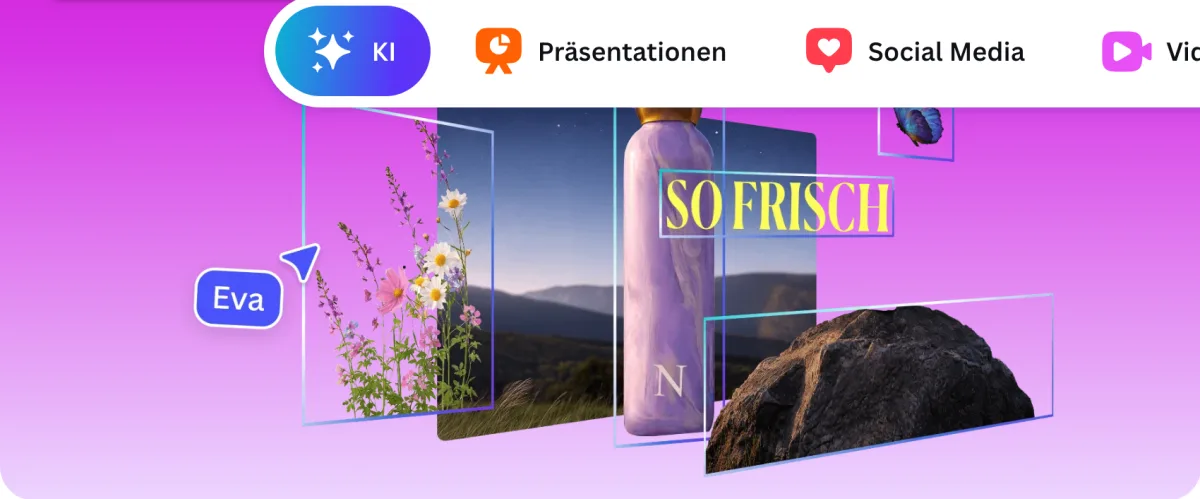
The platform covers virtually every design need: social media posts, presentations, proposals, invoices, logos, business cards, video clips and more. With over 1.6 million free templates and 1,000+ design types, there's a starting point for almost every use case.
Pros & Cons
Pros
- Massive template library for every use case
- Intuitive drag-and-drop interface, no skills needed
- Permanently free plan with solid features
- AI tools speed up content creation
- Fully browser-based, no installation needed
Cons
- No real vector design for print projects
- Premium templates and AI features need Pro
- Free plan limited to 1 Brand Kit
Key Features
- Template library: 1.6M+ free templates (3.6M with Pro) for social media, presentations, documents, videos, print and more — filterable by format, industry and style.
- Drag-and-drop editor: Place elements, edit text, adjust colors, upload images — no learning curve required.
- Brand Kit: Save brand colors, fonts and logos for consistent use across all designs (1 Kit in Free, unlimited in Pro).
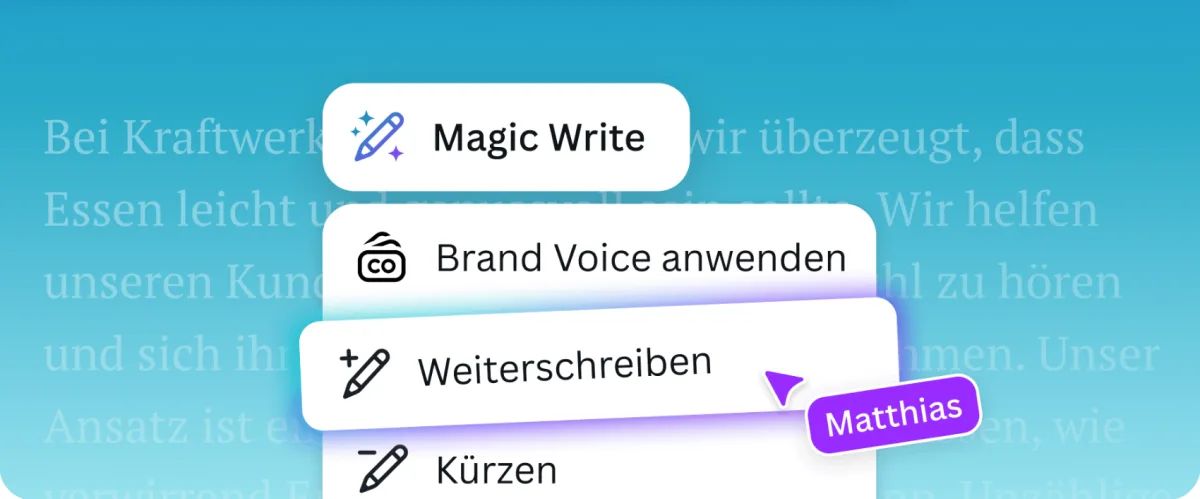
- Magic Studio (AI, Pro): Remove backgrounds, generate text with AI, create images from prompts and auto-resize layouts.
- Content scheduler: Plan and publish designs directly to social media channels from within Canva (Pro).
- Collaboration: Edit designs together with comments, approvals and real-time collaboration — available in Free too.
Why Canva Makes Sense for Freelancers
Without a design background, Canva is the fastest route to professional materials. Proposals, presentations and social media posts take 15–30 minutes instead of hours in Illustrator or fees to an outsourced designer.
The Brand Kit is especially valuable: set your colors, logo and fonts once and they apply to every new design automatically — consistent visual identity, no extra effort.
The free plan is sufficient for occasional use. Pro makes sense once you produce regularly and hit its restrictions — limited templates, 1 Brand Kit, no background remover.
Pricing
Free
Free
free forever
- 1.6M+ free templates
- 5 GB storage
- 1,000+ design types
Pro
$144
per year for one person (~$12/month), billed annually
- All premium templates
- 100 GB storage
- 5 Brand Kits (Free: 1)
Business
$250
per person/year (~$21/month), billed annually — replaces Canva Teams
- Everything in Pro
- Shared brand assets
- Team workflows & comments
Prices may change — check the official website for current plans.
Alternatives by use case
- Figma If interfaces rather than graphics are the output
- CorelDRAW If vector and print are the core
- Pixlr If photos need editing rather than templates filling
- Beautiful.ai If this is mainly about presentations


Frequently Asked Questions
Is Canva really free forever?
Yes — Canva Free has no expiration. You get access to 1.6M+ templates, 5 GB storage, and core design features. Limits: restricted AI usage, only 1 Brand Kit with 3 colors, no access to premium templates marked with a crown icon.
Is Canva Pro worth it for freelancers?
For freelancers who regularly create social media content, pitch decks or proposals: yes. Pro costs $180/year — if you use it to avoid outsourcing even 2-3 design projects per year, it pays for itself quickly. For occasional use, Free is enough.
Can I use Canva designs commercially?
Yes — designs you create in Canva can be used commercially and delivered to clients. Important caveat: Free plan users cannot use premium elements (marked with a crown icon) commercially — those require a Pro license.
What's the difference between Canva Free and Pro?
Key differences: Pro unlocks all premium templates (3.6M), 100 GB vs 5 GB storage, five Brand Kits instead of one, background removal, and ten times the AI allowance. For solo freelancers, the most common upgrade drivers are: needing multiple Brand Kits and the automatic background remover.
Verdict
For freelancers who occasionally need designs, the free plan is fully sufficient. Anyone producing regular social media content, maintaining consistent branding across projects, or making heavy use of the AI tools will find Pro worth it — measured against what commissioning design costs, it is one of the cheapest lines in the toolkit.