CorelDRAW Review: Real Photoshop Alternative?
Tim Wittke · Updated: Aug 17, 2026
Short verdict
Ideal for
- Graphic professionals who need vector work and print prepress
- Windows users who want a perpetual licence rather than a subscription
- Anyone designing signage, packaging or apparel
Not ideal for
- Beginners with no graphics-software experience
- Mac users expecting the full feature set
- Entry price
- Free plan · paid from €219 / month
- Free to start?
- 15-day trial, then subscription or perpetual licence
- Stands out for
- Precise vector and layout tools for print, signage and apparel
As a creative freelancer — designer, illustrator, or visual content creator — you need professional tools without breaking the budget. Adobe Creative Suite is expensive; free alternatives are often too limited. CorelDRAW Graphics Suite offers a smart middle ground: buy once instead of paying forever, full professional features, and a lower price than the competition.
What is CorelDRAW?
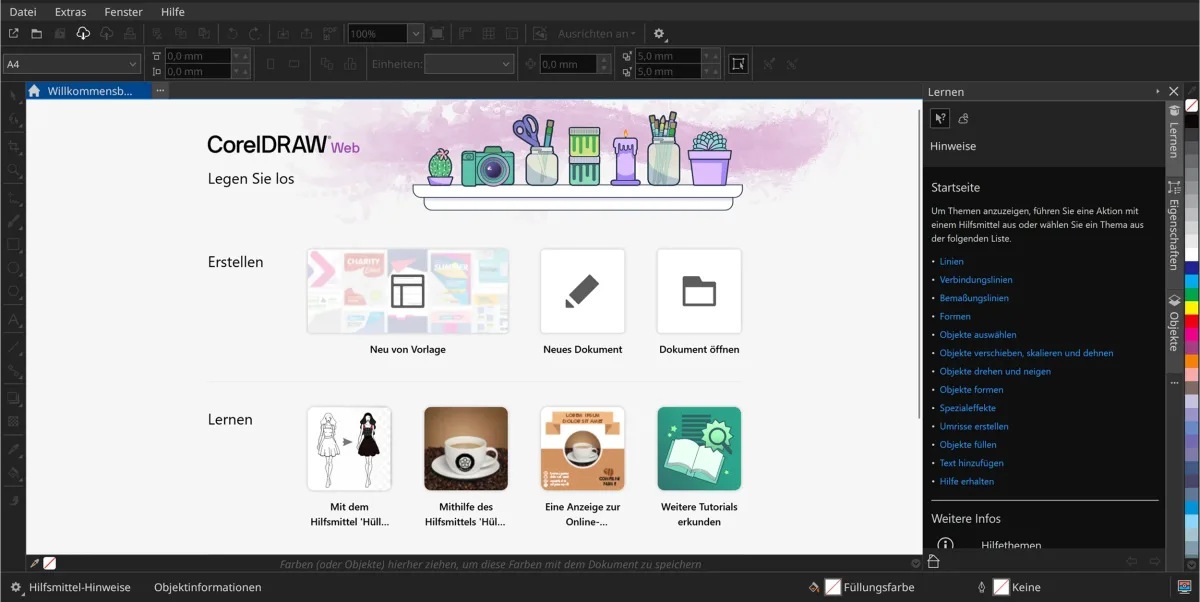
CorelDRAW Graphics Suite has been around since 1989, combining vector illustration, page layout, photo editing, and font management in one suite. It includes CorelDRAW for vector graphics, Corel PHOTO-PAINT, Font Manager, and CorelDRAW Web. Available for Windows, Mac, and as a browser-based version.
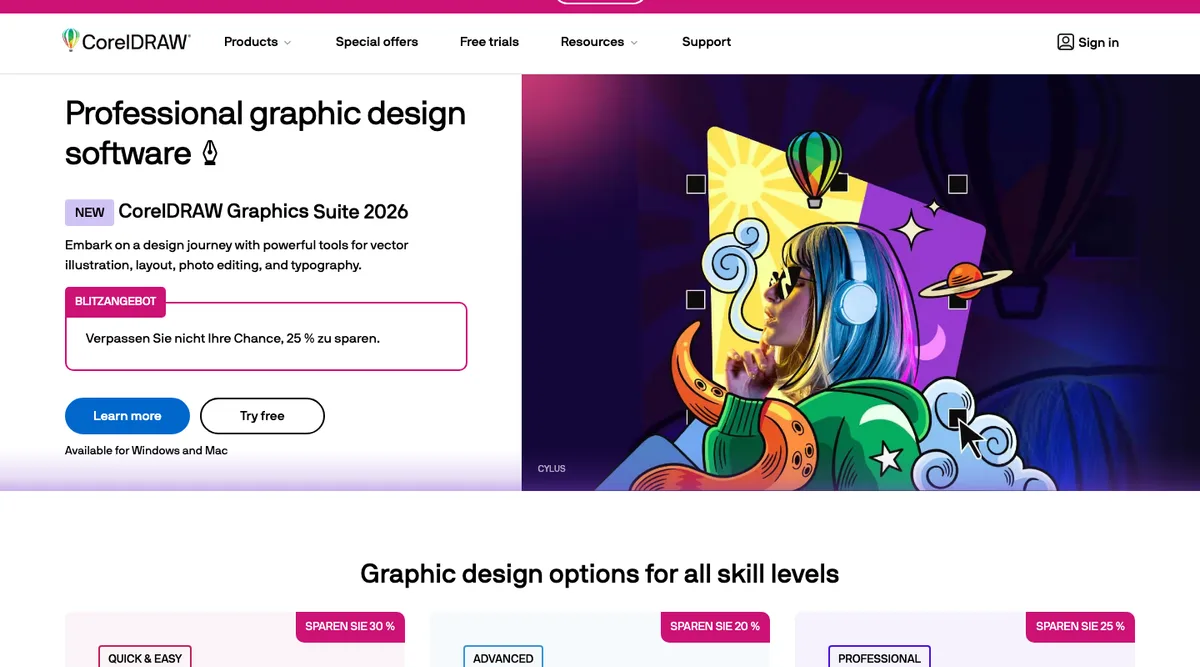
Key Features of CorelDRAW
Precise vector illustration tools
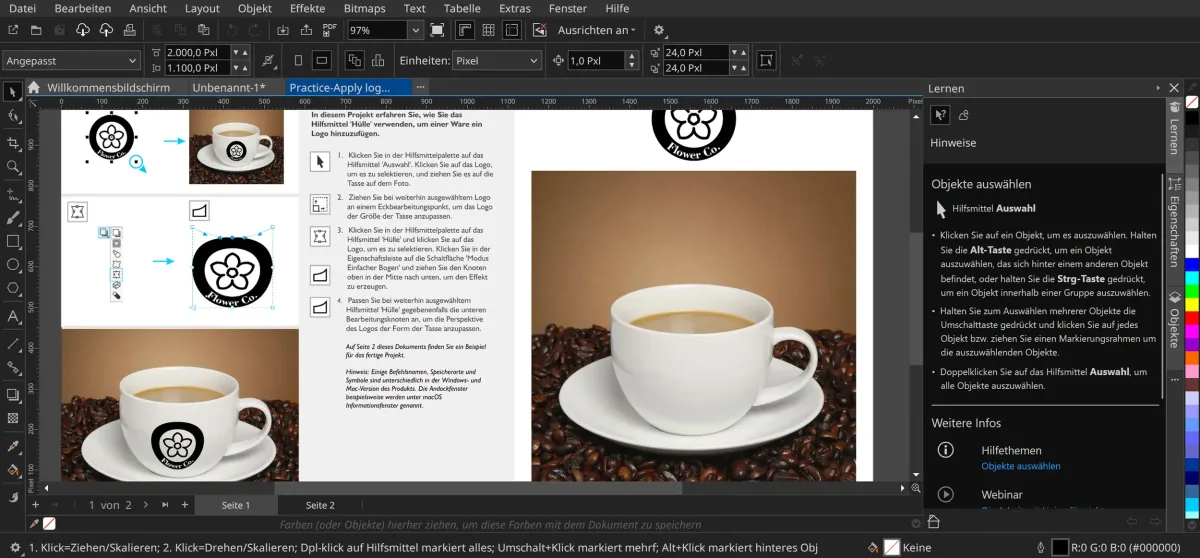
Page layout for multi-page documents (flyers, brochures, etc.)
AI-powered vectorization with PowerTRACE
Image editing with Corel PHOTO-PAINT
Multipage View: edit multiple pages simultaneously
Perspective drawing in 3D
Object Styles for consistent formatting
Non-destructive effects (fully reversible)
Built-in Pantone color palettes at no extra cost
Wide support for common file formats
Font Manager with 1,000+ professional fonts
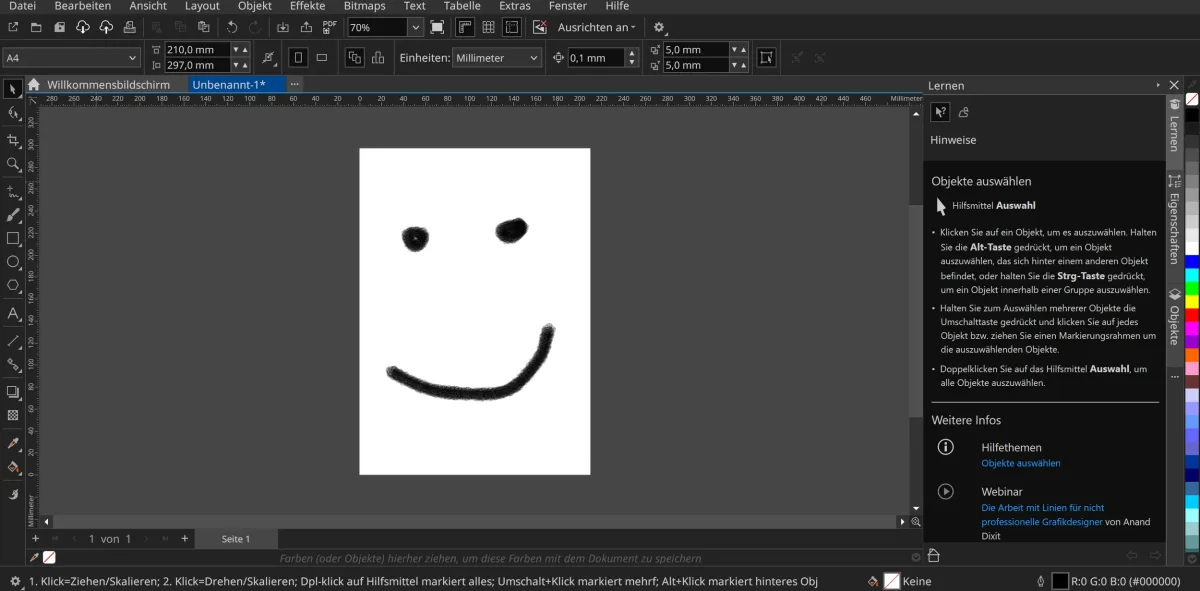
LiveSketch: freehand drawing with stylus or touch input
CorelDRAW Web: browser-based working from any device
Multi-asset export for a more efficient workflow
Native support for Windows 11 and macOS Sequoia
Why CorelDRAW Works Well for Freelancers
CorelDRAW's one-time purchase means predictable costs with no recurring monthly charge — well-suited to freelancers with variable income. The suite replaces several specialized tools: vector illustration, image editing, layout, and font management in one package. Built-in Pantone colors save money Adobe charges extra for, and strong file-format compatibility makes collaboration seamless. Alongside the Affinity suite, CorelDRAW is one of the most economical professional options available.
CorelDRAW Black Friday 2026: what to expect
On the perpetual licence, Black Friday is not the low point. Corel's own price feed carried a coupon-bound price all year that sat below every November price of the past two years.
| Year | Annual subscription | Perpetual licence |
|---|---|---|
| 2024, peak | −39% in Black Friday week | −31% |
| 2025, peak | −40% in the Cyber Monday extension | −40% |
| Rest of the year, coupon-bound | varies | a steady −45% |
| Checked today, 28 September 2026 | no promotional price | no promotional price |
Corel runs November in phases, from a preview through the campaign proper and Cyber Monday to an extension. Both times the peak fell not on the Friday but in the extension after it.
Two traps come with that. The subscription discount applies to the first year only, as Corel's own campaign copy says. The perpetual licence carries no such limit. And the headline figures meant different things in different markets: European banners quoted the subscription discount, US banners quoted absolute dollar amounts that came from the perpetual licence. One campaign, two numbers.
What coupon sites publish about the prior-year prices does not match Corel's own feed. The amounts quoted there were off in both directions.
What We Like — and What We Don't
Pros
- Industry standard for vector graphics and layout
- Precise tools for print and signage
- One-time license option, no subscription required
- Strong CMYK and Pantone color system support
Cons
- Steep learning curve, unsuitable for beginners
- Limited Mac version compared to Windows
- More expensive than Affinity Designer
CorelDRAW Pricing
The whole decision is one-time purchase versus subscription — the choice Adobe does not offer. The break-even lands inside year two: the first-year subscription price is a 40 % introductory discount, and one renewal later you are above the perpetual licence, which by then costs nothing further. Only if you use CorelDRAW for a single year and then stop does the subscription come out ahead; for a freelancer who uses it as a core tool, buying once is usually right — design software rarely changes enough year to year to justify a recurring fee. The catch with buying outright: your version freezes, and new releases and subscription-only features such as the monthly AI credits arrive only if you pay again. Two things soften the entry price: education discounts and upgrade pricing for owners of an older version. Corel prices by region and discounts often; there is a 15-day free trial.
Verdict: Is CorelDRAW Worth It for Freelancers?
CorelDRAW is a strong pick for freelancers who need professional design software without ongoing subscription fees. The one-time investment pays for itself within a few months versus Adobe Creative Cloud, covering logo development, print design, and image editing. The free trial makes it easy to verify that fit before committing.
Pricing
One-time purchase
€465
once, the 2026 version permanently
- No expiry, no further payment
- Version stays frozen
- Pays off from year two
Annual subscription
€219
in year one, then €369 a year
- Always the current version
- Subscription-only features
- Monthly AI credits
Prices may change — check the official website for current plans.
Alternatives by use case


Frequently Asked Questions
Should I buy CorelDRAW outright or subscribe?
The break-even lands inside year two. The €219 headline on the annual plan is a 40 % introductory discount off €369 — renew once and you are at €588, already more than the €465 one-time purchase, which by then costs nothing further. Buy perpetual if CorelDRAW is a core tool you will keep using; design software rarely changes enough year to year to justify a recurring fee. Subscribe only when you need it for a defined stretch — a six-month contract, say — and then not again. The trade-off with buying outright is that your version freezes: new releases and the subscription-only features arrive only if you pay again, at upgrade pricing or by moving to the annual plan later. Education discounts and upgrade pricing are worth checking before paying list price.
How much does CorelDRAW cost?
CorelDRAW Graphics Suite 2026 is available as a one-time purchase for €465 with permanent ownership, or on an annual plan at €219 for the first year — a 40 % introductory discount off the regular €369/year. The subscription adds subscription-exclusive features and monthly AI credits, and always keeps you on the current version. Prices as shown in the European store on 17 August 2026, incl. VAT; Corel prices regionally and discounts often.
Does CorelDRAW have a free trial?
Yes — a 15-day free trial lets you test all features risk-free before buying. Education discounts and upgrade pricing for owners of older versions are also available.
What are the best CorelDRAW alternatives?
Adobe Creative Cloud is the industry leader but more expensive (from $60/month), the Affinity Suite is a lower-cost professional option, Canva Pro is browser-based and beginner-friendly, and Inkscape is a free open-source alternative with a steeper learning curve. For browser-based design options, see our Canva alternatives guide.
Is CorelDRAW cheaper than Adobe Creative Cloud?
Yes. Compared to Adobe Creative Cloud (from $60/month), CorelDRAW's one-time purchase saves several hundred euros in the first year — with no mandatory subscription. Built-in Pantone color palettes are included at no extra cost, something Adobe charges extra for.
Is it worth waiting for a CorelDRAW Black Friday deal?
On the perpetual licence, not necessarily. Corel's own price feed carried a coupon-bound perpetual-licence price all year that sat below the November prices of both previous years. On the annual subscription November does more, though the discount applies to the first year only, as Corel's own campaign copy states. Two pointers: the campaign runs in phases across the whole month, and in both years the lowest price fell not on the Friday itself but in the extension after Cyber Monday.