MegaMeeting Review: Browser-Based Video Conferencing
Fastlancer Team · Published: Apr 21, 2026
Short verdict
Ideal for
- Anyone who needs browser video with no install on the other side
- Small teams with simple requirements
- Industries where participants resist installing software
Not ideal for
- Anyone who expects a contemporary interface
- Freelancers whose clients expect a familiar tool
- Entry price
- Free plan · paid from €9 / month
- Free to start?
- Yes — a free entry tier for small groups
- Stands out for
- Browser video with nothing for the other side to install
Daily client calls, project meetings, presentations — Zoom gets expensive, Skype is gone, and Microsoft Teams isn't always the right fit. MegaMeeting offers a smart alternative: fully browser-based with no downloads required, combining video meetings and webinar functionality at an accessible price point. Ideal for freelancers and online business owners who need professional online meetings without investing in expensive enterprise solutions.
What ist MegaMeeting?
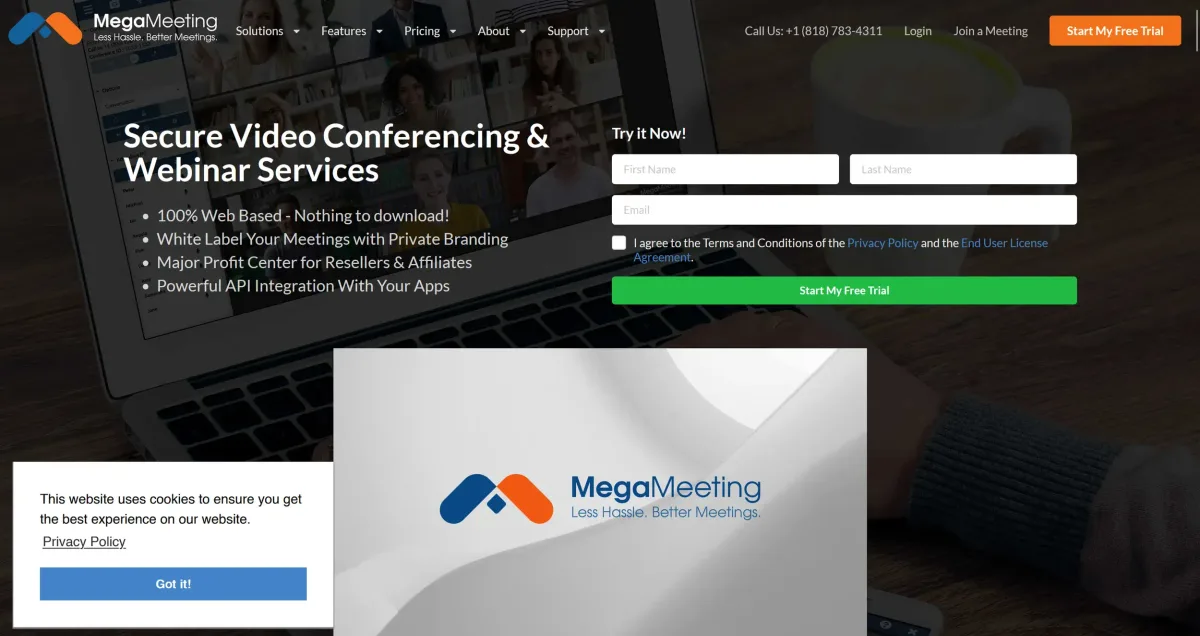
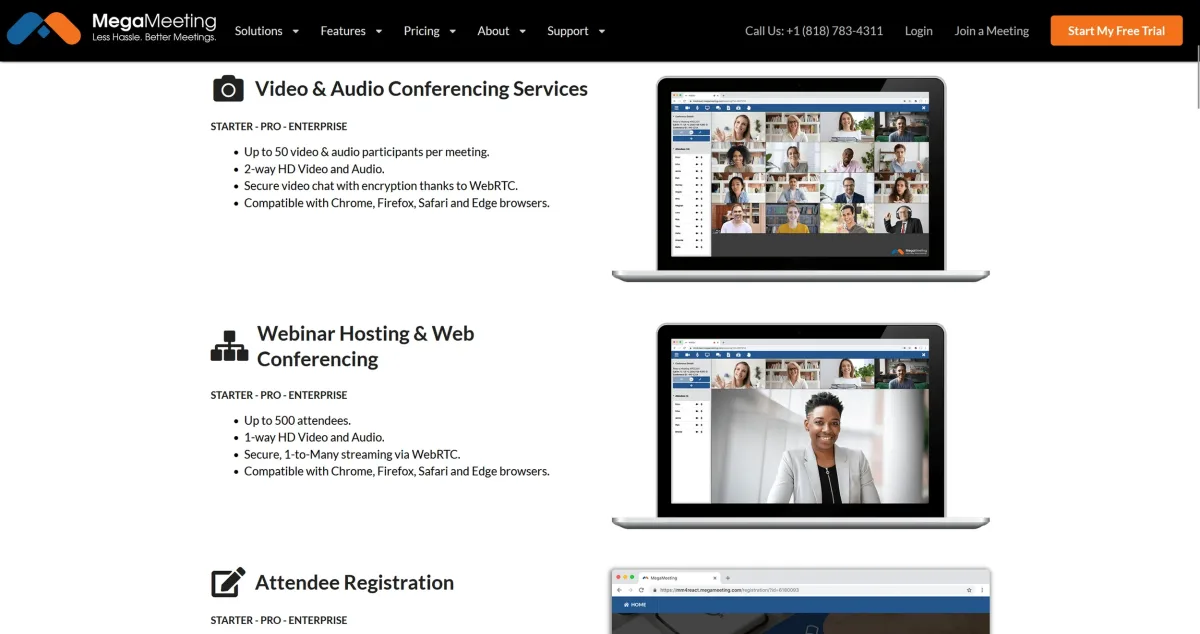
MegaMeeting is a web-based video conferencing and webinar platform built on WebRTC technology. The tool combines video meetings and webinar hosting in a single interface. The biggest advantage: attendees don't need to install anything. Everything runs directly in the browser. Hosted on Amazon Web Services for maximum security and reliability, it's a solid choice for freelancers who want a straightforward, professional meeting solution without creating technical barriers for clients.
Key Features of MegaMeeting
100% browser-based — no downloads or installations required
WebRTC technology for secure, encrypted connections
Combined video meetings and webinar features in one platform
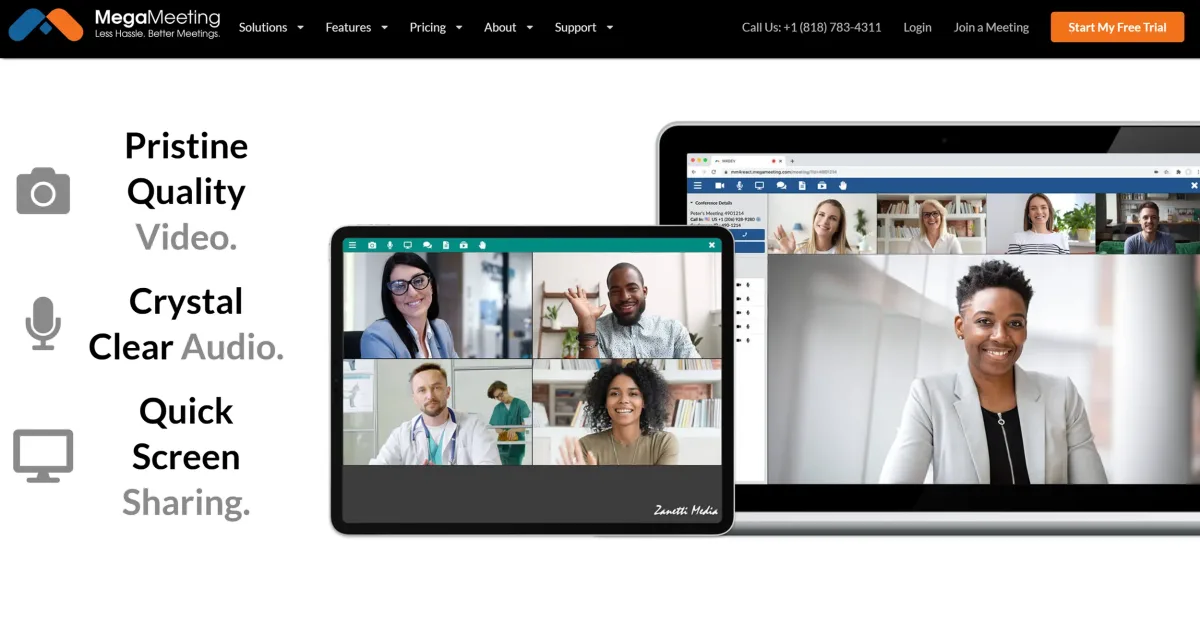
Screen sharing for presentations and demos
Recording functionality for all meetings and webinars
White-label options for custom branding
HIPAA compliance for sensitive business areas
Mobile support for iOS and Android via browser
Integrated chat during meetings
Meeting registration and attendee management
API integration for websites and custom applications
Presentation upload and management
Waiting room for controlled attendee admission
Multi-point video display for group conversations
Firewall-friendly — no port configuration required
Why MegaMeeting Works Well for Freelancers
Freelancers constantly communicate with clients, partners, and collaborators across multiple tools. MegaMeeting addresses the biggest pain point of professional video conferencing: the technical barrier for participants. Since everything runs in the browser, clients can join meetings without downloads, installations, or IT support — significantly reducing no-shows and technical friction before calls.
The combination of video meetings and webinar features means you can run both small client conversations and larger presentations from the same platform. The recording function is genuinely valuable: client calls can be documented and presentations shared afterward. White-label options allow professional branding without extra cost. HIPAA compliance makes the tool usable for freelancers operating in sensitive fields like healthcare or finance.
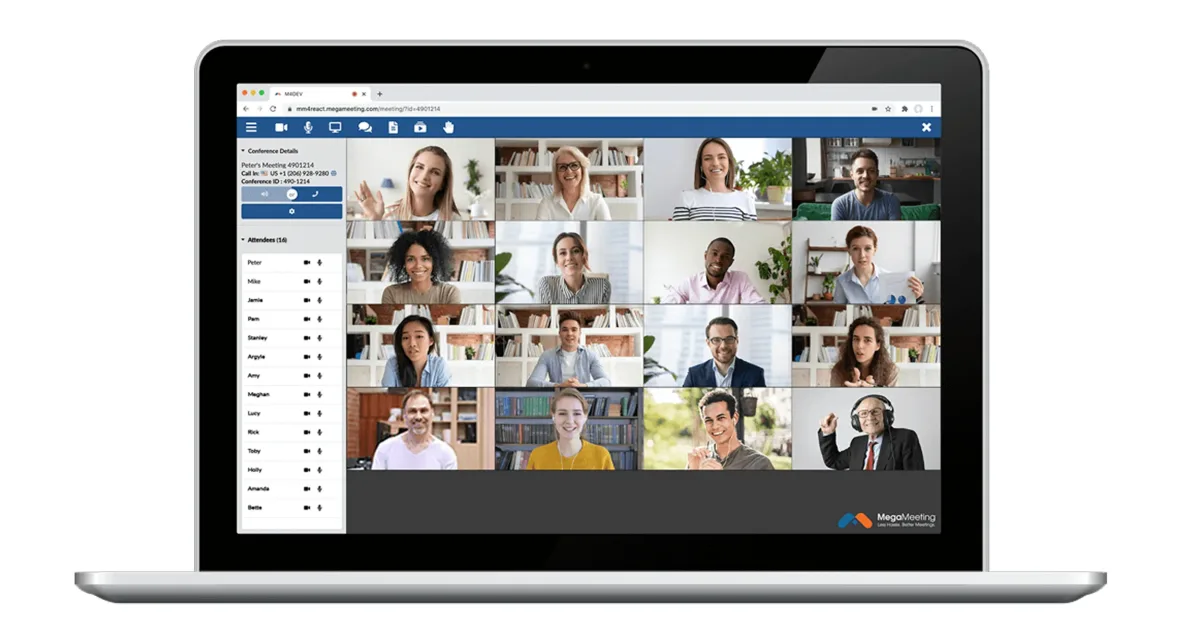
What We Like — and What We Don't
Pros
- Browser-based with no app download required
- Webinar and meeting features combined
- Good options for large events
Cons
- Interface feels outdated vs Zoom, Teams
- Clients often unfamiliar with the tool
- Limited integration options with other tools
MegaMeeting Pricing
MegaMeeting offers flexible plans for different needs.
The Starter plan costs $19/month and supports video meetings and webinars with up to 20 attendees.
The Pro plan at $29/month scales up participant capacity and adds premium features.
Compared to Zoom Business or GoToMeeting, MegaMeeting includes more webinar features at the entry level. The browser-based approach also saves on IT costs since no software licenses or installations are needed. Enterprise plans with unlimited attendees and white-label features are available on request. A free trial is available for all plans. Billing is available monthly or annually with no hidden fees.
Note: Prices reflect the date of publication and may have changed. Always check current pricing on the official MegaMeeting website.
Verdict: Is MegaMeeting Worth It for Freelancers?
MegaMeeting is a solid choice for freelancers who need a straightforward, no-friction meeting solution. The combination of video meetings and webinar features in one platform offers strong value for money. For freelancers who regularly present to clients or work in sensitive sectors, the HIPAA compliance is a meaningful advantage.
For budget-conscious freelancers looking for a reliable alternative to pricier options like Zoom or Teams, MegaMeeting delivers a cost-effective yet professional solution. The free trial makes it easy to test everything before committing.
Pricing
Free
Free
free entry tier for small groups
- Browser video
- No install on the other side
- Limited participant count
Pro
$9
per month billed annually, $29 monthly
- More participants
- Webinar features
- Recording
Enterprise
$99
per month
- Large events
- Advanced administration
- Priority support
Prices may change — check the official website for current plans.
Price history
Checked Oct 13, 2026 · 2 plans unchanged since Sep 14, 2026