HyperWrite Review: AI Writing Assistant for Freelancers
Fastlancer Team · Published: Apr 21, 2026
Short verdict
Ideal for
- Anyone who wants writing suggestions inside the browser
- Freelancers finishing routine text faster
- Users who prefer an extension over another tab
Not ideal for
- Anyone producing technically demanding copy
- Users who work outside the browser
- Entry price
- Free plan · paid from €1,999 / month
- Free to start?
- Free entry tier with a monthly suggestion cap
- Stands out for
- Writing suggestions inside email, docs and your CMS, without switching tabs
Struggling with writing — whether because of tight deadlines, a lack of inspiration, or simply wanting to work more efficiently? The right tool can make writing faster, easier, and a lot less stressful. HyperWrite AI promises to do exactly that: from brainstorming to final edits, it's built to take the friction out of the writing process.
But is it actually worth using? In this article we take a close look at HyperWrite's features, its strengths and weaknesses, and whether it's a good fit for your workflow.
What is HyperWrite?
HyperWrite AI is an advanced AI writing assistant designed to make writing simpler, faster, and more efficient. The platform helps users create, edit, and optimize content across a wide range of formats.
Whether you're writing blog posts, emails, reports, or social media content, HyperWrite supports you with suggestions, rewrites, and even research assistance. Unlike basic grammar tools, HyperWrite provides real-time support with high flexibility — helping you structure your thoughts clearly, develop creative ideas, and find the right tone and style. With its broad feature set, the tool is designed for freelancers, content creators, small business owners, and anyone who wants to write more efficiently.

Key Features of HyperWrite
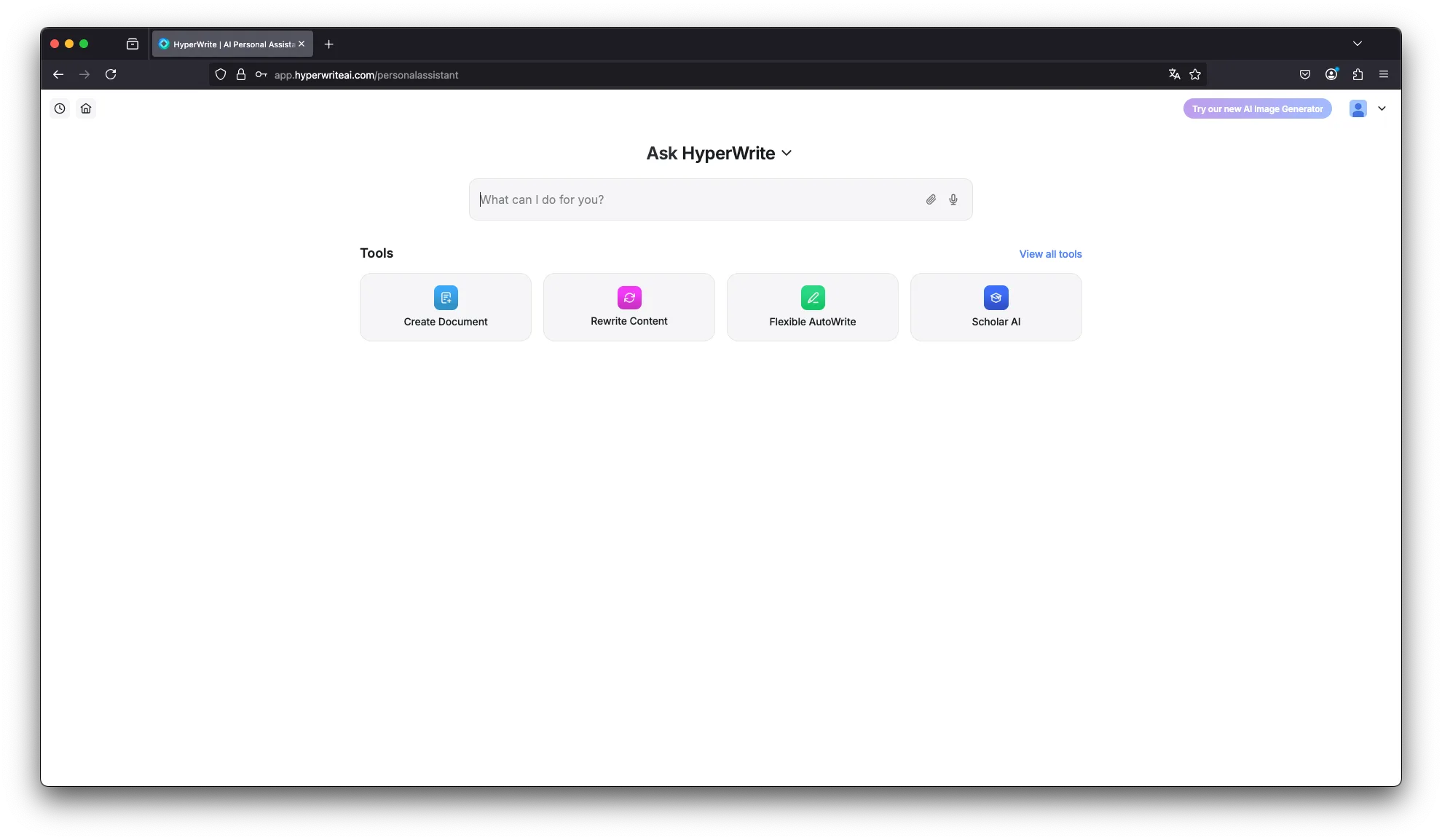
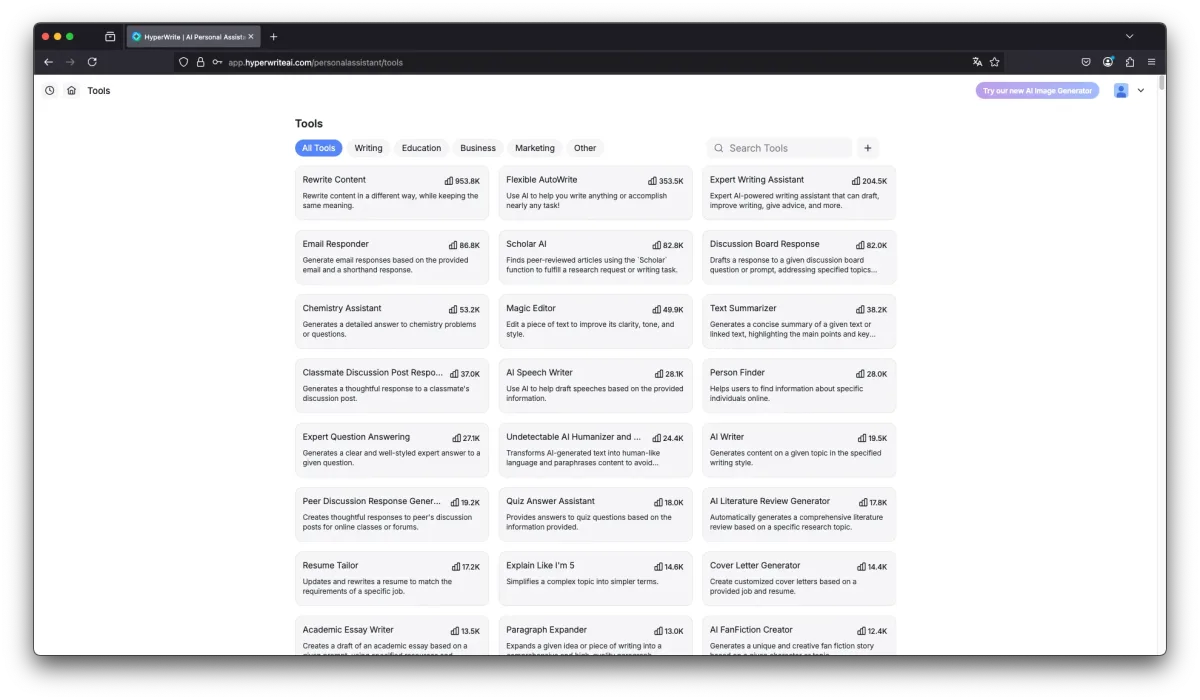
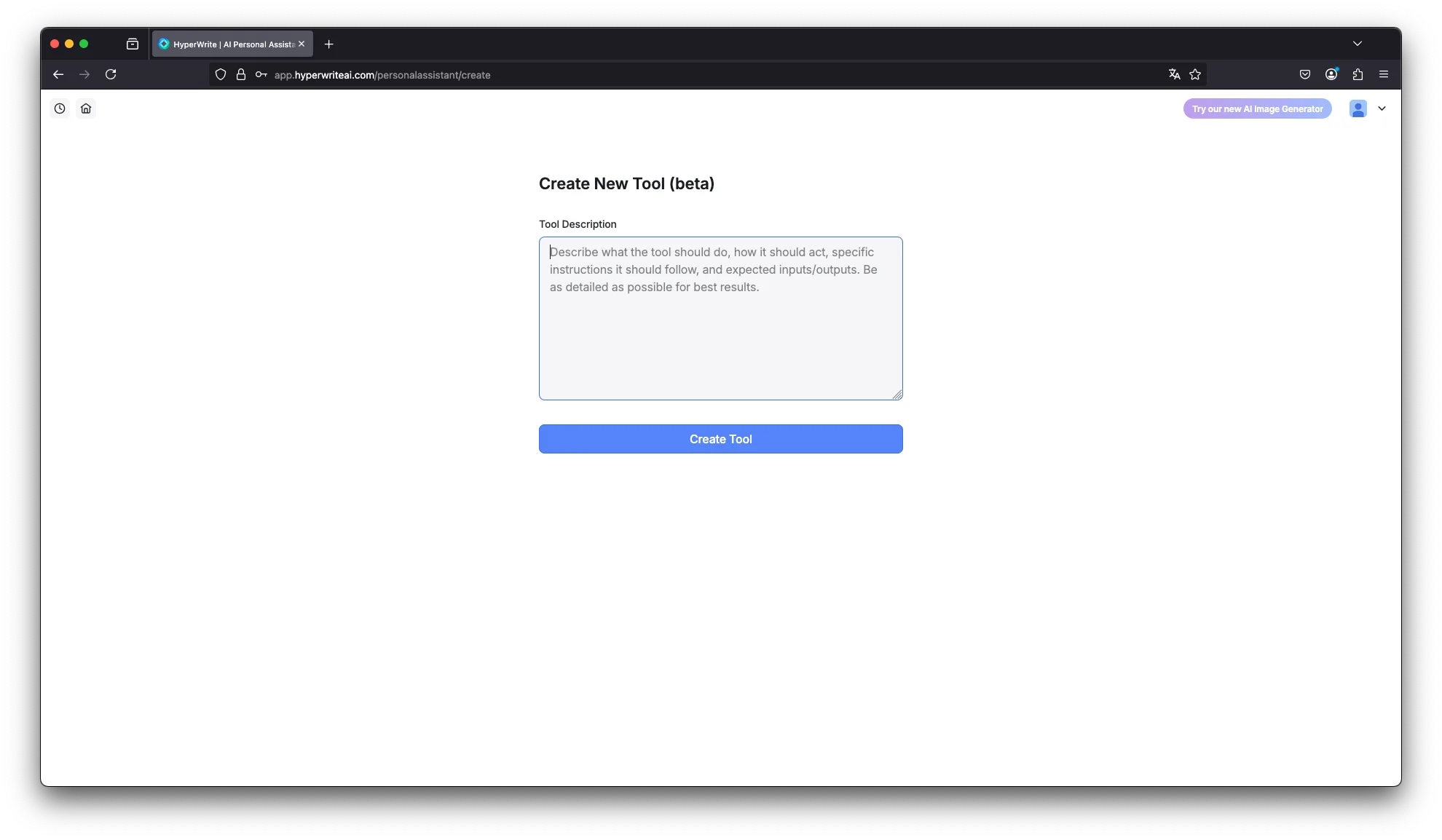
Flexible AutoWrite Automatically generates content on any topic, significantly speeding up the writing process.
Summarizer Condenses long texts or articles down to the essentials, highlighting the key points.
Explain It Like I'm Five Simplifies complex topics to make them easier to understand and communicate.
Rewrite Content Rephrases existing content without changing the meaning — ideal for creating content variations.
Email Responder Automatically generates reply suggestions based on incoming emails, saving time on routine communication.
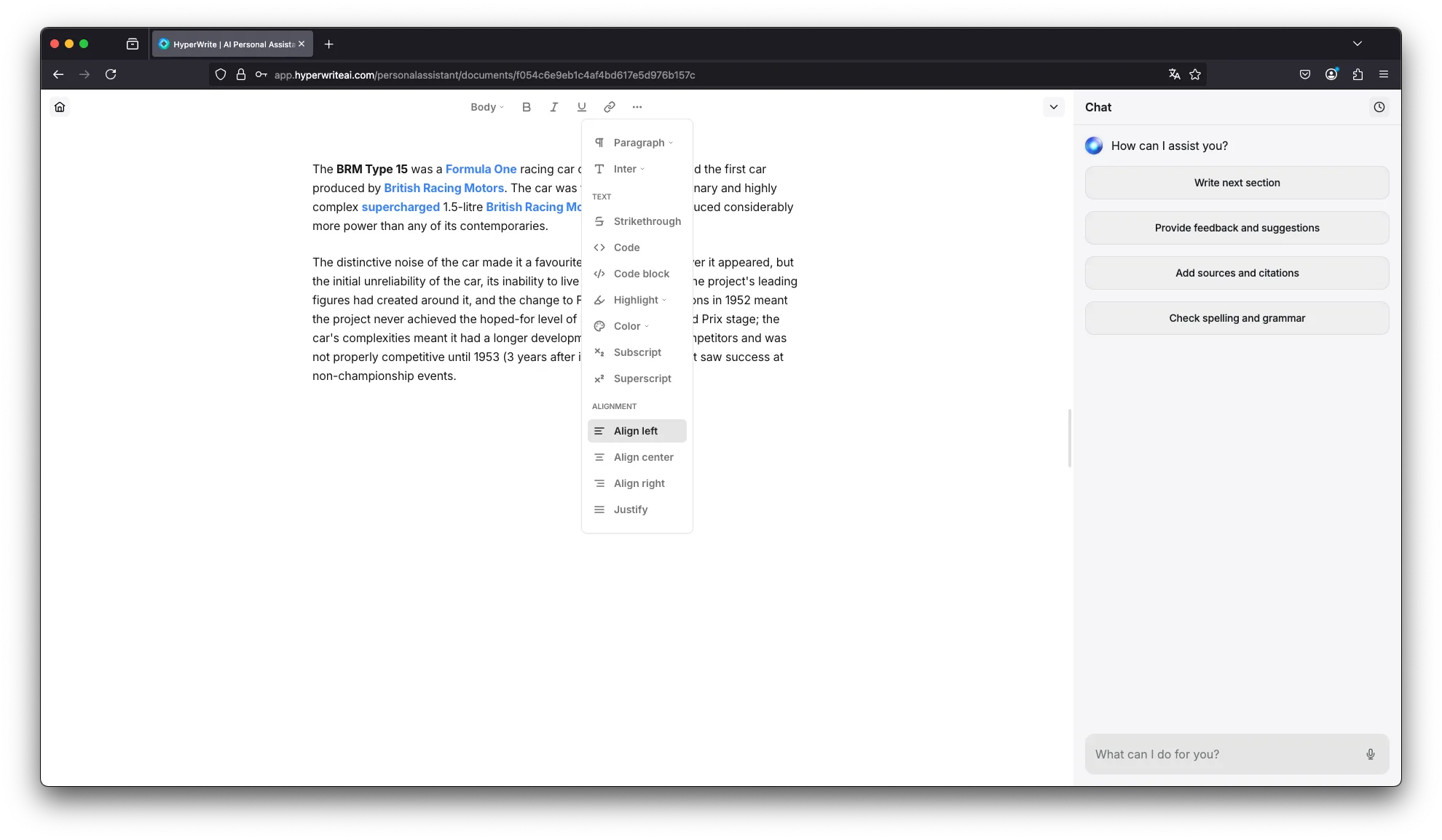
Magic Editor Revises text to improve clarity, tone, and style.
AI Speech Writer Creates speeches based on outlines or topic briefs, including suggested quotes.
Scholar AI Assists with sourcing credible academic references in real time — useful for research-backed writing.
This is just a small selection of what the tool can do — HyperWrite has many more functions beyond these highlights.
Who Is HyperWrite For?
Freelancers: For client projects, blog posts, or proposals — HyperWrite helps you work faster and hit deadlines with less stress.
Content creators: For bloggers, marketers, and creators — ideal for topic development, copy optimization, and overall quality improvement.
Students: The Summarizer and research features are especially useful for essays, papers, and presentations.
Small business owners: For website copy, product descriptions, and client communication — efficient and professional.
What We Like — and What We Don't
Pros
- AI writing assistant as Chrome extension
- Real-time autocomplete across emails, docs, CMS
- Learns and adapts to your writing style
- Free plan with daily usage quota
Cons
- Suggestion quality varies on technical topics
- Browser-dependent with no desktop client
- Less powerful than Jasper or Claude
HyperWrite Pricing
HyperWrite offers flexible plans for different needs:
Premium plan — $16/month (billed annually)
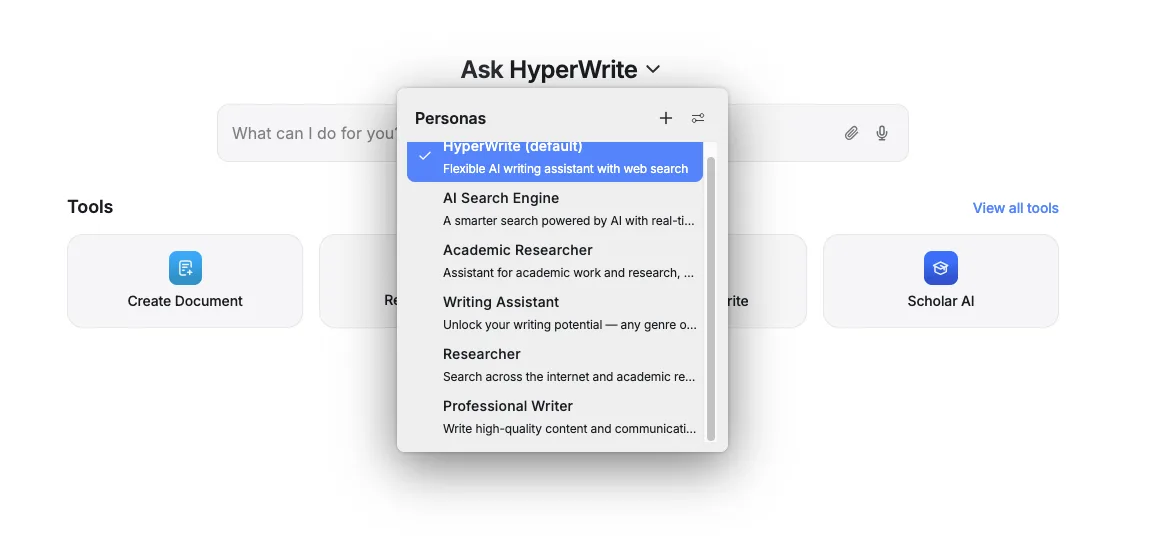
250 AI messages per month, access to citations and real-time information, three custom personas, hundreds of AI tools, and unlimited TypeAhead auto-completions.
Ultra plan — $29/month (billed annually)
Unlimited AI messages, ten custom personas, priority access to new features, and unlimited TypeAheads.
Note: Prices reflect the date of publication and may have changed. Always check current pricing on the official HyperWrite website.
Verdict: Is HyperWrite Worth It?
Whether HyperWrite is worth it depends largely on how much you write.
If you regularly create content and want to save time on research, ideation, or editing, HyperWrite is an excellent choice — especially for freelancers, content creators, and online business owners who work with text daily. It's a genuine productivity boost for anyone whose output depends on writing quality and speed.
If you only occasionally need writing help, the premium pricing might feel hard to justify. But for those who write every day, the time saved and quality gains make HyperWrite well worth trying.
Pricing
Premium
$19.99
per month, $16 billed annually
- 250 AI messages a month
- Citations and real-time data
- Three custom personas
Ultra
$44.99
per month, $29 billed annually
- Unlimited AI messages
- Ten custom personas
- Early access to new features
Prices may change — check the official website for current plans.
Price history
Checked Oct 13, 2026 · 2 plans unchanged since Sep 14, 2026
Alternatives by use case


Frequently Asked Questions
What is HyperWrite?
HyperWrite is an AI writing assistant that helps you create, edit and optimize content — from blog posts and emails to reports and social media copy. It runs directly in the browser as a Chrome extension with real-time autocomplete and can learn and adapt to your personal writing style.
How much does HyperWrite cost?
The Premium plan costs $16/month (billed annually) and includes 250 AI messages per month, citations, three custom personas and unlimited TypeAhead auto-completions. The Ultra plan at $29/month adds unlimited AI messages and ten custom personas.
Does HyperWrite have a free plan?
Yes — HyperWrite offers a free starter plan with a daily usage quota, so you can test the assistant before upgrading to Premium or Ultra.
How does HyperWrite compare to tools like Jasper?
HyperWrite is less powerful than dedicated tools like Jasper or Claude for complex or technical content. Its strength is browser integration: real-time autocomplete in emails, docs and CMS platforms, plus style adaptation — making it best for everyday writing rather than heavy long-form production.