Zoho: The All-in-One Business Suite for Ambitious Freelancers
Fastlancer Team · Updated: Jun 10, 2026
Short verdict
Ideal for
- Small businesses that want CRM, accounting and projects under one account
- Anyone replacing many separate apps with a suite
- Teams with international clients
Not ideal for
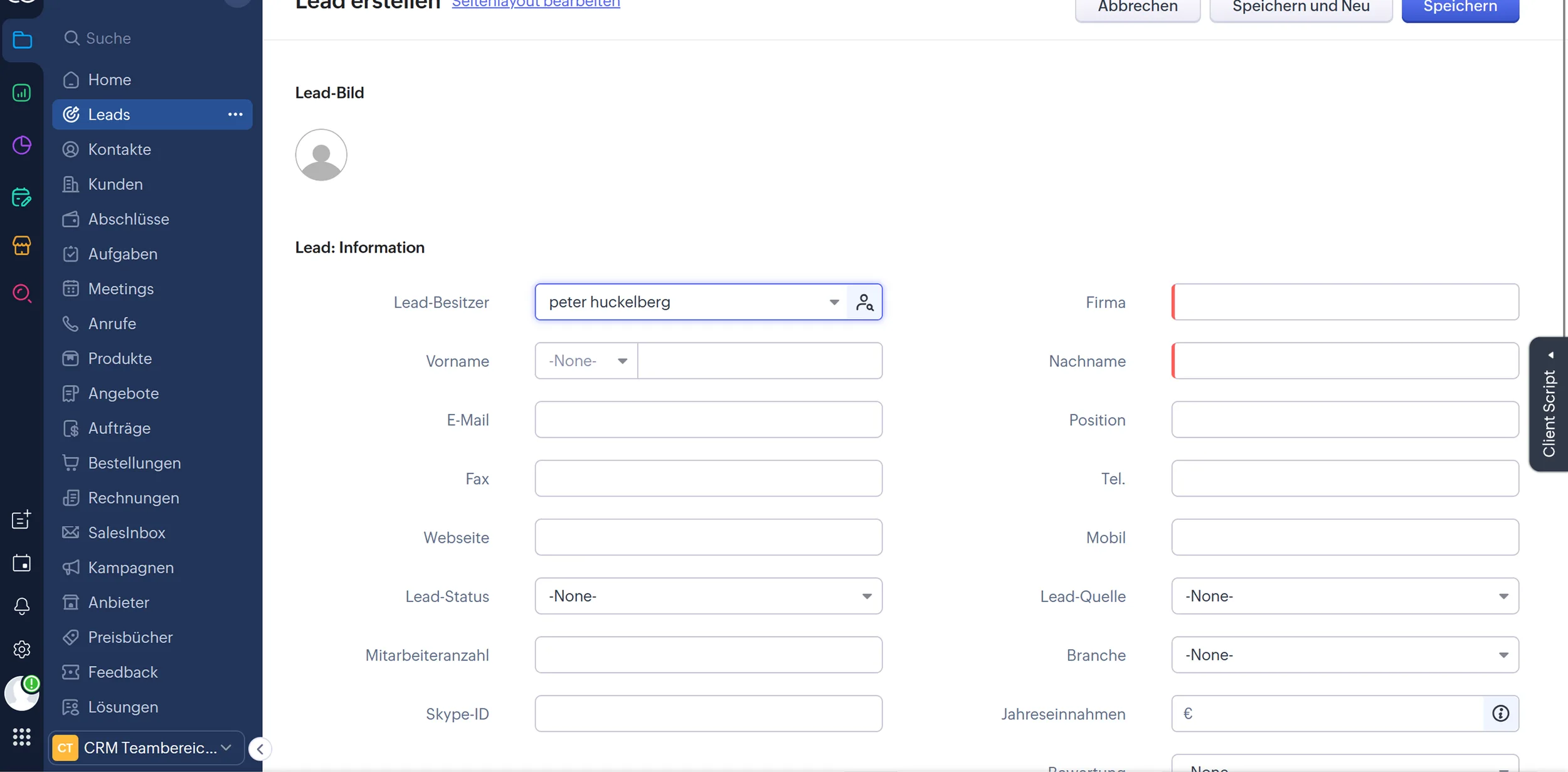
- Anyone who expects a tidy, modern interface
- Freelancers who need only one tool
- Entry price
- Free plan · paid from €4 / month
- Free to start?
- 15-day trial per application
- Stands out for
- A complete suite of CRM, accounting, mail and projects at a fraction of competitor pricing
As a growing freelancer, you're juggling multiple tools — CRM here, project management there, accounting somewhere else, email marketing on another platform. That costs money and productivity as you constantly switch contexts.
Zoho solves this with a single suite of 40+ integrated business apps, starting from about €37/month. CRM, project management, and accounting work together seamlessly — ideal for freelancers who want to structure and scale their business.
What is Zoho?
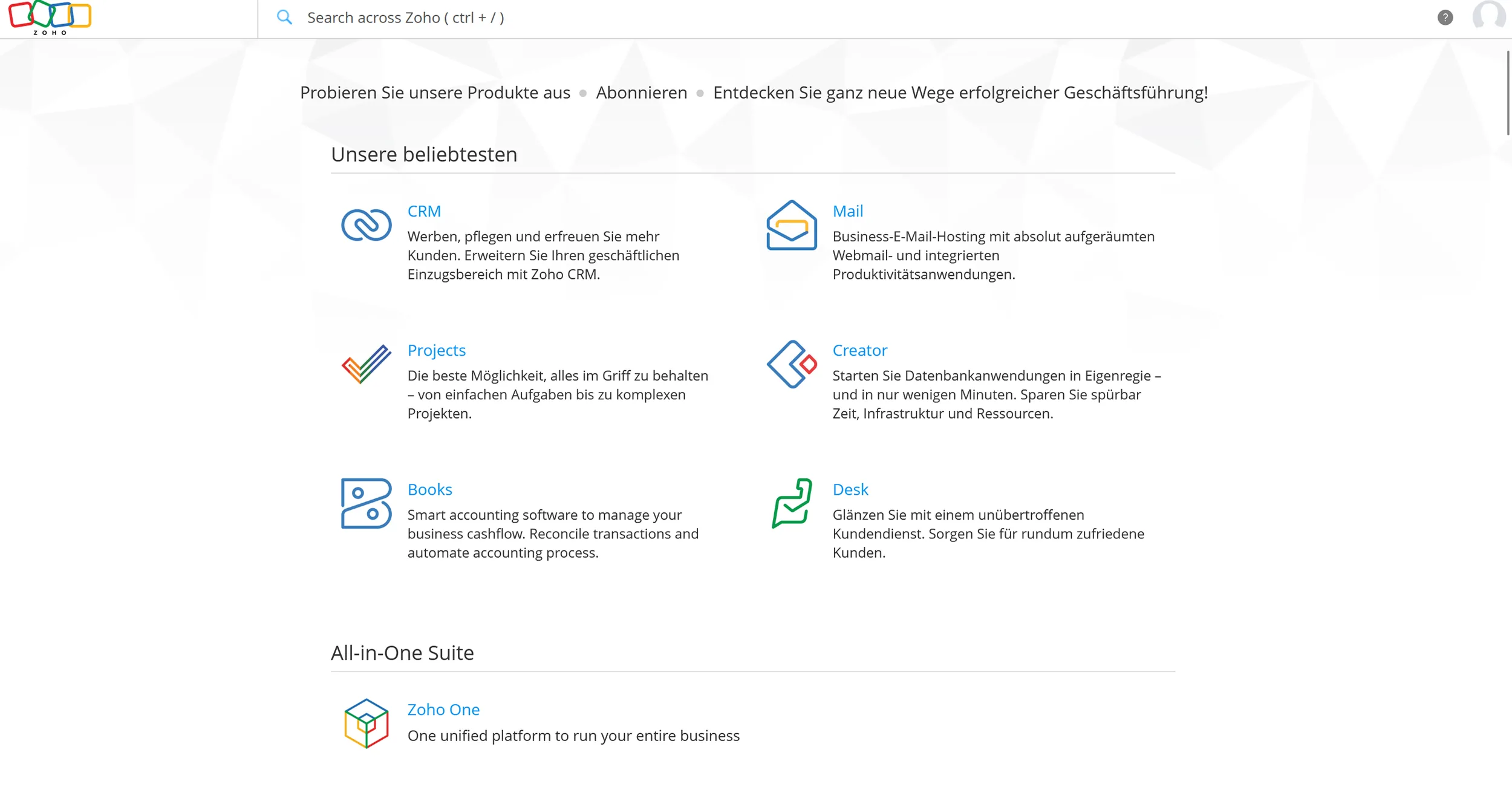
Zoho is a cloud-based business software suite developed by Zoho Corporation (founded 1996), combining 40+ apps into one integrated ecosystem — CRM, project management, accounting, marketing, HR, and website building. The most attractive option for freelancers is Zoho One, which provides access to all apps for a fixed monthly price. Data flows seamlessly between apps without third-party connectors, manual imports, or spreadsheets.
Key Features of Zoho
Zoho covers nearly every business function:
Zoho CRM – Customer relationship management and sales automation
Zoho Projects – Project management with integrated time tracking
Zoho Books – Accounting, invoicing, and tax reporting
Zoho Campaigns – Email marketing and newsletter creation
Zoho Forms – Custom forms for lead capture and surveys
Zoho Sites – Website builder without coding
Zoho Mail – Professional email hosting with custom domains
Zoho Sign – Digital signatures and document workflows
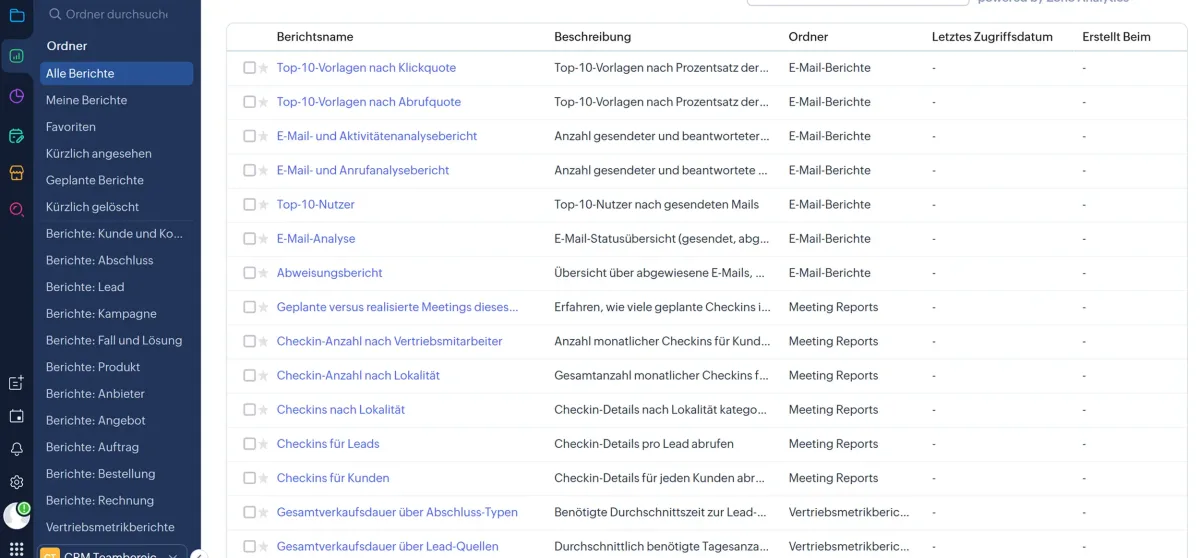
Zoho Analytics – Advanced reporting and business intelligence
Zoho People – HR and personnel management
Zoho Inventory – Inventory and stock management
Zoho Desk – Customer support and ticketing system
Zoho Social – Social media scheduling and analytics
Zoho Creator – No-code app builder
Zoho WorkDrive – Cloud storage and collaboration
Why is Zoho ideal for freelancers?
Zoho One gives you a fully integrated business environment instead of disconnected tools stitched together manually. When a lead converts in the CRM, a project can be created automatically and the invoice generated — saving hours daily. The "All Employee" plan means you pay for one user (yourself) while accessing enterprise features across all apps. All data stays in one system, and the mobile apps enable location-independent work. Zoho scales from your first client lead to a multi-employee company.
What we like about Zoho — and what we don't
Pros
- Comprehensive suite: CRM, accounting, mail, projects
- Very affordable vs Salesforce or HubSpot
- Free starter plans for most apps
- Strong automation between Zoho apps
Cons
- Interface and UX behind modern competitors
- Support quality inconsistent, long wait times
- Some apps feel incomplete or outdated
Zoho pricing
Zoho One's "All Employee" plan is the sweet spot for solo businesses: it licenses everyone in the company and includes all 40+ apps in their Enterprise editions. If you do not want to license every employee, the "Flexible User" plan costs more than twice as much per user — that jump is the real decision. Individual apps (CRM, Books, Projects) are cheaper on their own, but you lose the cross-app integrations that make the bundle worth it. What the cards cannot show: monthly billing runs about a fifth above the annual rate, and against Microsoft 365 or Google Workspace you are not buying an office suite but a far larger set of specialised business apps. A 30-day free trial covers all features.
Conclusion: Is Zoho worth it for you as a freelancer?
The "All Employee" plan at €37/month is hard to beat for solo businesses. Integrated data flows eliminate tool chaos and create real efficiency gains. If you're willing to invest time upfront into setup, Zoho delivers strong long-term value. For very specialized niche functions, individual tools may fit better.
Pricing
All Employee
€37
per employee/month billed annually, €45 monthly
- 40+ apps in the enterprise edition
- All integrations
- Licence required per employee
Flexible User
€90
per user/month billed annually · no minimum licence count
- 40+ apps
- No minimum licences
- For small teams with few users
Individual apps
from €4
per month per application
- CRM, Books or Projects separately
- Without the suite integrations
- Some with a free tier
Prices may change — check the official website for current plans.
Alternatives by use case
- Zoho Books If only the accounting part of the suite is needed
- Zoho CRM If only the CRM part is needed
- Notion If a flexible workspace beats a suite



Frequently Asked Questions
What exactly is Zoho?
Zoho is a comprehensive business software suite with over 55 individual applications — from CRM, email, and accounting to project management, HR, and marketing. Zoho is primarily an affordable alternative to Salesforce or HubSpot for small and medium businesses.
Is Zoho free?
Many Zoho apps have free starter plans — for example Zoho CRM (up to 3 users), Zoho Mail (up to 5 users), Zoho Projects. The free plans are functionally limited but offer a good starting point. Paid plans typically start at $10–20/user/month.
Zoho vs. Salesforce — what's the difference?
Zoho is significantly cheaper than Salesforce (often 5–10x less) and includes more apps in one suite. Salesforce is more powerful, more scalable, and has a larger integration ecosystem. For solo freelancers and small teams Zoho is almost always the better choice — Salesforce only makes financial sense for larger businesses with specific CRM requirements.
Is Zoho worth it for sole traders?
It depends. If you only need a CRM or accounting tool, there are cheaper specialized providers. Zoho makes sense when you want to manage multiple business areas (CRM + email + projects) in one place and can benefit from the tight Zoho-to-Zoho integrations.