Coda Review 2026: The Flexible Workspace Is Now Superhuman Docs
Tim Wittke · Updated: Jul 22, 2026
Affiliate link — we may earn a commission if you sign up, at no extra cost to you. How we test
Ideal for
- Freelancers who want projects, tasks and client data in one workspace
- Consultants and project managers who invite clients as free viewers
- Teams that find Notion tables too weak and Airtable too document-poor
- Solo founders building small no-code apps on top of their docs
USP
Docs, databases and automations in one tool — you only pay per Doc Maker, clients and viewers are free
Free to start?
Yes — free plan forever; paid plans include a trial period
Pros & Cons
Pros
- Documents and databases in one — no tool switching required
- Powerful formulas and automations without coding knowledge
- Real-time collaboration with team comments
- Many pre-built templates for typical freelance workflows
Cons
- Steeper learning curve than Notion for simple use cases
- Can slow down with very large docs
- More expensive than many alternatives at the premium tier
Coda combines text, tables, tasks, and automations in a single tool — making it a strong all-in-one workspace for teams and solo freelancers who need structure and flexibility.
Coda in 30 seconds
Coda is now Superhuman Docs
Since July 8, 2026, Coda operates as Superhuman Docs: after the Grammarly acquisition, the product family was bundled under the Superhuman brand — Grammarly, Superhuman Mail, Superhuman Go, and Docs. Little changes for users so far: existing docs, accounts and integrations keep working, coda.io redirects to superhuman.com, and existing customers keep their current pricing. We stick with the established name Coda in this review, since that is what the product is known as.
What Exactly Is Coda?
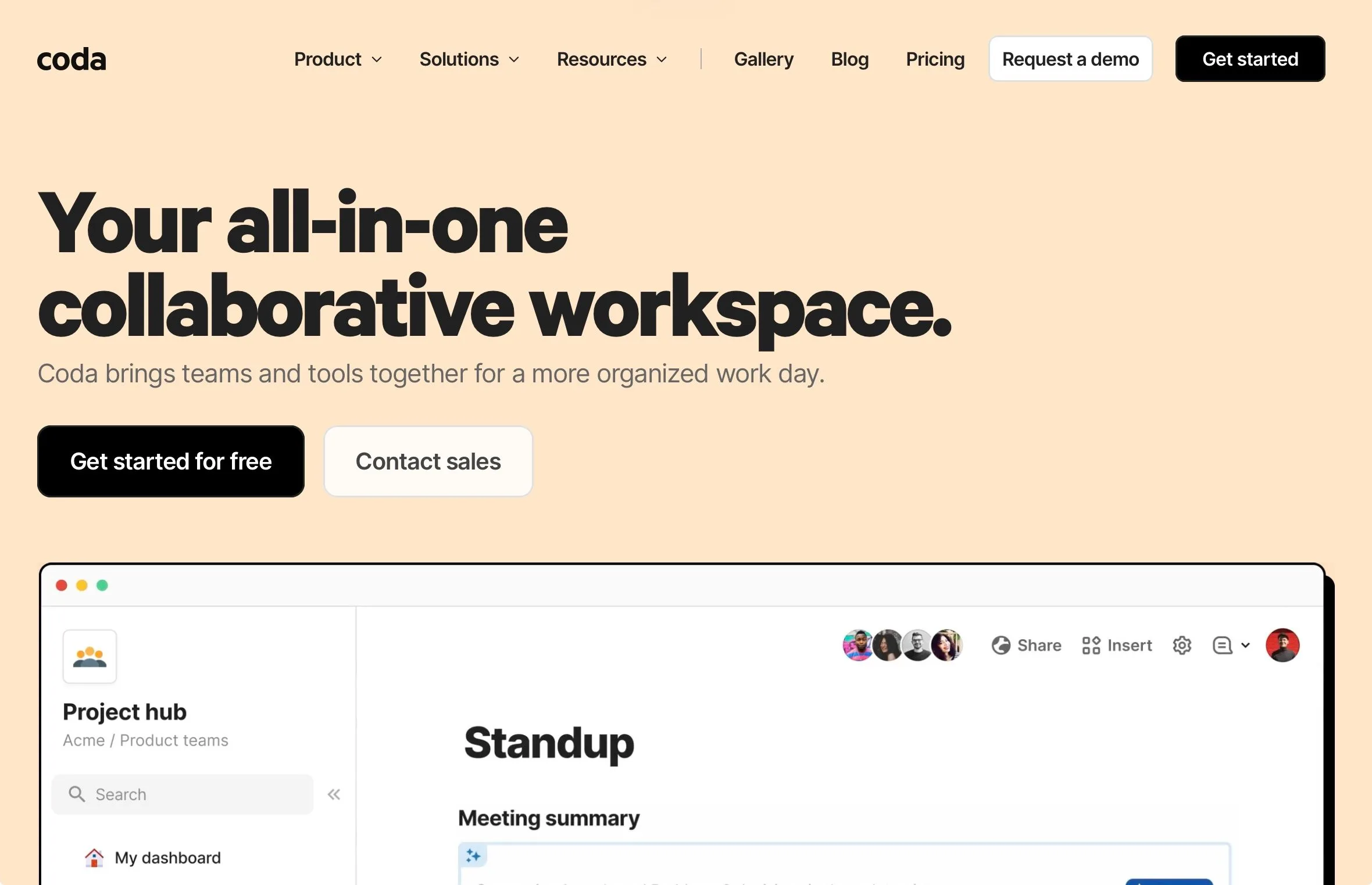
Coda merges documents, spreadsheets, and apps into one collaborative environment. Unlike traditional document editors, it lets you build interactive docs that function like real applications. Over 50,000 teams use it as an alternative to Google Docs, Notion, or Airtable.
Key Features of Coda
Interactive tables: Database-style tables with dropdowns, formulas, and multiple views — Kanban, calendar, or cards
Building Blocks system: Combine text, tables, buttons, and other elements into functional documents
Coda AI integration: AI for content generation, text creation, and data management
600+ integrations (Packs): Connect Slack, Google Sheets, Spotify, Dropbox, and more
Automation: Custom buttons and formulas — no coding required
Real-time collaboration: Work simultaneously with clients and partners
Template library: Ready-made templates for project management, time tracking, invoicing, and more
Cross-doc functionality: Sync data automatically across multiple documents
Why Is Coda Ideal for Freelancers?
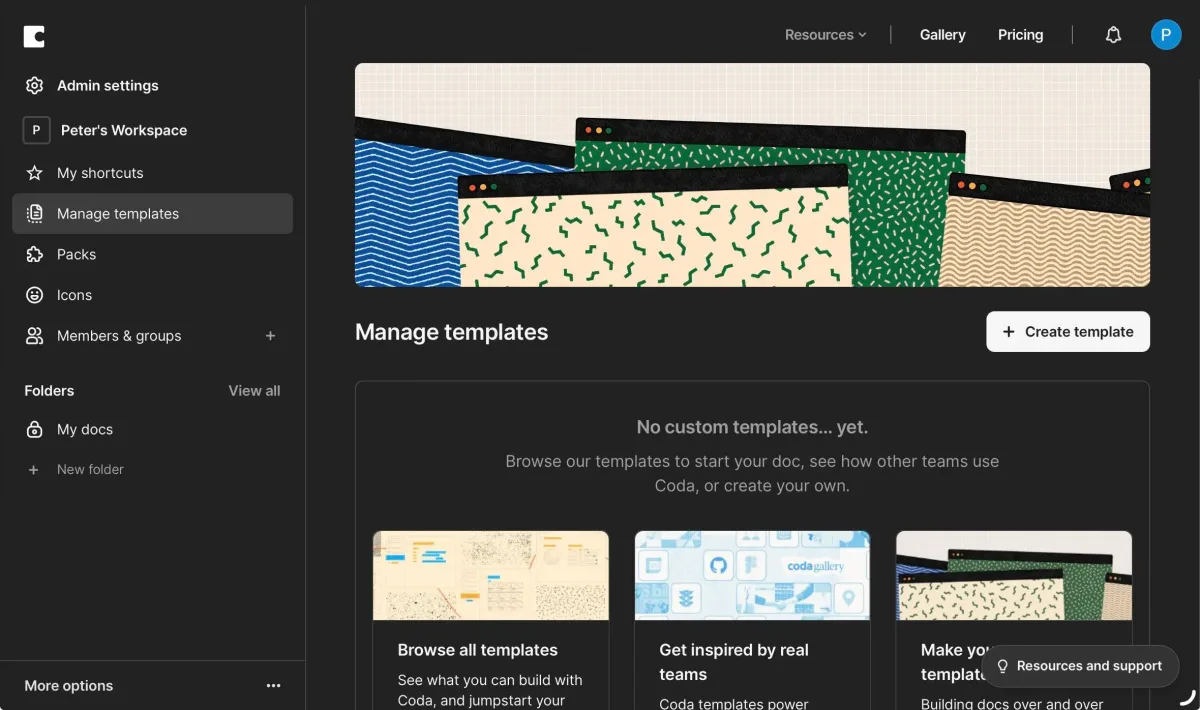
Coda can serve as a central workspace for project structure, task management, time tracking, invoicing, and client collaboration — all in one tool. Only document creators ("Doc Makers") require a paid seat; clients who view or comment can be invited free of charge, keeping costs lean.
What We Like – and What Could Be Better
Coda Pricing
Coda bills per Doc Maker, not per workspace member. The free plan covers personal docs indefinitely; shared docs hit a size limit. Pro is $12/month per Doc Maker ($10 billed yearly) and removes the size limit, with 30-day version history. Team is $36/month ($30 yearly) with unlimited history, cross-doc sync and admin controls; Enterprise on request. The key advantage stays: clients who only view or comment never count as paid seats. As of July 2026 — current rates at superhuman.com.
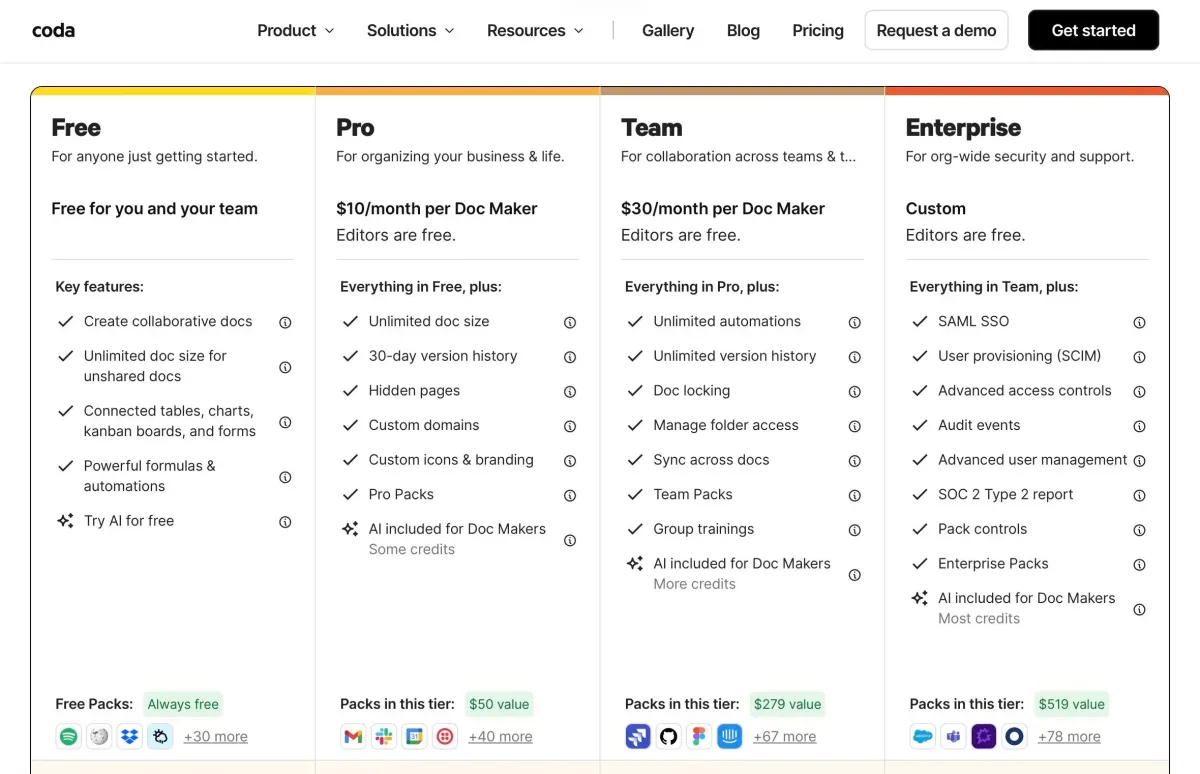
Note: Prices may change at any time. Please check the official website for the latest details.
Alternatives to Coda
Notion: Similar all-in-one functionality but less powerful tables and a different pricing structure
Airtable: Strong database focus but fewer document features
Monday.com: Intuitive project management but less document flexibility
ClickUp: Comprehensive project management with a more complex interface
Google Workspace: Reliable tools but less integration between functions
Coda stands out for its balance of flexibility, collaboration, and pricing efficiency — particularly for freelancers managing client-facing projects.
Coming from the Notion side? Our Notion alternatives guide ranks Coda against ClickUp, Asana, Trello, monday.com and Obsidian.
This is an affiliate link. If you purchase through this link, you support our work at no additional cost.
Pricing
Free
Free
free forever
- Unlimited docs for personal use
- Size limit on shared docs
- Basic automations and Packs
- 7-day version history, real-time collaboration
Pro
$12
per Doc Maker/month · $10 billed yearly
- Unlimited doc size
- 30-day version history
- Advanced customization and branding
- Viewers and commenters stay free
Team
$36
per Doc Maker/month · $30 billed yearly
- Unlimited version history and automations
- Cross-doc sync and admin controls
- Folder permissions
- Enterprise on request
Prices may change — check the official website for current plans.
Frequently Asked Questions
What happened to Coda?
On July 8, 2026, Coda was rebranded to Superhuman Docs — it joined the Superhuman suite (alongside Grammarly, Superhuman Mail and Superhuman Go) after the Grammarly acquisition. The product itself continues, coda.io redirects to superhuman.com, and existing docs and accounts keep working.
How much does Coda (Superhuman Docs) cost?
The free plan costs nothing forever. Pro is $12/month per Doc Maker ($10 billed yearly), Team is $36/month ($30 yearly), Enterprise on request. You only pay for Doc Makers — viewers and commenters are free on every plan. Existing customers are grandfathered into their old pricing. As of July 2026.
Coda or Notion — which fits freelancers better?
Notion is quicker to learn and cheaper for simple notes and wikis. Coda wins once real database logic is involved: stronger formulas, buttons, automations, and Maker billing that lets clients collaborate for free. For client-facing project hubs Coda is usually the better pick; for personal organization, Notion.
Can I use Coda for free?
Yes. The free plan covers personal docs and small projects indefinitely; shared docs hit a size limit that only Pro removes. For trying it out and solo use, the entry is completely free.
What does the Doc Maker pricing model mean?
Only people who create or own docs (Doc Makers) pay. Everyone who views, comments or edits is free — on every plan. For freelancers that means: you pay one seat for yourself and invite clients at no cost.
Verdict
Coda — now Superhuman Docs — remains the most flexible workspace for independents who want documents and database logic in one tool. The Doc Maker model makes it unbeatably cheap for client-facing projects, and the rebrand changes nothing about the product for now. The learning curve is real, but invest it and you get a workspace that works like an app you built yourself.
Affiliate link — we may earn a commission at no extra cost to you.