My UX/UI Designer Tool Stack 2026 – what actually runs every day
Fastlancer Team · Updated: May 18, 2026
If you're starting out as a UX/UI freelancer — or rethinking your setup — the tools question is one of the most frustrating ones: everyone has an opinion, every tool promises to replace all others, and the subscription costs add up faster than your first client pays you.
Instead of yet another generic comparison, here's the real stack I've been running for years as a solo UX/UI designer — with actual monthly costs, honest weaknesses, and the tools I've cut over the years. If you're just getting started, treat this as a blueprint. If you're already in the game, you might find one position you'd rather set up differently.
The stack at a glance
| Workflow phase | Tool | Plan | Cost/month | Frequency |
|---|---|---|---|---|
| Design & UI |  Figma Figma | Professional | ~€16 (annual) | Daily |
| Image & vector (occasional) | Adobe CC (Illustrator + Photoshop) | All Apps | ~€50 | Rare |
| Wireframing / workshops (client) |  Miro Miro | Starter | ~€8 | Weekly |
| Wireframing internal | FigJam | (included in Figma plan) | – | Variable |
| Quick sketches | Pen & paper | – | €0 | Daily |
| Assets (photo) | Pexels + Unsplash + Freepik | Free / Premium | €0–15 | Project-based |
| Assets (AI-generated) | ChatGPT-Image + Google Nano Banana Pro | Pro / Incl. | ~€20 | Growing |
| User testing (quant.) | Maze | Free / Pro | €0–€€ | Per project |
| User testing (qual.) |  Zoom + Google Meet Zoom + Google Meet | Free | €0 | Per project |
| UX scales | UEQ + VisAWI + Google Forms | Open Source / Free | €0 | Per study |
| Time tracking | Working Hours (macOS) | One-time purchase | €0 * | Daily |
| Project org (internal) |  Notion Notion | Free | €0 | Daily |
| Project org (client) |  Asana Asana | Personal | €0 | When client uses |
| Accounting (DACH) |  sevdesk sevdesk | Standard | ~€22 | Weekly |
| AI (research) |  Perplexity Perplexity | Pro | ~€20 | Daily |
| AI (technical) |  Claude Claude | Pro | ~€20 | Daily |
| AI (general) |  ChatGPT ChatGPT | Plus | ~€20 | Daily |
| Inspiration |  Dribbble + toools.design + offline events Dribbble + toools.design + offline events | Free | €0 | Weekly |
* One-time purchase, no subscription. Full-stack example with everything: ~€96 fixed plus variable AI Pro subscriptions. Minimal setup without Adobe and AI Pro: ~€30–46 per month.
1. Design & prototyping – Figma, plus occasional Adobe
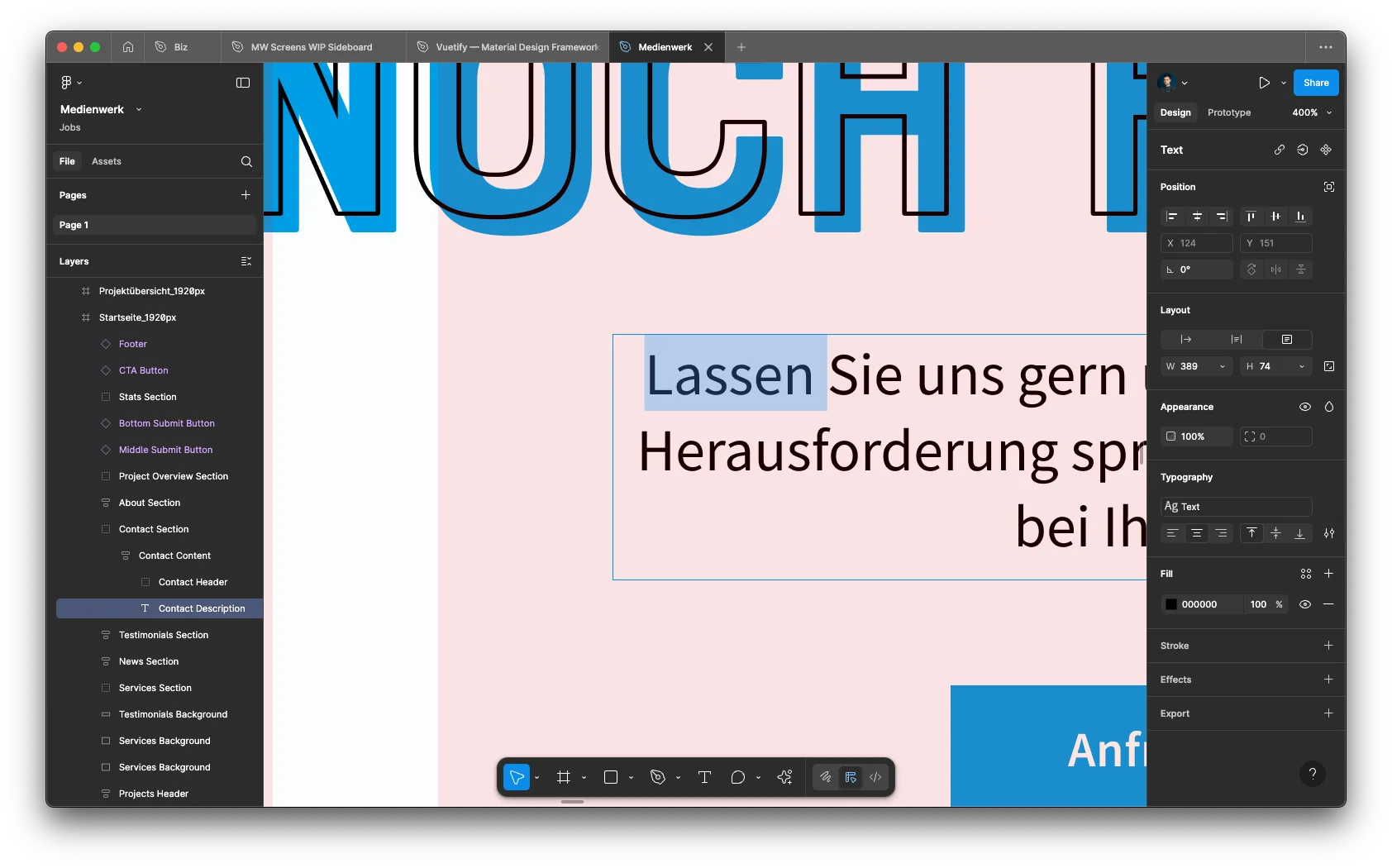
The backbone of the stack is Figma on the Professional plan, around €16/month on an annual subscription. That covers everything I need: layouts, design systems, components, prototyping, and with Dev Mode also clean developer handoff. In 2026, Figma is undisputedly the market standard — if you're starting fresh today, start here. (Coming from Adobe XD? Our Figma vs Adobe XD comparison covers the switch.)
Adobe Creative Cloud — Illustrator and Photoshop primarily — runs in parallel, but rarely. Roughly €50/month for something I open maybe two to four times a month. Still, I won't cancel it: for high-quality vector work (branding, print components) and deep photo retouching, Figma has no real replacement. Anyone who works purely on web/mobile and isn't a photo pro can usually drop Adobe entirely.
2. Wireframing & whiteboarding – context-dependent
For wireframes and workshops, I haven't found a single "one tool for everything" — the context decides:
- Miro I use a lot, simply because many larger companies and consulting firms bring it as their set standard. If the workshop already runs on a Miro board, you don't want to move everyone.
- FigJam shows up more in my own projects because it stays inline with the Figma workflow and costs less.
- Pen and paper for quick sketches at the start — nothing moves from idea to sketch faster; my desk staple is a dotted LEUCHTTURM1917 A5 notebook. Classic whiteboarding with a marker is underrated, especially when the tools discussion starts displacing the actual thinking.
3. Asset sources – stock plus increasingly AI
Classically, I grab stock from Pexels, Unsplash, and Freepik — those three combined cover almost everything royalty-free, with Freepik mainly for vector illustrations and icons.
What's shifted noticeably in 2026: AI-generated images are becoming usable in real client work. ChatGPT-Image and Google Nano Banana Pro now deliver passable results for moodboards, hero visuals, and quick variations — not for every use case, but good enough to replace stock searching in many situations. The upside: custom images that won't show up in your competitor's next pitch deck.
4. Dev handoff – Figma Dev Mode plus written docs
I don't need Zeplin or its alternatives anymore. Figma Dev Mode delivers tokens, specs, code suggestions, and spacing measurements directly in the file. What I add: in file comments or a Notion doc, I document edge cases, interaction logic, and assumptions that can't be captured in the design itself. That saves developers from asking questions later in the sprint and saves me misunderstandings.
5. User testing – Maze for many, Zoom for depth
User testing runs on two tracks:
- For quantitative studies with larger samples (click paths, first-click tests, tree tests), I use Maze. Fast to set up, automated reporting, reasonable pricing for solo freelancers with occasional projects.
- For 1-on-1 interviews and moderated testing, Zoom or Google Meet is more than enough. Five to eight participants catch about 80% of UX problems according to Nielsen Norman Group — I don't need more tooling for that.
- When I need standardized scales, I go to UEQ (User Experience Questionnaire) and VisAWI — both scientifically validated and free. I capture responses through Google Forms. No dedicated research tool needed.
6. Project organization & time tracking
For time tracking, I use Working Hours on macOS — no subscription model, one-time purchase, running stable for years. A small but often-overlooked choice: not every tool has to be a SaaS subscription, especially as a solo operator.
Project organization runs on two tracks:
- Notion is my own wiki hub: client roster, link collections, project notes, financial planning, briefs. Anything that should grow structurally lands here.
- Asana comes in when I work in client teams where their kanban board is the set standard. Asana has a pleasant premium feel and onboards external collaborators quickly.
When calculating your hourly rate, factor these tool costs in directly. Our Hourly Rate Calculator helps you do this realistically — including the software fixed costs that most beginners underestimate.
7. Accounting – sevdesk (DACH-specific)
For accounting in the DACH market, I use sevdesk on the Standard plan. Clean interface, fast to use, AI-based receipt recognition that actually works in daily life. EÜR, VAT pre-registration, dunning are included, and the DATEV export for tax advisors works cleanly. Note: this section is DACH-specific. International freelancers should pick locally appropriate accounting software (e.g., Xero, FreshBooks, or QuickBooks depending on jurisdiction).
8. Inspiration & trend sources
Online, two sources are productive for me: toools.design as a curated collection of thousands of designer resources, and Dribbble for visual trends and inspiration — though with a healthy distance these days, because much of it never becomes a real interface.
What's underrated: offline designer events. Local meetups, IxDA gatherings, design conferences. Two hours at a table with other designers usually gives me more than ten Dribbble sessions — concrete problems, concrete solutions, real discussions.
9. AI in the workflow – three specialized tools
In 2026, AI is a core part of my workflow — but not as a single "everything tool." I use three specialized ones:
- Claude for technical discussions: design system architecture, component logic, hard UX-pattern decisions — anything where thoughtful longer answers help.
- Perplexity for research with sources — when I need UX studies, competitor comparisons, or market data and want to trace where claims come from.
- ChatGPT for quick everyday queries: copy suggestions, icon names, fast synonym lookups.
Worth watching is the development of AI-assisted design-system tooling — Claude Design and similar approaches heading toward automated token and component management. It pays to stay close to this space, because the rules will shift noticeably over the next 12 months.
What I've cut over the years
What's no longer in the stack matters as much as what's in it. Three migrations, one ongoing observation:
- Sketch → Figma (years back): the switch happened because Figma runs cross-device, is significantly more innovative, and covers more with every iteration. Mac-only was tolerable in 2020 — no longer in 2026.
- InVision dropped: classic case of a tool that became obsolete the moment Figma's prototyping caught up. Today I don't need a separate prototyping layer next to my design tool. InVision discontinued Studio in 2024 — that was the final nail.
- Adobe XD tried, not continued: Adobe XD was briefly interesting as a Figma alternative, but Figma became the market standard so fast that investing in XD skills or XD files no longer made sense. Adobe itself stopped actively developing XD in 2023.
- 2026 watchlist: what will AI design tools like Claude Design, Galileo, or v0 look like in two years? Worth following — but without prematurely overhauling the whole stack.
Quick recommendation – if you're just starting out
If you're entering UX/UI freelancing today and don't want to buy the entire stack at once, this is the order I'd build it in with hindsight:
- First project: Figma Professional + Working Hours + Notion Free + sevdesk Standard (or local equivalent). You can design, track time, organize, and invoice — for roughly €38/month.
- First real user study: Maze Free is enough for your first quant test, Google Meet + Google Forms cover the qualitative side.
- When the first major client mandates Miro: book Miro Starter then — not preemptively.
- Adobe only when actually needed: several consecutive months of vector or photo retouching work. Otherwise free alternatives like Affinity or GIMP for the rare cases.
- AI subscriptions selectively: one to start (Claude Pro or ChatGPT Plus), add the others when you feel the value — not all three at once.
Frequently Asked Questions
What does a realistic UX/UI designer tool stack cost per month in 2026?
With the setup described here, you land around €96 per month for the full version (Figma Professional ~€16, Adobe Creative Cloud ~€50, Miro Starter ~€8, sevdesk Standard ~€22). In a minimal setup without Adobe and Maze Pro, you're at roughly €30–50 — Notion, Asana, and Working Hours stay free or one-time purchases. AI subscriptions (Claude Pro, ChatGPT Plus, Perplexity Pro) are optional and project-dependent.
Is Adobe Creative Cloud still worth it alongside Figma?
For most pure UI projects, no. Figma covers layout, components, prototyping, and handoff completely. I use Illustrator and Photoshop only occasionally for vector detail work or high-end image editing — branding projects, print components. If you primarily design for web/mobile and you're not a photo-retouching pro, you can cut Adobe from many setups. A solid one-time-purchase alternative for vector work is Affinity Designer.
Do I need both Miro AND FigJam — or is one enough?
Feature-wise they're similar (whiteboard, sticky notes, workshop tools). The difference is context: Miro is the established enterprise standard — if you work with bigger companies or consulting teams, you'll get Miro boards as the default format. FigJam sits closer to the Figma workflow, costs less, and is better when you control your own design setup. The honest truth: many solo freelancers end up with both, depending on the client.
Does the Figma Free plan suffice or do I need Professional?
Free works for absolute beginners and single projects (3 files, 3 pages per file). The moment you work with multiple clients, think in versions, or need Dev Mode for clean handoffs, you'll want Professional pretty quickly. At around €16 per month on an annual plan, it's by far the cheapest line item in the stack relative to its value.
Which AI tools actually make sense for designers in 2026?
Three tracks, each with its own strength: Claude for deeper technical discussions (design system architecture, component logic), Perplexity for research with sources (UX studies, competitor comparisons), and ChatGPT for quick everyday queries (copy suggestions, icon names). For moodboards and image variations, ChatGPT-Image and Google Nano Banana Pro have become usable. Worth watching: tools like Claude Design heading toward AI-assisted design system tooling — the rules of the game will shift over the next 12 months.
Which user testing methods are realistic for a solo freelancer?
Three approaches that have worked for me: (1) Maze for quantitative click-path testing with larger samples (50+ users); (2) 1-on-1 interviews via Zoom or Google Meet with five to eight participants — this sweet spot catches roughly 80% of UX issues according to Nielsen Norman Group; (3) standardized questionnaires like UEQ or VisAWI via Google Forms — free and scientifically validated. You don't need a €200/month research tool to generate clean insights.