
Julius AI Review 2026: AI Data Analyst for Spreadsheets, Charts and Reports
Fastlancer Team · Updated: Nov 17, 2026

Short verdict
Ask your spreadsheet, get finished charts back
- Freelancers who build client reports from sales, campaign or survey data and don't want to write formulas
- Anyone who needs charts, a written report or slides straight out of an analysis
- People who want to check how a number was calculated instead of trusting an answer blindly
- Anyone analyzing client or employee personal data under strict data-residency rules
- Occasional users who already pay for ChatGPT or Claude and open a spreadsheet once a month
What Julius AI does for you
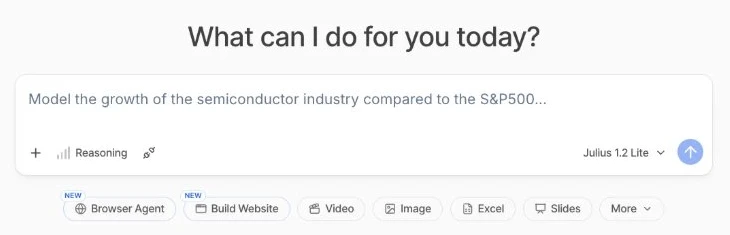
Julius is an AI workspace built around numbers. Upload an Excel file, a CSV, a PDF or a file from Google Drive and ask a question in plain English: which client brought in the most revenue last quarter? How did sign-ups trend over the year? Julius writes Python code, runs it and hands back a chart, a table and a short explanation.
For freelancers and small teams it mainly replaces two chores: building pivot tables by hand and stitching together client reports. The same conversation can turn into a written report, a slide deck or a simple web page with the results.
How an analysis works
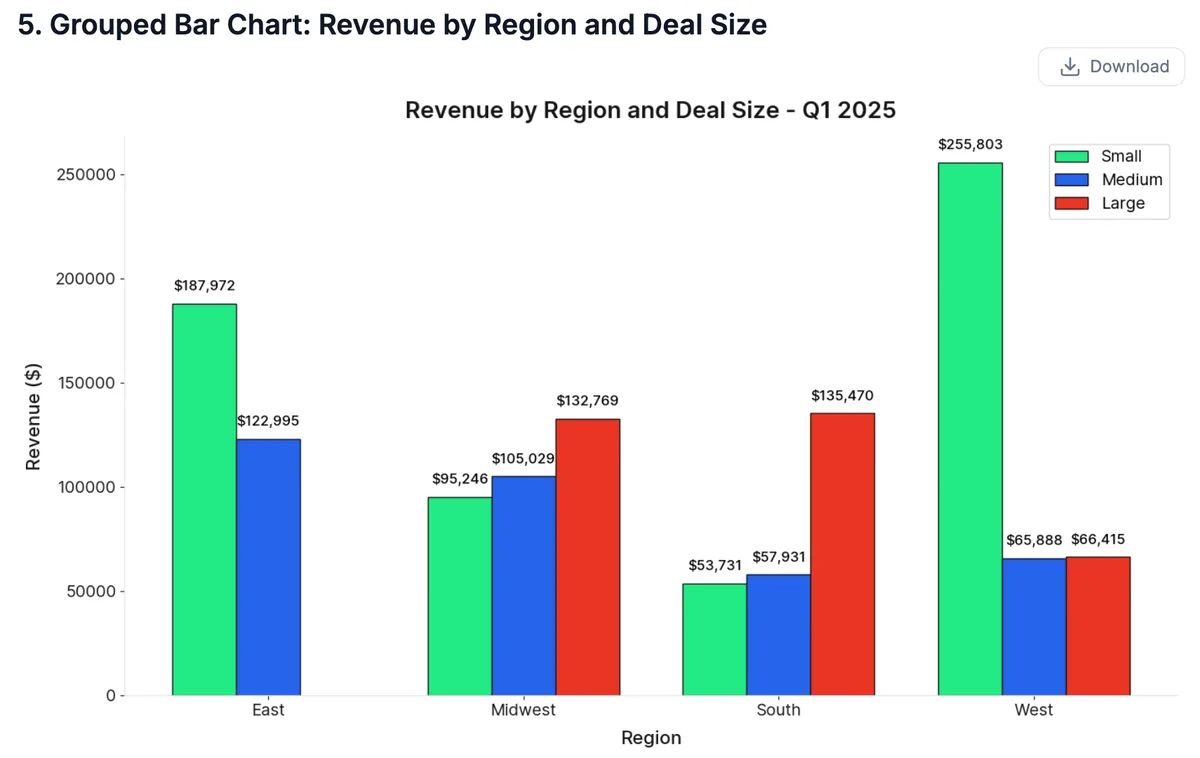
Once a file is uploaded, you just ask. Julius picks up column names and sheets, and in multi-tab Excel files you can refer to each tab by name. Every step shows up as an expandable block containing the code Julius wrote. If you don't know Python, you read the result; if you do, you see exactly what was calculated.
That's also the most useful tip in practice: the math runs on well-established Python libraries, so errors tend to come from the AI reading a vague question differently than you meant it. Clear column headers and a precise prompt (“revenue per client, paid invoices only”) prevent most mix-ups. Before a number goes to a client, glance at the code block.
Julius AI pricing: credits, not unlimited
Every action in Julius costs credits, and usage depends on the model and the task. A quick analysis with a small model costs little; a deck with web research on a frontier model costs many times more. Moving from Free to Plus makes sense as soon as you need the bigger models or the daily allowance runs out mid-analysis. Pro only pays off with daily use or very large files.
Two catches the plan cards can't show: unused credits expire at the end of each billing period, and you can't currently buy extra credits. If you hit the ceiling, you have to change plans. Uploaded files are also kept for only seven days on every plan except Enterprise. Refunds are reviewed case by case on request.
Julius AI discount: 50% off your first month
New users who sign up through our partner link get 50% off their first month. If the discount doesn't appear at checkout, enter the code FASTLANCER50OFF. After that the plan renews at the regular price and can be cancelled monthly. Full terms are on the Julius AI deal page.
Privacy: what happens to your spreadsheets
Julius is a US company with a SOC 2 Type II report, but it doesn't offer a data-residency option. Its privacy policy allows it to share prompts, files and outputs with AI providers to help improve their models; personal information is excluded from training Julius's own models. You can opt out by emailing privacy@julius.ai.
In practice: revenue figures, campaign data and anonymized exports are fine. Strip names, addresses and health details from client files before uploading, and if you work under an NDA, check whether the client's data may go into a third-party AI tool at all.
What we like about Julius AI and what we don't
Pros
- Every result comes with checkable code
- Charts, reports and slides from one chat
- Reads multi-tab Excel files and PDFs
- Permanent free plan to try it
Cons
- Credits expire and can't be topped up
- Content shared with AI providers by default
- Files kept for only seven days
Julius isn't a replacement for accounting software or a BI platform. It's the shortcut between a spreadsheet and a finished deliverable, and if you prepare numbers for clients every week, it saves real time. More AI tools for day-to-day work are in our AI assistants overview.
Pricing
Free
$0
- 25 credits a day, reset at midnight UTC
- Smaller Julius Lite models only
- Files from Google Drive, OneDrive and SharePoint
Plus
$20 / month
- 2,000 credits a month plus 100 daily credits
- Frontier models like GPT and Claude
- Connect Postgres, BigQuery and Snowflake
Pro
$45 / month
- 5,000 credits a month plus 100 daily credits
- Twice the memory for large datasets
- Priority email support
Business
$450 / month
- 60,000 credits a month shared by the team
- Up to 50 members with shared files and chats
- Usage dashboard and centralized billing
Prices may change — check the official website for current plans.
Alternatives by use case
- ChatGPT If you already pay for ChatGPT and only analyze a spreadsheet now and then
- Microsoft Copilot If your numbers already live in Excel and Microsoft 365
- Gamma If you mostly need presentations, not data analysis
- Claude If you want an all-round assistant that also handles files


Frequently Asked Questions
How much does Julius AI cost?
Julius bills in credits. The free plan gets a small allowance every day; paid plans get a monthly budget plus a daily top-up. How many credits a request uses depends on the model and the task: a chart from a small table is cheap, a slide deck with web research is expensive. Plus covers most individual users; Pro only pays off if you hit the limit regularly or work with large datasets. Annual billing saves about a fifth. Exact prices are in the plan cards, checked November 2026.
Is there a Julius AI discount code?
Yes. New users who sign up through our partner link get 50% off their first month. If the discount doesn't show at checkout, enter the code FASTLANCER50OFF. The regular price applies afterwards. Full terms are on our Julius AI deal page.
Is Julius AI free?
There is a permanent free plan. It gets a small daily credit allowance that expires at midnight UTC and only runs the smaller Lite models. That covers one or two quick analyses a day; a longer session with lots of follow-ups quickly outgrows the daily allowance.
Julius AI vs ChatGPT: which is better for data analysis?
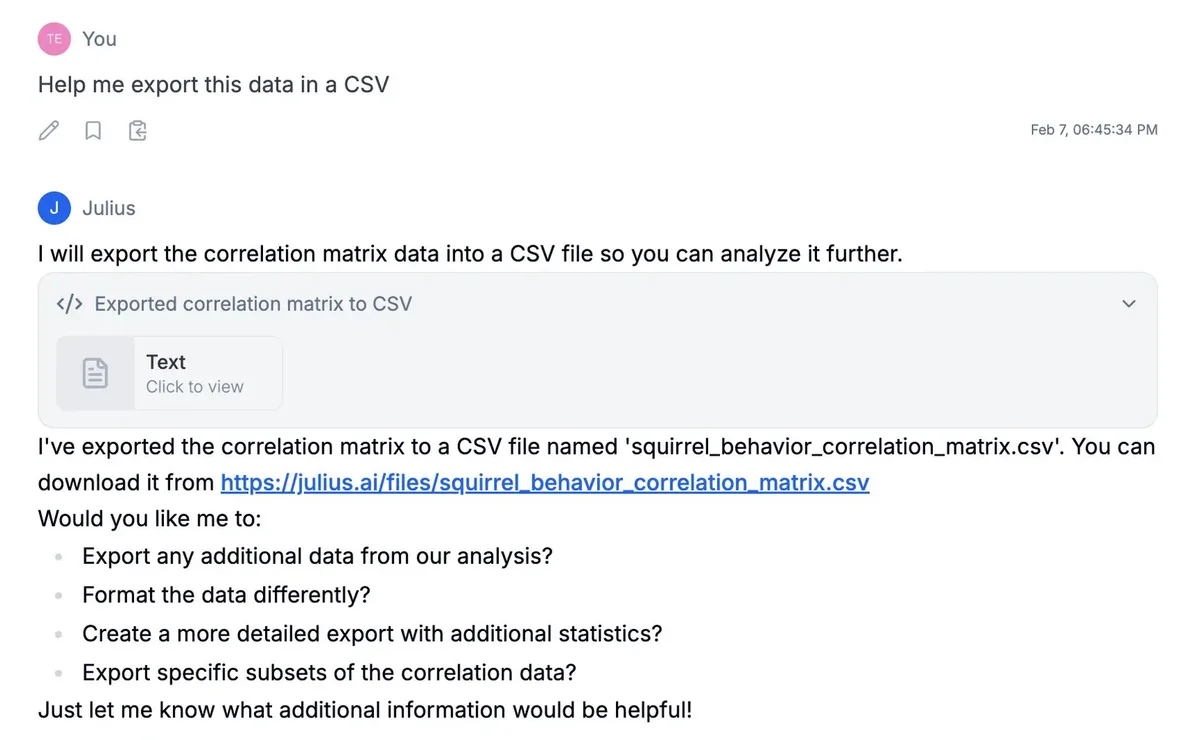
Both write and run Python behind the scenes. Julius is built entirely around that workflow: files stay available in your workspace, each chart has its own download button, databases connect directly, and the analysis turns into a report or slide deck on request. ChatGPT is the better all-rounder if spreadsheets are a small part of your work. If you analyze client data every week, Julius gets you to a shareable result faster.
Does Julius AI use my data for training?
According to its privacy policy, Julius excludes personal information from training its own models, but may share content such as prompts, uploaded files and outputs with AI providers to help improve their models. You can opt out by emailing privacy@julius.ai. Julius doesn't publish a data-residency option, so strip names and contact details from client files before uploading.
Verdict
Julius AI takes over the part of client reporting that eats the most time: sorting numbers, building charts and putting results into words. Its strength is that every answer ships with the code behind it, so you can check it. The weak spots are the credit model, where nothing rolls over and nothing can be topped up, and the default sharing of content with AI providers until you opt out. If you turn spreadsheets into client deliverables every week, try the free plan, then start Plus with the 50% discount.