Coursera Review 2026: Coursera Plus, Pricing and Certificates for Freelancers
Tim Wittke · Updated: Sep 3, 2026
Short verdict
Ideal for
- Freelancers who want a Google, Meta or IBM certificate on their profile
- Anyone planning two or more certificates a year — that is where Coursera Plus pays off
- People who want to preview the first module of a course for free before paying
- Self-paced learners: video lectures, projects and peer reviews, with offline downloads in the apps
Not ideal for
- Anyone needing only one certificate a year
- Learners expecting degrees to be covered by the subscription
- Creatives looking for hands-on project courses
- Entry price
- Free plan · paid from $49 / month
- Free to start?
- Yes — 7 days of Coursera Plus on the monthly plan, cancel any time; the annual plan has a 14-day money-back window instead
- Stands out for
- Certificates from Google, Meta, IBM and universities — bought singly from $49 or as the Coursera Plus flat rate at $59 a month.
Coursera is the learning platform with names behind it: courses and certificates from universities such as Yale, Stanford and Michigan, and from Google, IBM and Meta. For freelancers the catalogue matters less than two questions — what a certificate does for you with clients, and what it costs. This review answers both, checked in September 2026.
What Coursera is and how freelancers use it
The catalogue holds 10,000+ courses, specializations and Professional Certificates, plus full online degrees. Courses are self-paced with video lectures, hands-on projects and peer reviews; the iOS and Android apps download lessons for offline use. Three formats matter for freelancers: the single course with certificate, the Professional Certificate as a multi-month program, and Coursera Plus as the flat rate across the catalogue.
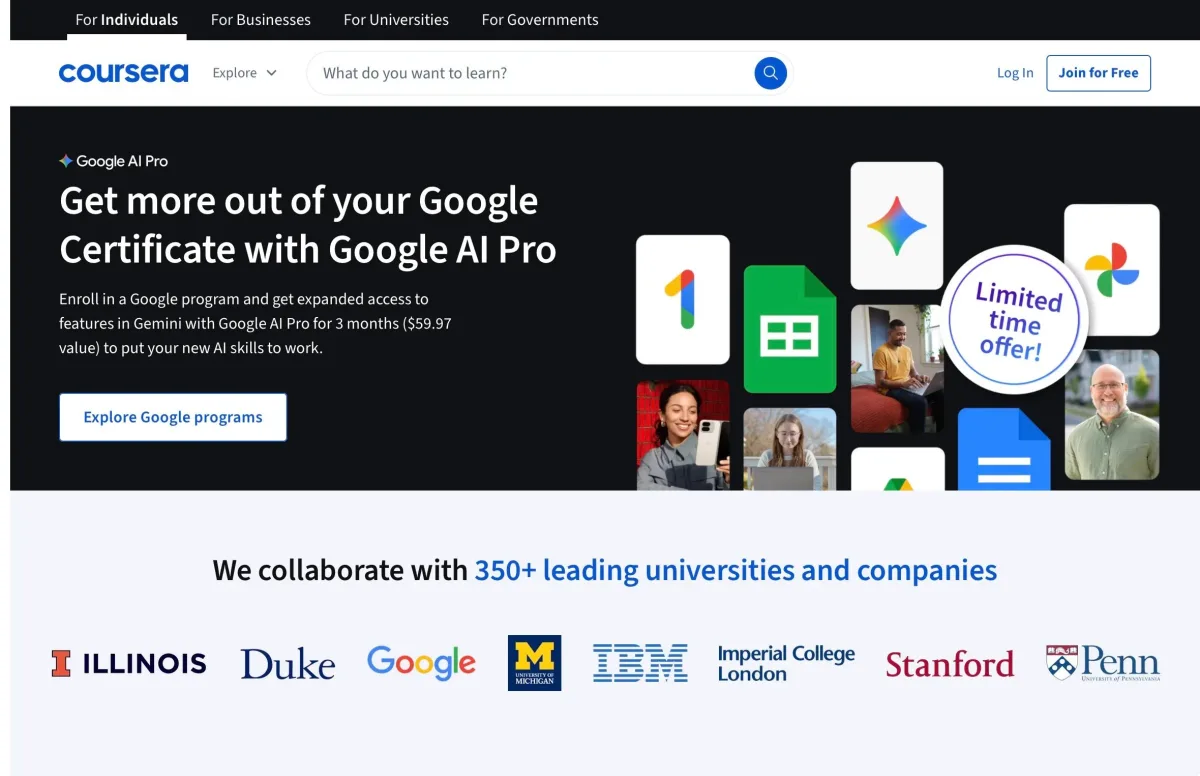
What sets it apart from Udemy or Skillshare: the first module of nearly every course is free. Coursera replaced the old audit mode with this preview in August 2025 — module 1 in full, graded assessments included, everything after it locked and no certificate. Only select courses can still be taken in full without a certificate. Checking whether a course is any good costs nothing.
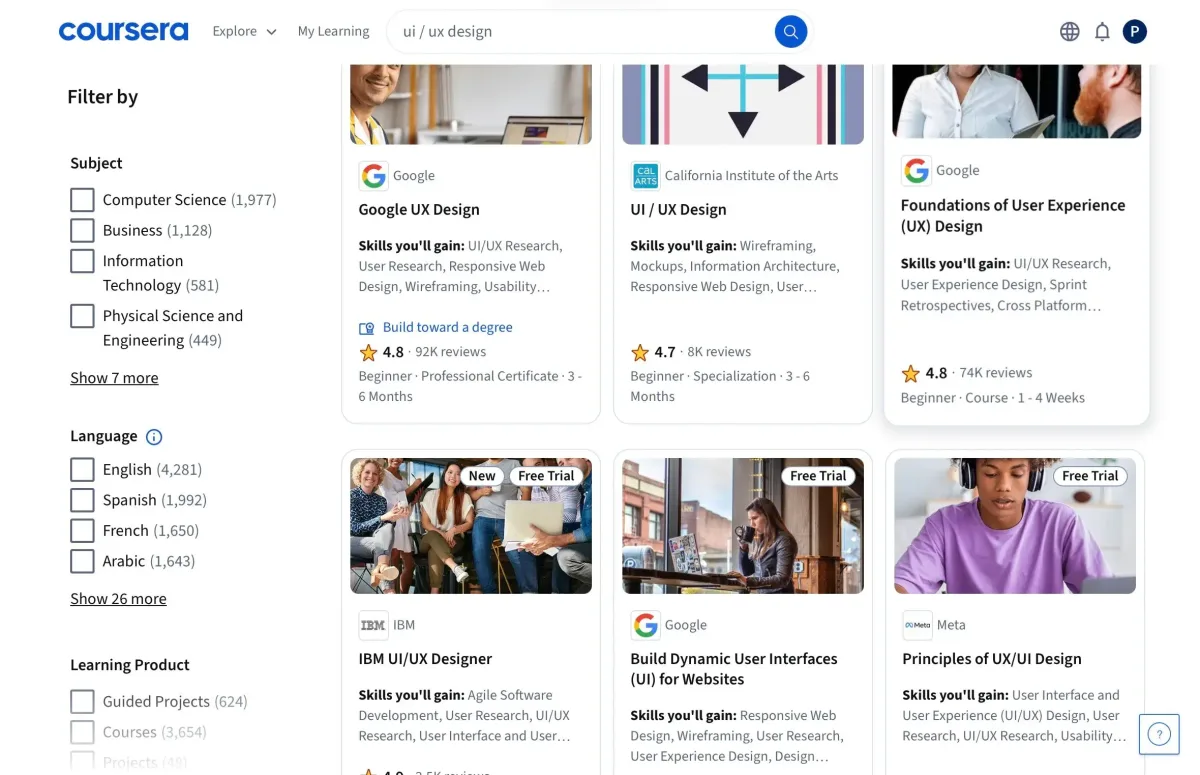
How much does Coursera cost in 2026?
These are US prices; Coursera prices by region and runs constant promotions on Plus for new subscribers — in September 2026 about 40 % off the first three months. Treat those as entry bait, not as the price: after the promotion the subscription renews at the regular rate unless you cancel.
Is Coursera Plus worth it?
Coursera Plus unlocks most of the catalogue — $59 a month or $399 a year. Monthly starts with a 7-day free trial, annual with a 14-day money-back window; both renew automatically and can be cancelled any time. Annual works out to $33.25 a month, a 44 % saving if you use it all year. More important than the figure is the math behind it: a single course with certificate is a one-time purchase, in practice $49 to $99, a Professional Certificate runs three to six months at $49 to $79 a month.
| Your plan for the year | Cheaper with | Why |
|---|---|---|
| One course, one certificate | single purchase | $49 to $99 one-time beats any subscription that runs twelve months |
| One Professional Certificate in three or four months | the program subscription | $49 to $79 a month, cancelled once you finish |
| Two or more program subscriptions, or constant browsing |  Coursera Plus Coursera Plus | from the second Professional Certificate the flat rate wins |
| Just looking, no proof needed | nothing | the preview shows the first module of nearly every course for free |
The limit many miss: Plus doesn't cover everything. Full degrees, MasterTrack programs and some partner certificates sit outside it and cost extra — if you come for a specific credential, check it is included before subscribing. And the trial week is enough to browse the catalogue and start a course, not to finish a certificate.
Which Coursera certificates are worth it for freelancers?
Not every certificate carries the same weight. What counts for freelancers is whether clients recognise the credential, and that gives a clear ranking: the Professional Certificates from Google (Data Analytics, UX Design, Project Management, IT Support, Cybersecurity), Meta (Front-End, Back-End) and IBM (Data Science, AI Engineering) carry real weight on Upwork, Fiverr and LinkedIn and help you move into a new field. University certificates from Yale, Stanford or Michigan signal depth but read as proof of knowledge rather than of skill. Certificates from unknown providers add little trust — there, only the skill itself counts.
Every paid certificate comes with a verifiable URL for your LinkedIn profile or portfolio. A Google or IBM certificate is one of the most effective credentials a freelancer can add — typically three to six months of work, the Meta programs seven to eight, and with Coursera Plus at no extra cost. Where a certificate turns into paid projects afterwards is covered in our freelance platforms comparison; all learning platforms side by side are in the learning platforms comparison. Cheaper alternatives for single courses: Udemy; for the argument of a business book rather than a certificate, Blinkist.
Coursera Black Friday 2026: what to expect
Coursera ran a November offer on the Coursera Plus annual plan in both of the past two years, new subscribers only. What usually gets missed: the cheapest point of the year is not Black Friday.
| Year | What was offered | Window |
|---|---|---|
| 2024 | $160 off Coursera Plus annual — $239 instead of $399 | from mid-November to 2 December |
| 2025 | 40% off Coursera Plus annual | from mid-November to 1 December |
| Turn of the year 2024/25 and 2025/26 | 50% off Coursera Plus annual — deeper than Black Friday | into late January |
| Rest of the year | 20 to 25% in rotating promotions | ongoing |
This is not a weekend event. In both years the same discount was already running from mid-November, first under a holiday label and only later relabelled as Black Friday. Missing the day costs nothing.
What comes after is more interesting. In both cycles the annual plan was cheaper at the turn of the year than in November, and that window opened barely two weeks after the Black Friday offer closed. If you are not starting a certificate immediately, the better date is after Christmas. Those figures come from the dated entries at Class Central; the November prices come from Coursera's own campaign page.
Both offers were new-subscriber only, and renewal reverts to the regular price. What Coursera does in 2026 is not settled yet. Once a discount is live, it appears here.
What we like about Coursera and what we don't
Pros
- Free first module preview, assessments included
- Professional Certificates from Google, Meta, IBM
- Coursera Plus flat rate, unlimited certificates
- 7-day free trial, cancel any time
Cons
- Plus excludes degrees and some certificates
- Certificate subscription costs more if slow
- Unknown-provider certificates carry little weight
Pricing
Preview
Free
first module free
- Module 1 of nearly every course, graded assessments included
- Later modules locked, no certificate
- Full course without certificate only on select courses
Single course
$49
one-time, usually $49 to $99 with certificate
- One course with a verified certificate
- Graded assignments and peer reviews
- Guided Projects from $9.99
Professional Certificate
$49
to $79 per month, subscription to one program
- Programs from Google, Meta, IBM
- Typically 3 to 6 months to complete, Meta 7 to 8
- Cancel when you finish
Coursera Plus
$59
per month, or $399 per year
- 10,000+ courses and specializations
- Unlimited certificates included
- 7-day free trial on the monthly plan
Prices may change — check the official website for current plans.
Alternatives by use case
- Udemy If single courses without a subscription are the goal
- Skillshare If the subject is a creative skill
- Domestika If a portfolio project beats a certificate
- Blinkist If an overview is enough instead of training


Frequently Asked Questions
How much does Coursera cost in 2026?
Three routes. The first module of nearly every course is free to preview. Single courses with a certificate are a one-time payment valid for 180 days. Professional certificates run as a monthly subscription — finish fast and you pay less, drag it out and you pay more. From two certificates a year the Coursera Plus subscription pays off; it does not cover degrees or every programme.
Is Coursera Plus worth it?
From the second Professional Certificate a year, yes. $59 a month or $399 a year unlocks 10,000+ courses, specializations and most Professional Certificates with unlimited certificates. For one or two single courses, buying them singly is cheaper; for one Professional Certificate, the program subscription you cancel after finishing. Not included: degrees, MasterTrack programs and some partner certificates. Coursera regularly discounts Plus for new subscribers — in September 2026 about 40 % off the first three months.
Coursera Plus monthly or annual?
Annual at $399 equals $33.25 a month against $59 monthly — a 44 % saving if you use it all year. Monthly makes sense for a single program you will finish in a few months, or to run the 7-day trial and decide — the trial exists only on the monthly plan; annual comes with a 14-day money-back window instead. Both renew automatically until you cancel, and Coursera doesn't refund annual renewal charges.
Is Coursera free?
Partly. Coursera retired audit mode in August 2025; instead the first module of nearly every course is a free preview, graded assessments of that module included. Everything after it is locked and there is no certificate. Only select courses can still be taken in full without a certificate. If you need the certificate, buy the course or start the 7-day Coursera Plus trial on the monthly plan.
Are Coursera certificates worth it for freelancers?
The ones from Google, Meta and IBM: yes — they carry real weight on Upwork, Fiverr and LinkedIn and help you move into a new field. University certificates signal depth but read as proof of knowledge rather than of skill. Certificates from unknown providers add little trust. Every paid certificate comes with a verifiable URL for your profile.
Coursera vs Udemy — which one?
Coursera for recognized certificates and academic depth, on a subscription logic. Udemy for cheap single courses with lifetime access after a one-time purchase — without university or big-tech certificates. All platforms side by side: learning platforms compared.
Is Coursera cheaper on Black Friday?
Yes, but it is not the best date of the year. Coursera ran a November promotion on the Coursera Plus annual plan in both 2024 and 2025, starting mid-November and limited to new subscribers. In both cycles the turn-of-the-year offer went deeper than the Black Friday one, opening roughly two weeks after it closed. If you are not starting a certificate right away, the post-Christmas window is the better buy. Individual courses and Professional Certificate subscriptions are not part of the Plus promotion.
Verdict
Coursera is worth it for freelancers who want a certificate with a name behind it — Google, Meta, IBM. The maths is simple: one course a year, buy it singly; one professional certificate, subscribe to the programme and cancel when you finish; from the second programme in a year, take Coursera Plus. If you only want to look, use the free preview of the first module and pay nothing.