
tl;dv Review: AI Meeting Notes for Freelancers – Never Miss a Detail Again

If you work as a freelancer in the digital or IT space, a large part of your week likely plays out in video calls. tl;dv takes work off your plate by automatically recording meetings, transcribing them, and generating smart summaries. Fully integrated with Zoom, Google Meet, and Teams, everything runs in the background — so you can stay focused and never lose track of what was said.
Affiliate link — if you purchase through this link, you support our work at no extra cost to you.
What is tl;dv?
tl;dv is an AI-powered meeting recorder and transcription service founded in 2020, built specifically to automate meeting documentation. It works as an AI meeting note-taker for Zoom, Google Meet, and Microsoft Teams, handling automatic recording, transcription, and summarization of online meetings.
The software is fully cloud-based and requires no complex installation or admin permissions. tl;dv stands out for its intuitive interface and seamless fit into existing meeting workflows. It supports transcription and notes in over 30 languages and can automatically populate CRM systems and over 6,000 other tools. With its free-forever approach, tl;dv makes professional meeting documentation accessible to freelancers and small teams without compromising on quality.
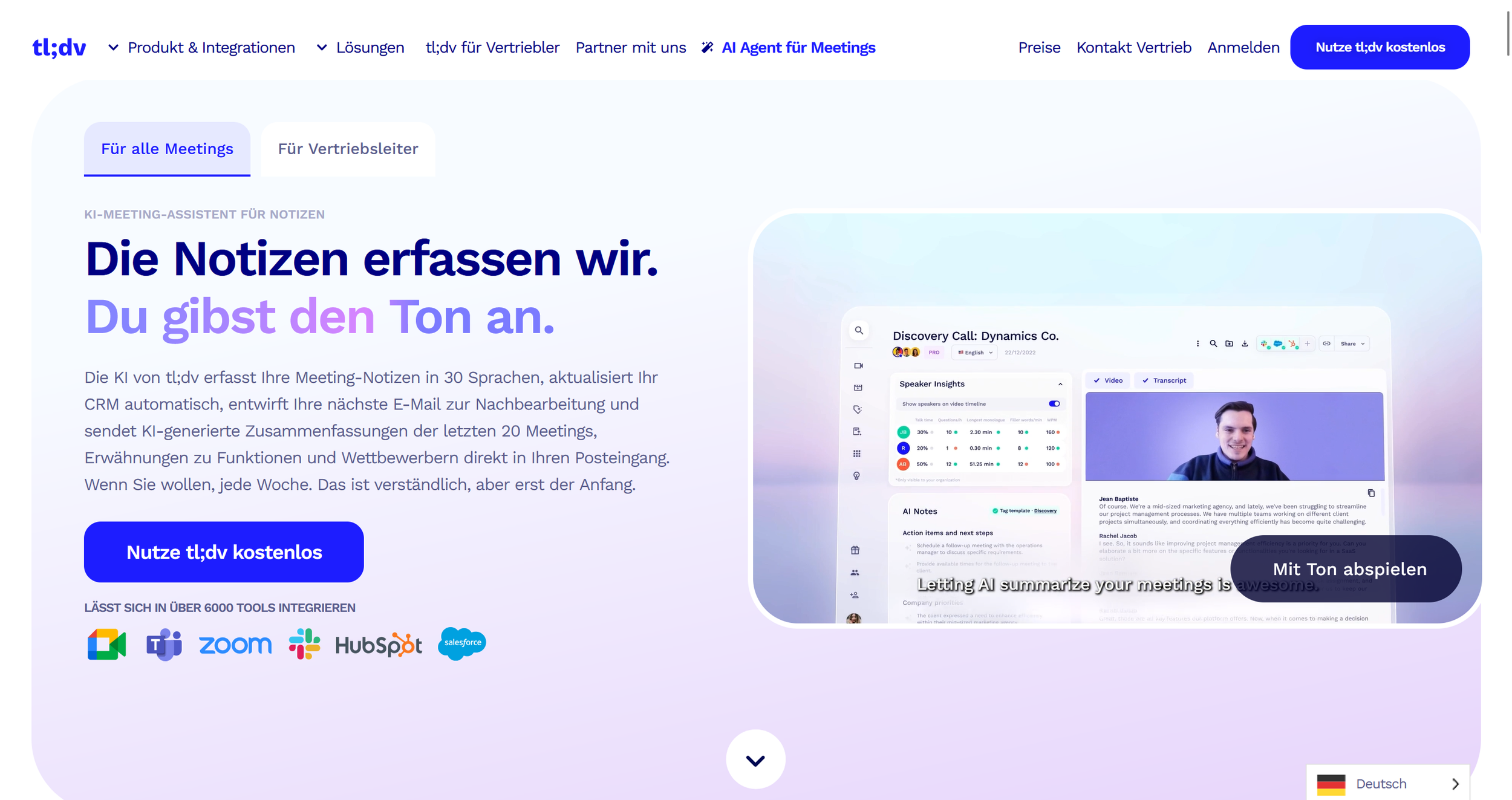
tl;dv landing page (excerpt from tldv.io)
Key Features of tl;dv
Automatic HD meeting recording
AI transcription in 30+ languages with speaker recognition
Automatic meeting summaries and action items
Moment markers and highlight functionality
CRM integrations including Salesforce, HubSpot, Notion, and Slack
Powerful search across all past meetings
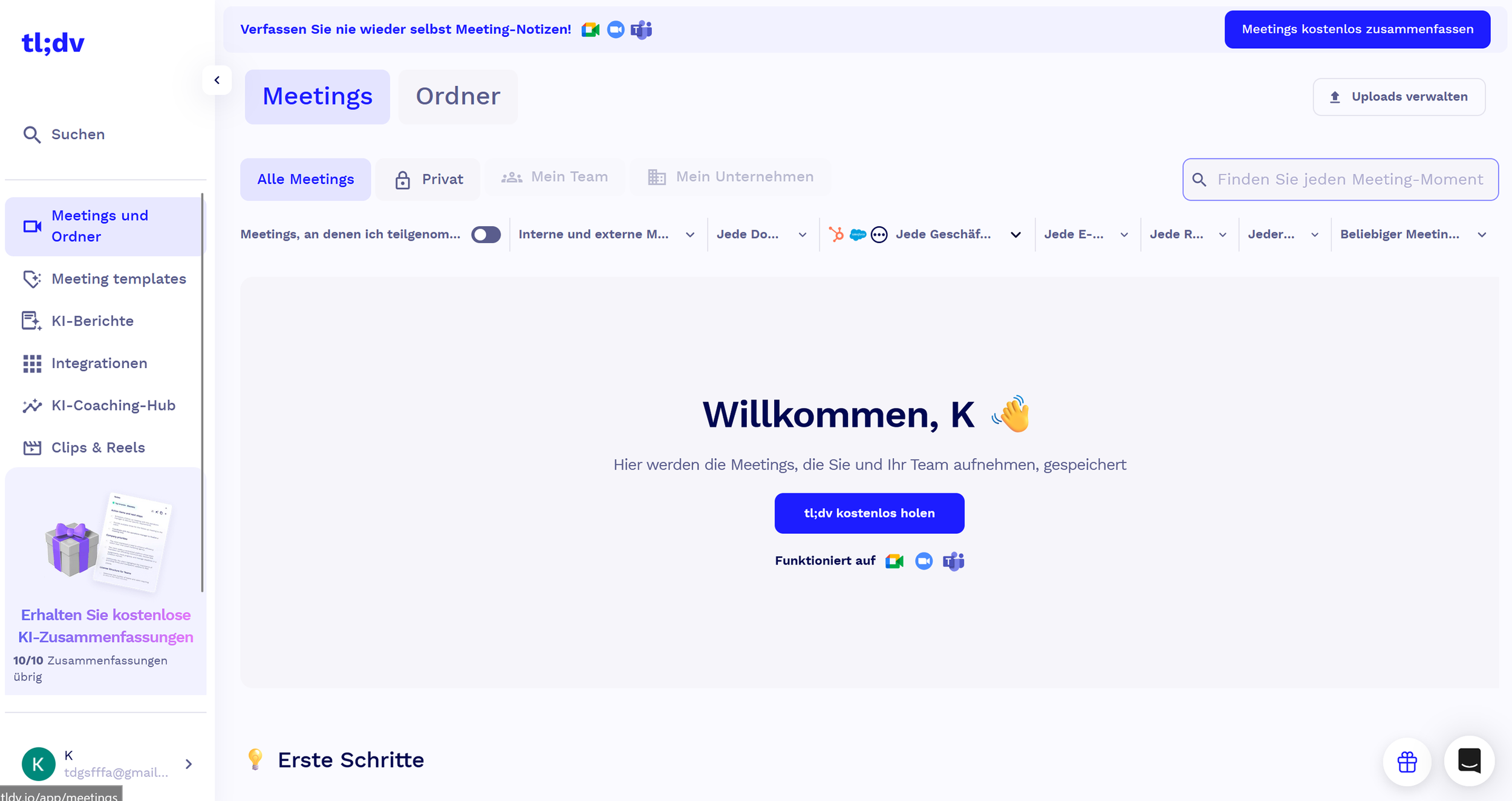
Clean and straightforward tl;dv dashboard. (Own screenshot from tl;dv)
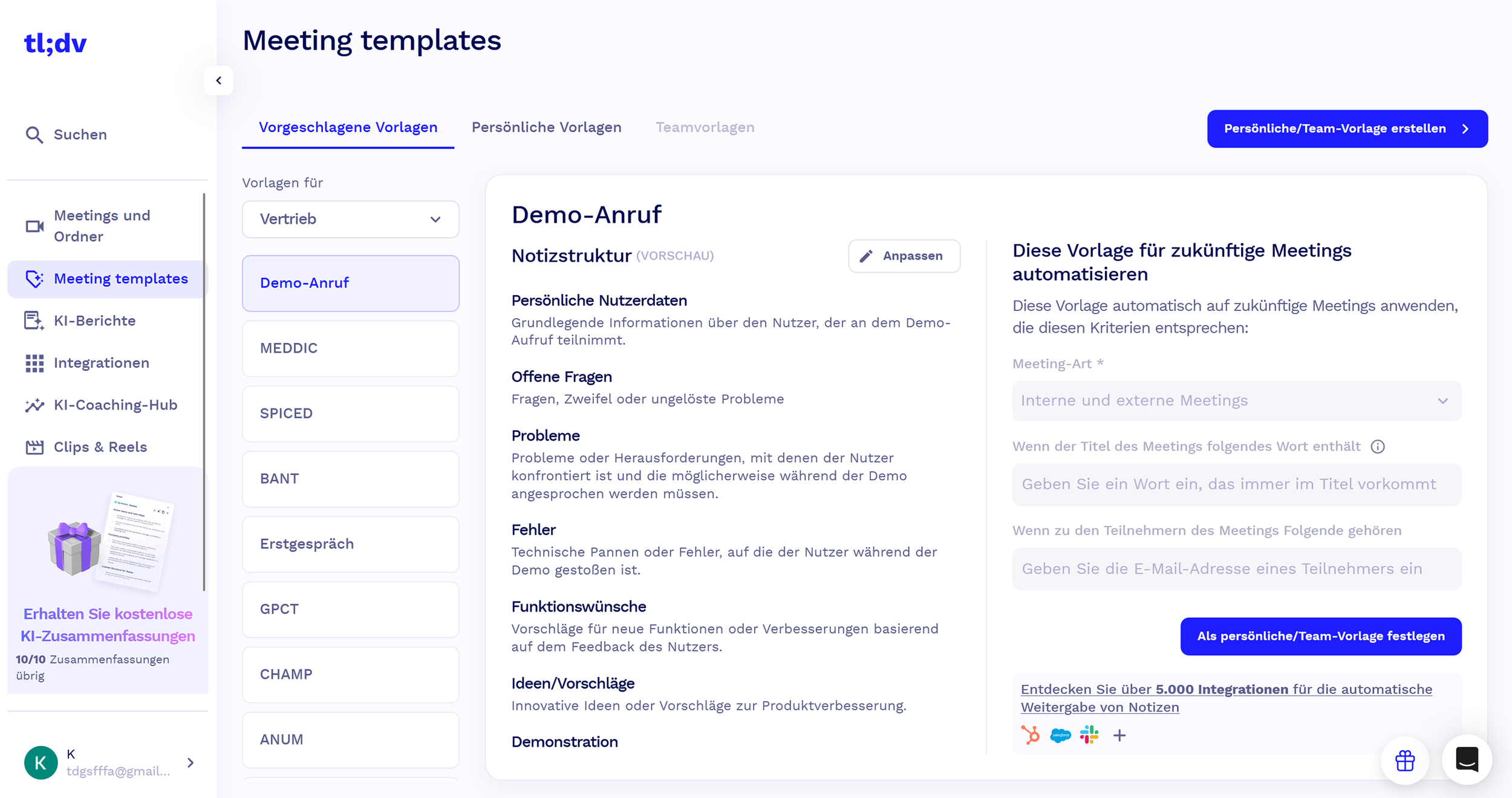
A broad template selection and extensive meeting settings in tl;dv. (Own screenshot from tl;dv)
Why tl;dv Works Well for Freelancers and Online Business Owners
During client meetings, you're simultaneously listening, processing, responding, and trying to mentally note everything important. That cognitive load often means key details slip through. tl;dv removes that burden entirely by handling all documentation automatically. You can give the conversation your full attention while knowing every detail is being captured.
Automatic summaries save you the time you'd otherwise spend writing up meeting notes. Particularly valuable is the ability to find specific client requests or project details later without scrubbing through hours of old recordings. CRM integrations mean client information gets updated automatically and follow-up tasks never fall through the cracks. The free plan includes unlimited recordings and AI-generated notes with no time limit — for many freelancers, that's already more than enough.
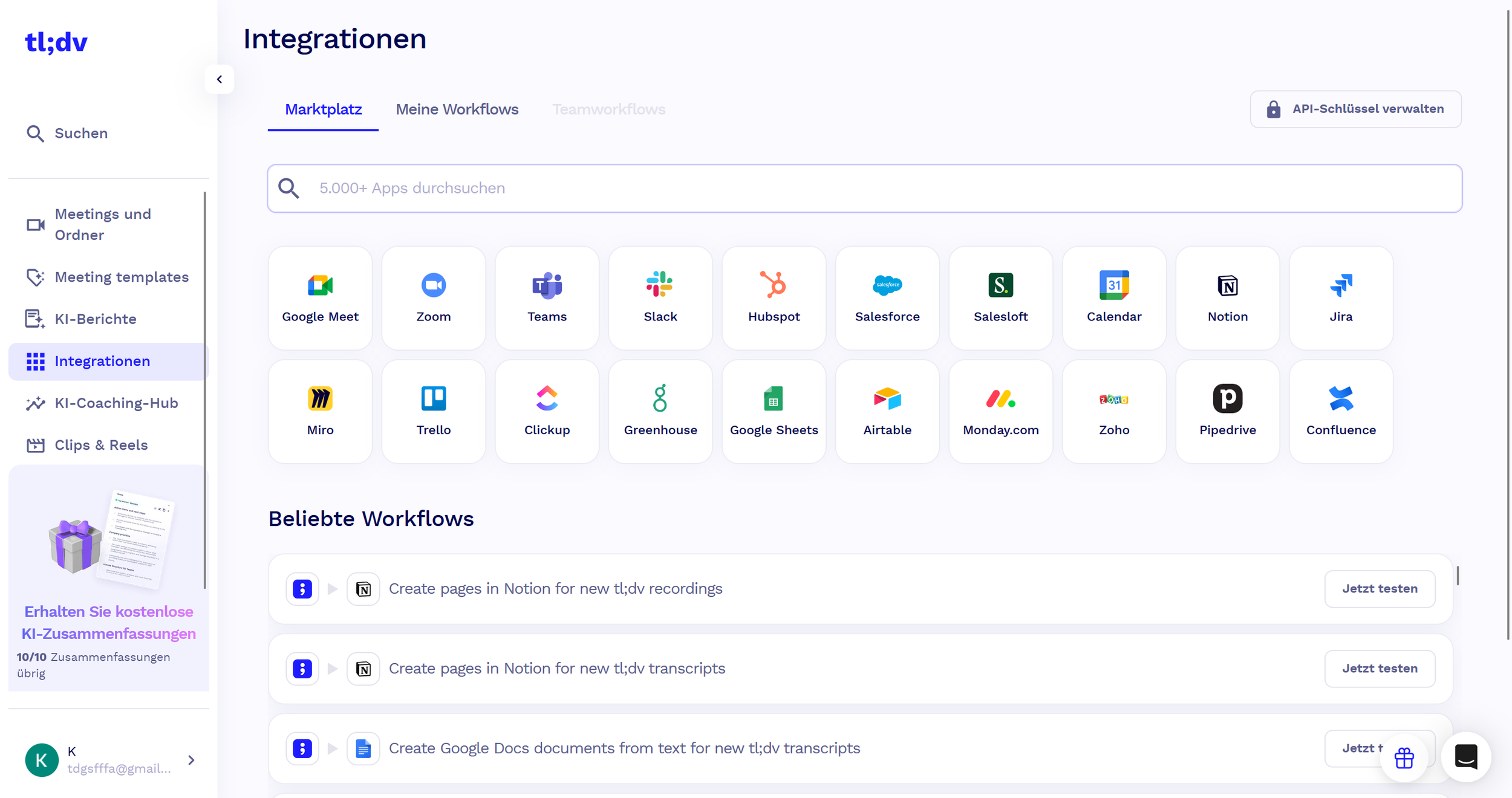
tl;dv bietet zahlreiche integrierte Apps für ein breites Funktionsspektrum (Eigener Auszug von tl;dv)
What We Like — and What We Don't
-
Free plan with unlimited recordings — ideal for budget-conscious freelancers
Highly accurate AI transcription with reliable speaker recognition
Automatic meeting summaries are concise and on point
Seamless integrations with other tools — no manual data syncing needed
Intuitive to use — no learning curve or technical knowledge required
Powerful search for quickly finding content from past meetings
30+ language support — great for freelancers working with international clients
-
Advanced CRM integrations like Salesforce and HubSpot require the paid plan
The free plan lacks some customization options for summaries and templates
Business-focused features on higher tiers may be overkill for solo freelancers
tl;dv Pricing
tl;dv stands out for its genuinely generous pricing model, starting with a real free-forever plan. The free plan includes unlimited recordings and transcripts with no time limit — often entirely sufficient for solo freelancers.
The Pro plan costs $18 per recording user/month and adds advanced features including Salesforce and HubSpot integration, global meeting search, and expanded customization options.
The Business plan at $36/month includes all Pro features plus advanced capabilities suited to scaling sales and customer success teams.
An Enterprise plan with custom pricing is available for larger teams and includes dedicated customer success management and enhanced security features.
All annually billed plans currently receive a 40% discount, making the already competitive pricing even more attractive. No hidden fees or setup costs apply.
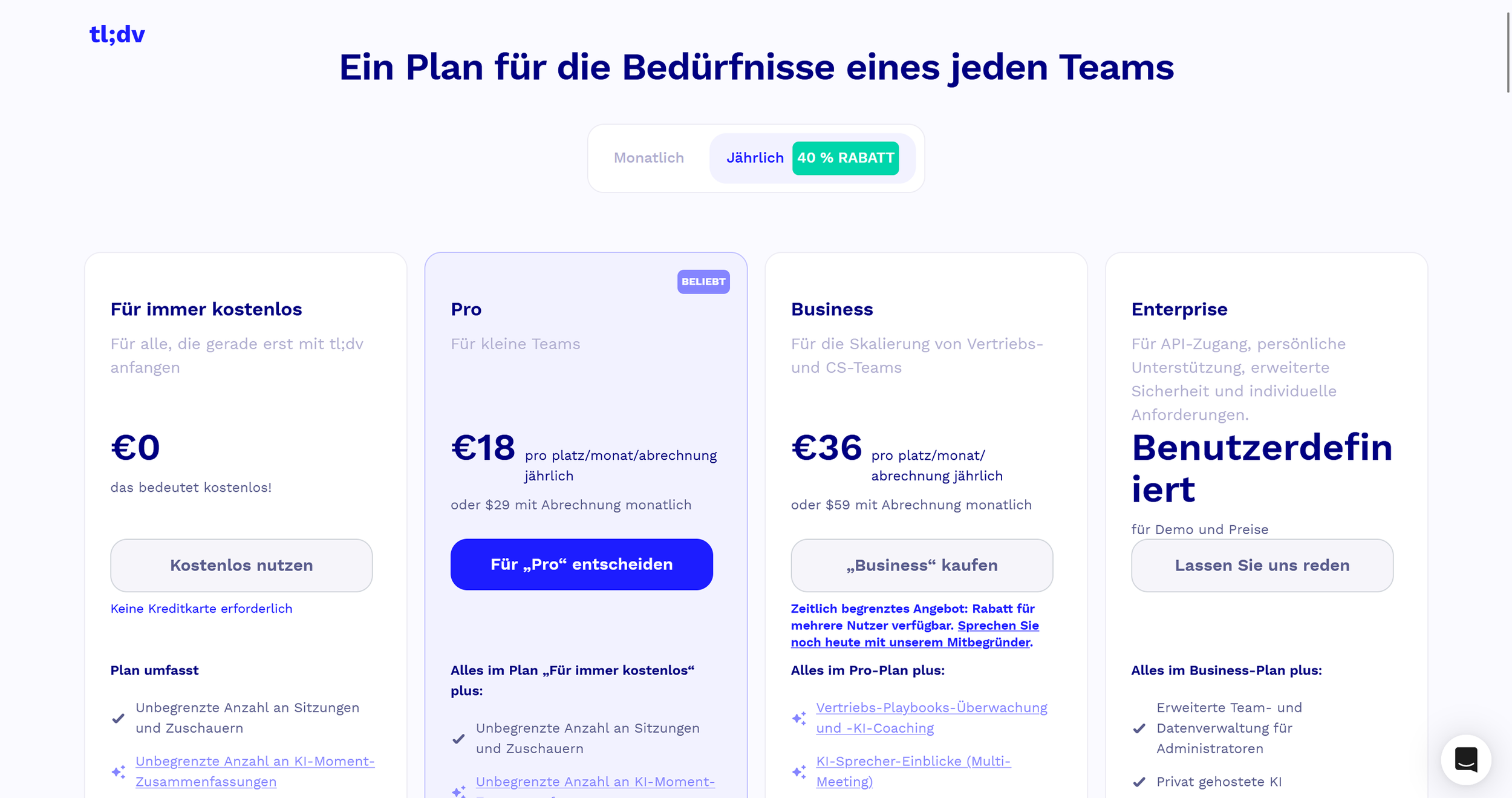
tl;dv pricing overview (excerpt from tldv.io)
Note: Prices reflect the date of publication and may have changed. Always check current pricing on the official tl;dv website.
Verdict: Is tl;dv Worth It for Freelancers?
tl;dv is one of the best productivity investments you can make as a freelancer with a full meeting schedule. It solves one of the biggest challenges of modern remote work: the cognitive split between running a conversation and documenting it at the same time. The generous free plan lets you test it risk-free — and in many cases, use it indefinitely without paying anything.
The AI-powered automation saves time and meaningfully improves the quality of your post-meeting follow-up. For freelancers who regularly run client calls, coordinate complex projects, or work with international teams, tl;dv delivers real value. It becomes a natural part of your workflow rather than adding administrative overhead. If you have more than two meetings a week, tl;dv will pay for itself in saved time alone.
Alternatives to tl;dv
Otter.ai — specialized in live transcription with a strong focus on collaborative notes and keyword highlighting
Fireflies.ai — comprehensive meeting analytics with detailed conversation insights and advanced CRM integrations
Grain — focused on sales meetings with automatic deal tracking and revenue intelligence features
Loom — simpler solution for screen recording and async video communication, without live meeting focus
Zoom's native recording — basic recording built into Zoom, but without AI transcription or summaries
Best try for yourself:
Affiliate link — if you purchase through this link, you support our work at no extra cost to you.
More Tools? We got you:

Transparency notice: This article contains affiliate links. If you purchase a product or service through one of these links, we earn a commission — at no extra cost to you. Thank you for supporting our work.
Image credits: All screenshots, brand names, and product names used in our articles are the property of their respective owners and are used solely for illustration and review purposes. Screenshots taken within the software show the interface or other elements of the respective tools and remain the intellectual property of the corresponding brands. Unless otherwise noted, images are sourced from the official websites of the providers. We link to original sources where possible and recommend verifying current information and pricing directly on the official product pages.