
Beefree: The Visual Email Builder for Your Freelance Business Projects
Want to create professional-looking emails or landing pages in just minutes – without dealing with HTML or CSS? Beefree is built exactly for that. Whether for client projects, newsletters, or landing pages: the visual editor makes the process intuitive and fast to accelerate your Business.
(This is an affiliate link. If you purchase through this link, you support our work at no additional cost.)
What Is Beefree?
Beefree is a web-based tool that allows you to create responsive emails and landing pages using drag-and-drop. It’s designed for freelancers, small teams, and agencies who want to create professional designs without coding skills.
With over 1,700 free templates and an intuitive interface, Beefree enables fast and efficient creation of marketing materials.
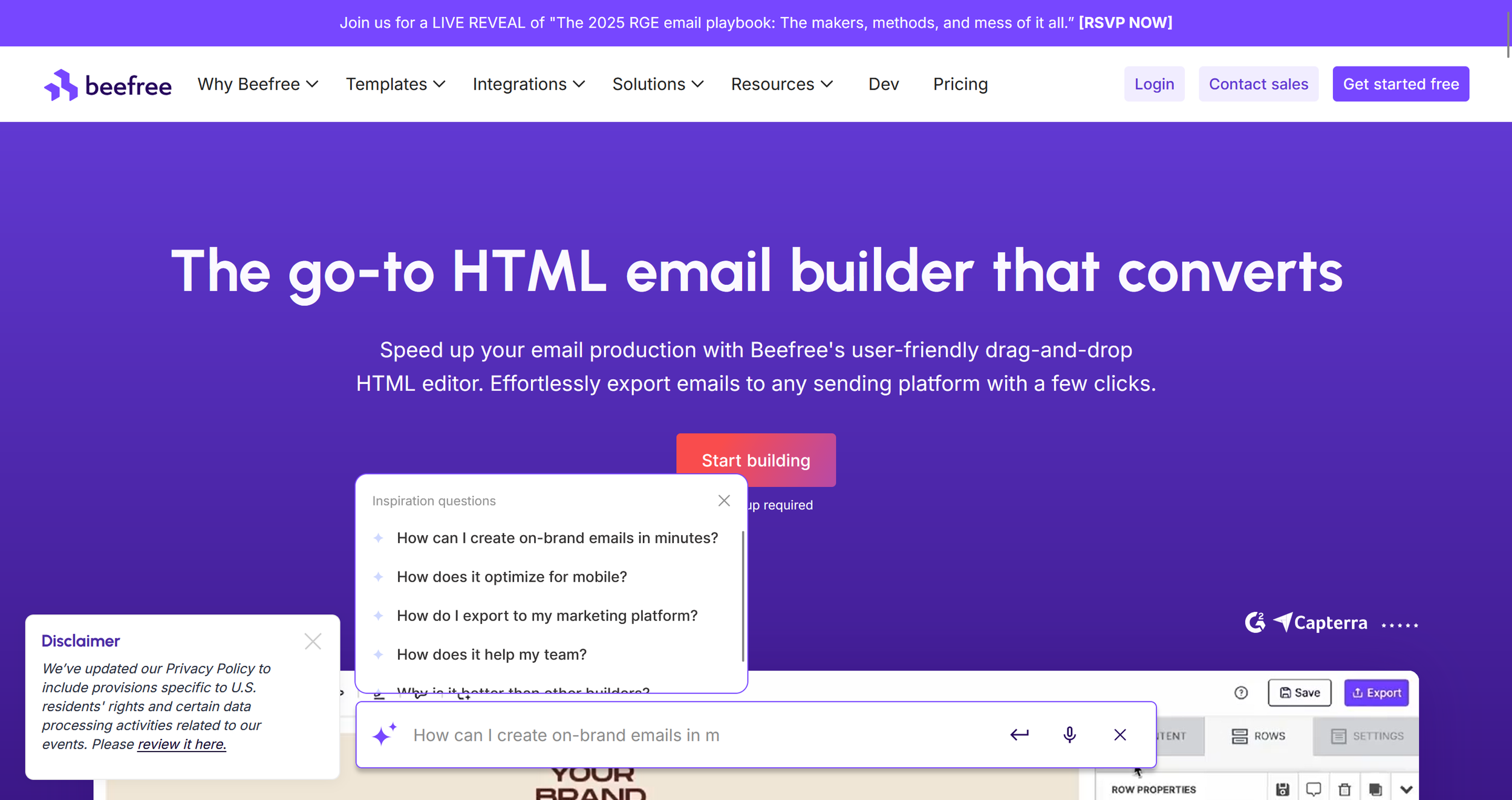
Beefree homepage (excerpt from beefree.io)
Key Features of Beefree
Beefree is more than just an email editor – it’s a flexible tool for creating various communication formats:
Intuitive drag-and-drop editor: Place content with your mouse – no coding required
Large template library: 1,700+ templates for emails and landing pages
Responsive design: All layouts are automatically optimized for mobile
Team collaboration & commenting: Work seamlessly with clients or colleagues
Direct export: Connect with tools like Mailchimp, Gmail, HubSpot, or Brevo
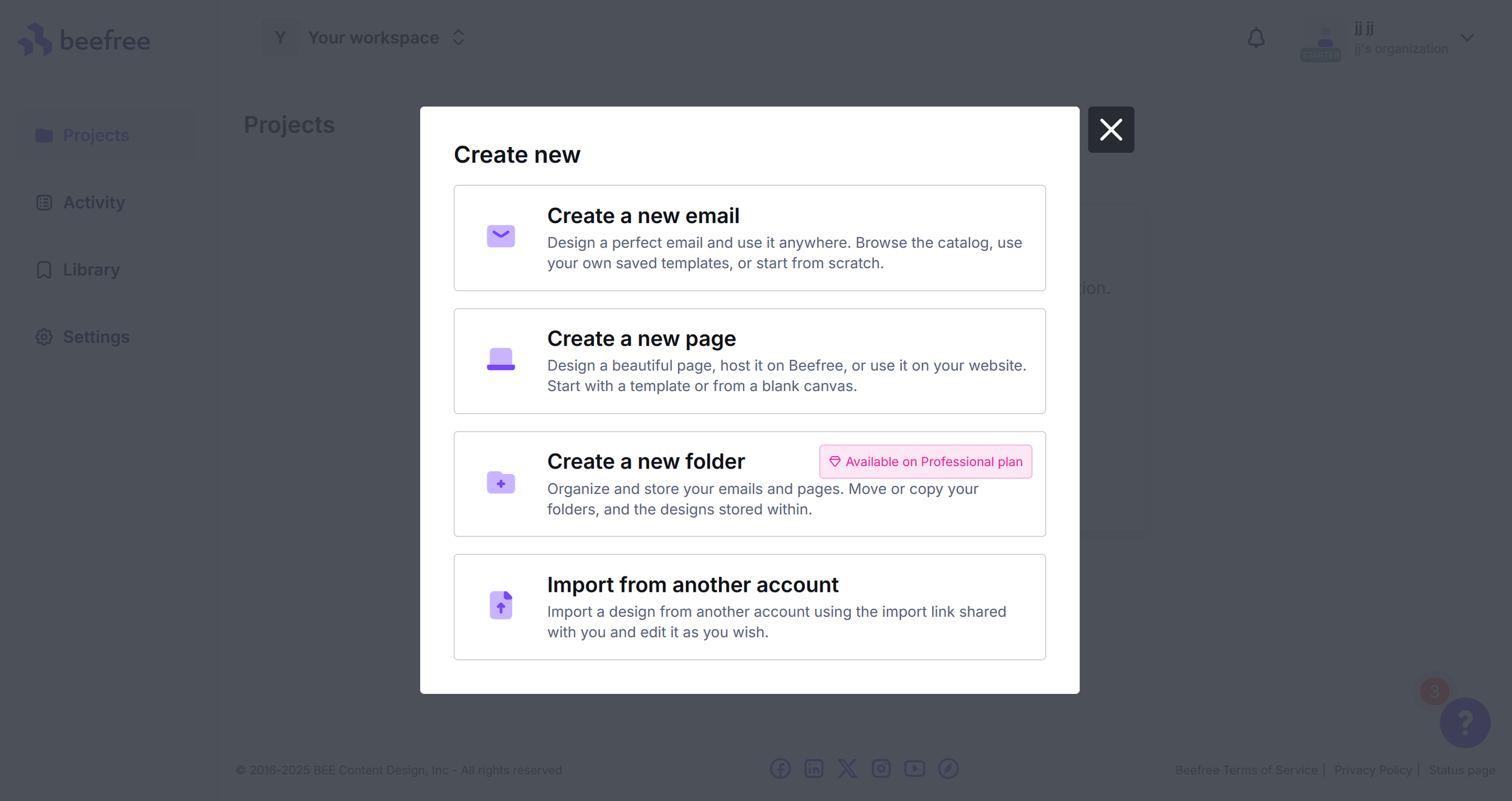
Project creation in Beefree (excerpt from beefree.io)
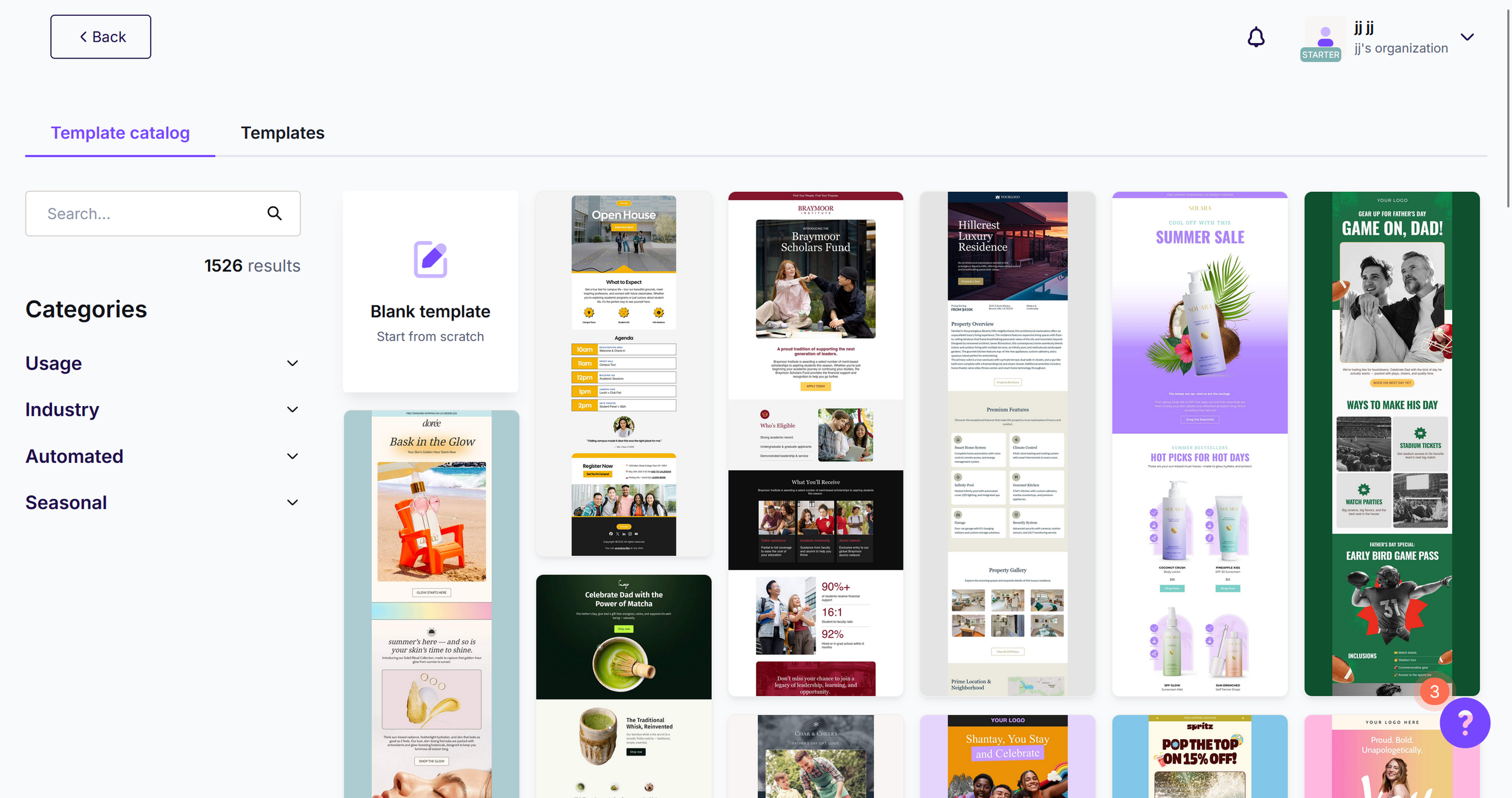
Template selection in Beefree (excerpt from beefree.io)
Why Is Beefree Ideal for Freelancers?
If you regularly design emails or landing pages – for clients, proposals, outreach campaigns, or your own portfolio – Beefree can save you a significant amount of time.
The visual drag-and-drop editor enables professional design without technical knowledge. With over 1,700 responsive templates, you’ll quickly find a layout that fits your needs and can customize it to match your branding.
For recurring projects, you can save and reuse blocks – perfect for maintaining a consistent visual identity.
Especially practical: You can export your designs directly to tools like Mailchimp, Gmail, or HubSpot. This makes Beefree easy to integrate into existing workflows.
The free version already offers strong functionality, and upgrading is straightforward if you need more advanced features.
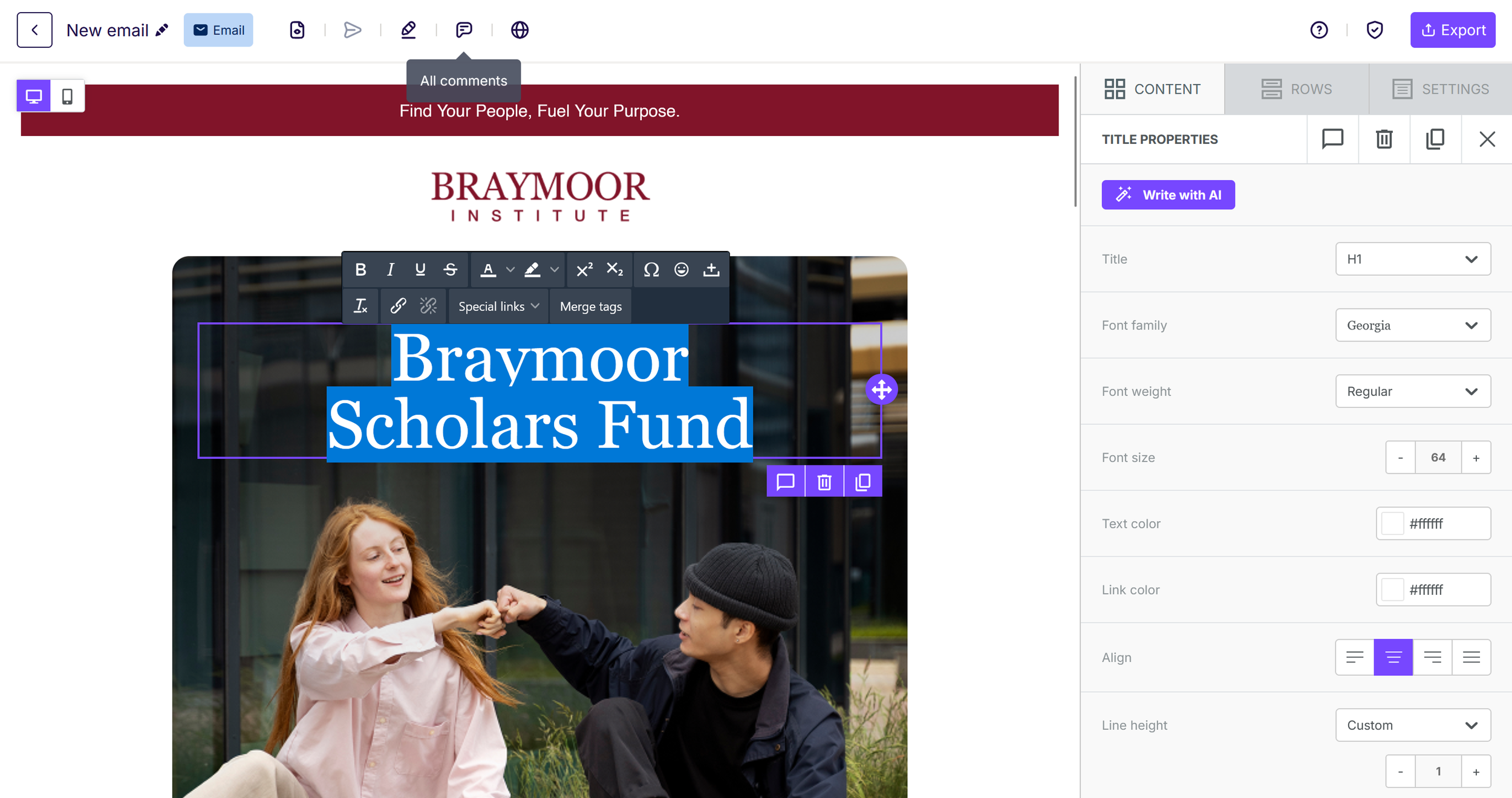
Simple email creation with the Beefree builder (excerpt from beefree.io)
What We Like – and What We Don’t
What We Like:
Extremely easy to use
Huge template selection
Strong export integrations
Automatic mobile optimization
Very smooth builder system, almost self-explanatory
No coding skills required
What We Don’t Like:
Many advanced features only available in paid plans
No native sending functionality (only test emails) – editor only
No built-in automation or deeper marketing features
Is Beefree Affordable for Freelancers?
One major advantage of Beefree is its cost-efficiency. It offers several pricing tiers:
Free: Free to use, with export and limited features
Professional: $25/month – for individuals with advanced features, brand assets, and live collaboration
Business: $134/month – for teams with workspaces, roles, and design systems
Enterprise: Custom pricing for tailored solutions
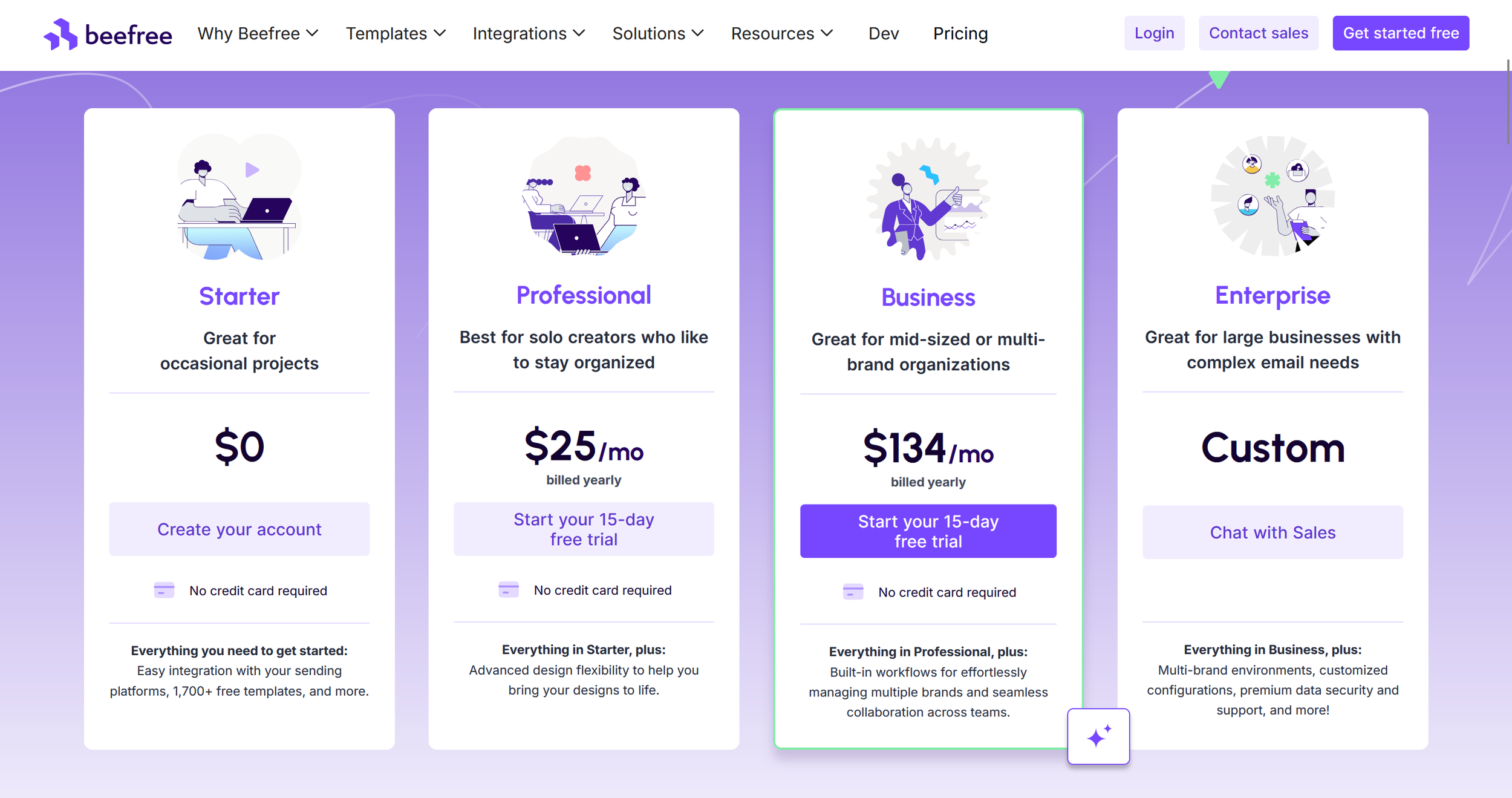
Beefree pricing overview (excerpt from beefree.io)
Note: Prices may change. Please check the official website for the latest details.
Final Verdict: Is Beefree Worth It for Freelancers?
If you’re looking for a tool that makes designing professional emails and landing pages as simple as possible, Beefree is definitely worth considering.
It stands out through thoughtful design, clear structure, and fast implementation – without a steep learning curve. Compared to overloaded marketing platforms, Beefree shines through its focus and usability.
For freelancers, it’s a time-saving solution that integrates easily into existing workflows. Even without technical knowledge, you can create high-quality designs – perfect for visual creators who want to focus on what matters most.
Alternatives to Beefree
GetResponse: All-in-one marketing platform
Stripo: Email builder with stronger focus on export code and AMP emails
Mailchimp: Full solution including sending & automation
Moosend: Email marketing with CRM and automation focus
Canva (Websites): Simple visual one-pagers or newsletter designs
Best try for yourself.
(This is an affiliate link. If you purchase through this link, you support our work at no additional cost.)
More tools? Here you go:



Transparency Notice
This article contains affiliate links. If you purchase through one of these links, we may earn a commission at no additional cost to you.
Image Disclaimer
All screenshots, brand names, and product names are the property of their respective owners. Images are used for illustration and review purposes only. Please refer to the official websites for the most up-to-date information.