
Mailchimp Review: The Best Email Marketing Solution for Freelancers & Small Business Owners?
As a freelancer or online business owner, you know how important it is to stay connected with existing clients and attract new ones. Email marketing is one of the most cost-effective methods available — but many people put it off because it sounds technically demanding. Mailchimp removes that barrier and makes email marketing genuinely straightforward. With an intuitive drag-and-drop editor, ready-made templates, and smart automations, you can create professional newsletters and campaigns without any coding knowledge. Whether you want to promote your services, share blog content, or nurture client relationships — Mailchimp helps you get the right message to the right audience at the right time.
Affiliate link — if you purchase through this link, you support our work at no extra cost to you.
What is Mailchimp?
Mailchimp is one of the world's leading email marketing platforms, founded in 2001 and now used by over 13 million people worldwide. It lets you create, send, and measure the performance of professional email campaigns.
What started as a simple newsletter tool has grown into a comprehensive marketing platform covering email marketing, automation, audience segmentation, A/B testing, and detailed analytics. The drag-and-drop editor makes it easy to design polished emails without any design or coding background. Mailchimp integrates seamlessly with over 300 other tools and services, so you can extend your existing workflows without friction.
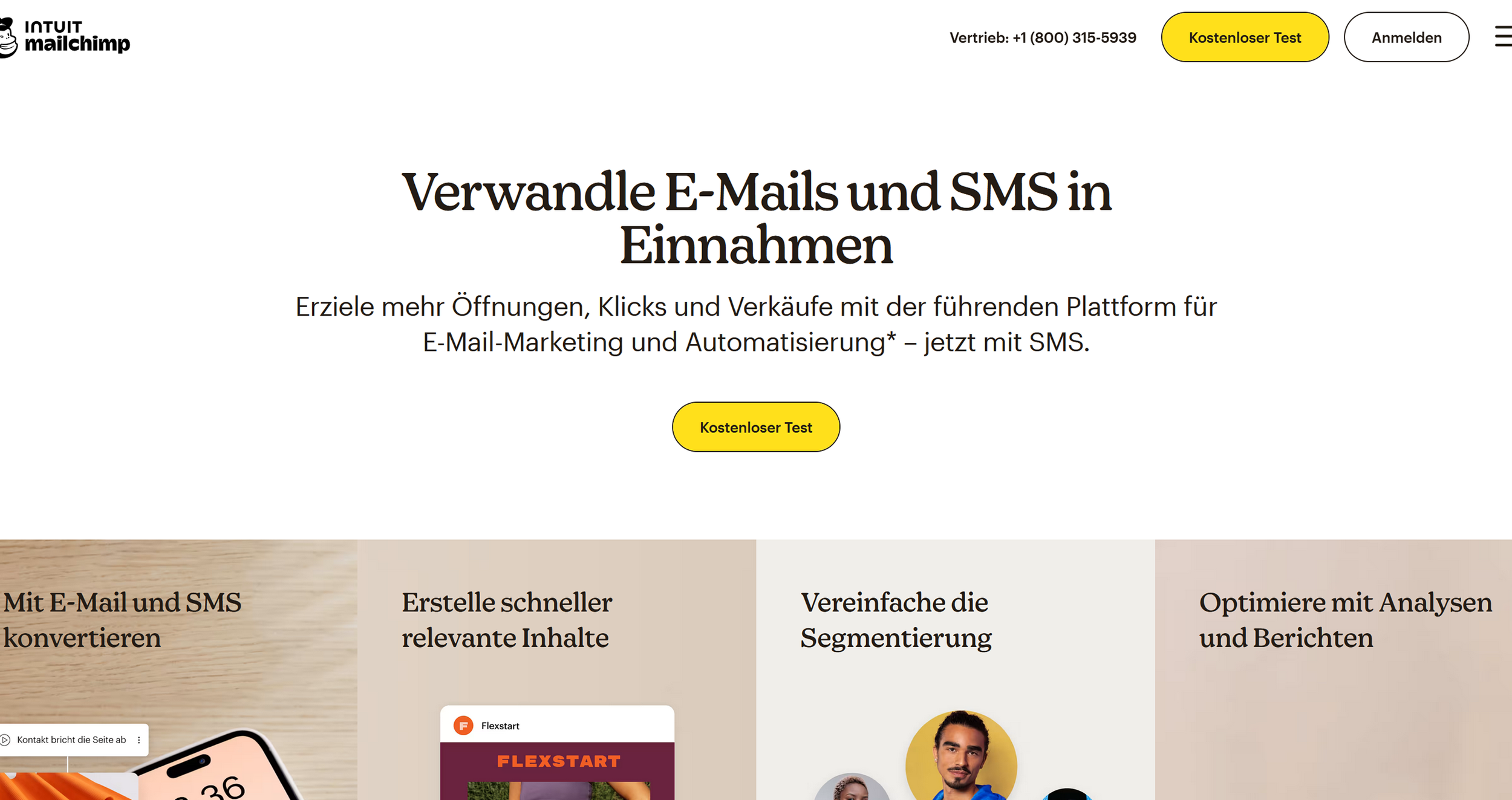
Mailchimp landing page (excerpt from mailchimp.com)
Key Features of Mailchimp
Drag-and-drop email editor with 100+ responsive templates
Automated email sequences and trigger-based campaigns
Advanced audience segmentation based on behavior and data
A/B testing for subject lines, content, and send times
Detailed analytics and reporting including open rates, click rates, and ROI
Landing page builder for lead generation
Social media management and ad placement
CRM features for contact management
Mobile app for on-the-go management
300+ integrations including WordPress, Shopify, and Facebook
Signup forms and pop-ups for website integration
Transactional emails for automated notifications
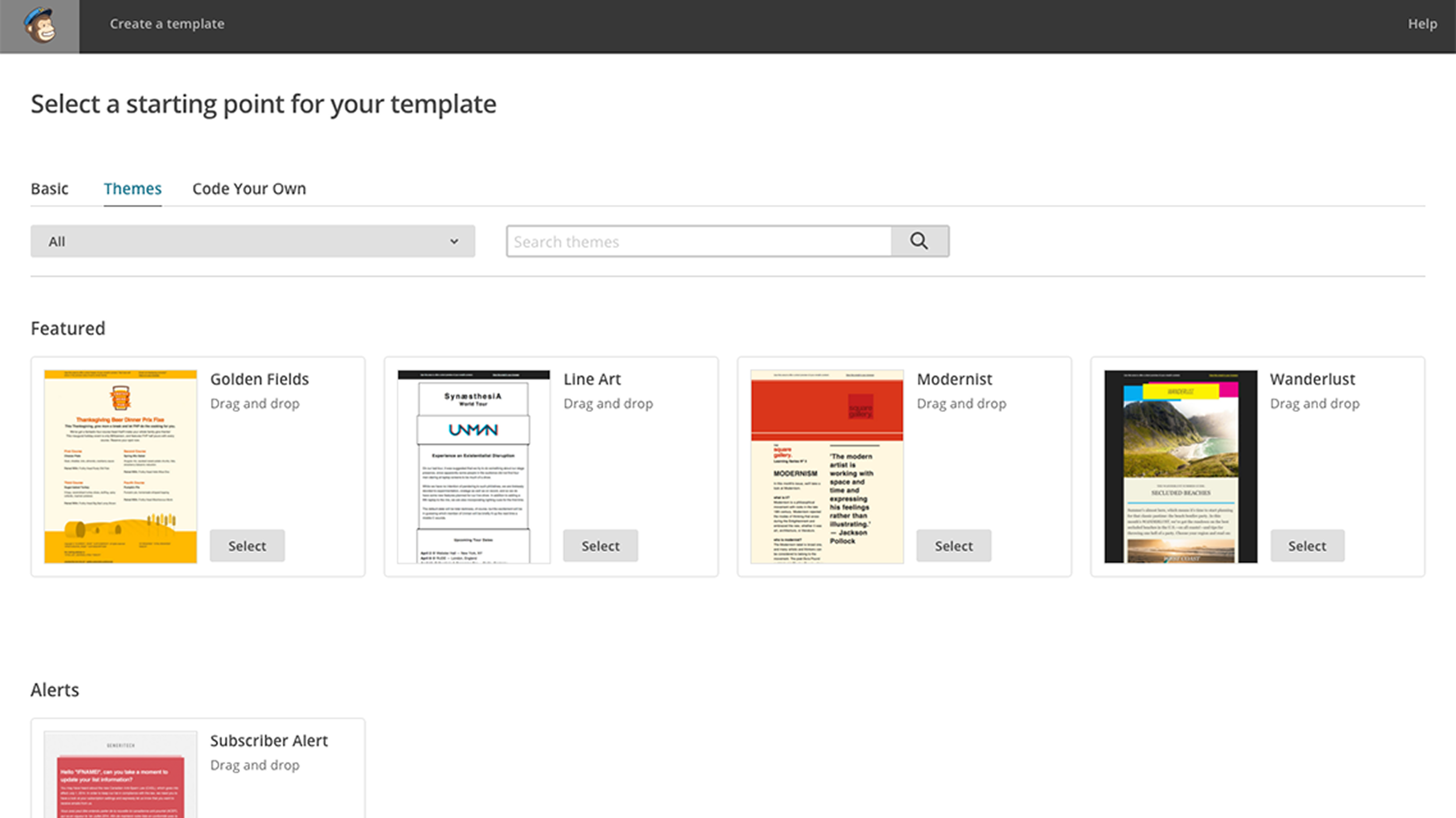
Wide range of email templates to choose from. (Excerpt from mailchimp.com)

Clear delivery data for emails and SMS. (Excerpt from mailchimp.com)
Why Mailchimp Works Well for Freelancers and Side Business Owners
As a freelancer or online business owner, you wear many hats — and marketing is one of them. Mailchimp makes it easy to run professional email campaigns without a dedicated marketing team. You can inform potential clients about your services, keep existing clients updated on new offerings, or send regular newsletters with valuable content.
The automation features are especially useful: you can set up a welcome sequence for new subscribers or automatically send follow-up emails after a project wraps up. Detailed analytics show you exactly what resonates with your audience, so you can continuously refine your approach. The landing page builder lets you create professional pages for specific offers or projects without needing separate website software.

Mailchimp offers 80+ different pop-up form designs. (Excerpt from mailchimp.com)
What We Like — and What We Don't
What we like:
Intuitive interface that's easy to navigate even for beginners
Extensive template library for emails, SMS, and pop-up forms
Strong automation features for efficient, ongoing marketing
Detailed analytics and reporting
Free plan available to get started
Excellent mobile app
Wide range of integrations with other tools
Reliable email deliverability
What we like less:
Pricing scales up quickly as your contact list grows
Some advanced features only available on higher-tier plans
More complex automations can feel overwhelming at first
Phone support only included in the Premium plan
Downgrading can result in lost features and data
Mailchimp Pricing
Mailchimp's pricing is contact-based and scales with your business.
The Essentials plan starts at around $13/month for up to 500 contacts and includes all core features: email campaigns, A/B testing, pre-built templates, and 24/7 support.
The Standard plan at around $20/month adds advanced automation, retargeting ads, custom templates, and expanded analytics including unlimited reports.
The Premium plan starts at around $350/month for 10,000 contacts and unlocks advanced segmentation, multivariate testing, and phone support.
For freelancers just starting out, the free plan covers up to 500 contacts and 1,000 emails per month — with Mailchimp branding and limited features, but perfect for testing the platform and building a small list.
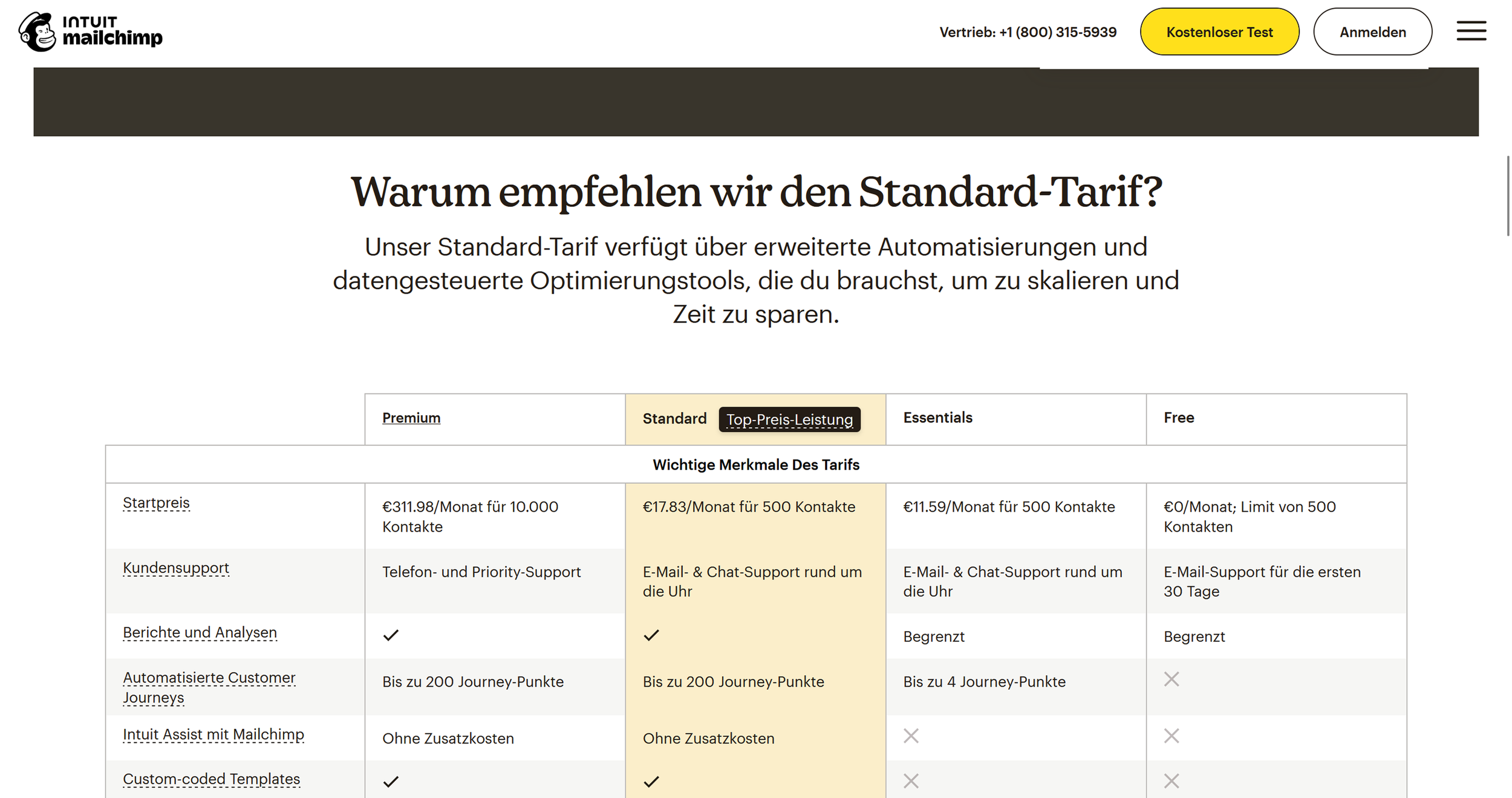
Mailchimp pricing overview (excerpt from mailchimp.com)
Note: Prices reflect the date of publication and may have changed. Always check current pricing on the official Mailchimp website.
Verdict: Is Mailchimp Worth It?
Mailchimp is an excellent choice for freelancers and small business owners who want to professionalize their client relationships and grow their business systematically. It removes the technical barriers and lets you create engaging email campaigns without marketing expertise. The ability to start for free and invest more only as your business grows makes it especially low-risk.
The automation features keep you in touch with potential and existing clients even when your project schedule is full. If you communicate regularly with clients, want to bring in new work, or share your expertise through newsletters, Mailchimp is an investment that pays off quickly. The analytics also give you real insight into what your audience actually cares about — valuable intelligence for your broader business strategy.
Alternatives to Mailchimp
ConvertKit (Kit) — built for creators and content marketers, with streamlined automation features
Brevo — affordable alternative with SMS sending and transactional email support
ActiveCampaign — powerful CRM with advanced automation for more experienced marketers
GetResponse — all-in-one marketing platform with funnels and landing pages
Best try for yourself.
Affiliate link — if you purchase through this link, you support our work at no extra cost to you.
More Freelancer-Tools for you:


Transparency notice: This article contains affiliate links. If you purchase a product or service through one of these links, we earn a commission — at no extra cost to you. Thank you for supporting our work.
Image credits: All screenshots, brand names, and product names used in our articles are the property of their respective owners and are used solely for illustration and review purposes. Screenshots taken within the software show the interface or other elements of the respective tools and remain the intellectual property of the corresponding brands. Unless otherwise noted, images are sourced from the official websites of the providers. We link to original sources where possible and recommend verifying current information and pricing directly on the official product pages.