
Clockify Review: The Best Free Time Tracker for Freelancers & Small Business Owners?
Time is your most valuable asset — whether you're a freelancer, self-employed professional, or building an online business on the side. Keeping track of your working hours, projects, and billable time is non-negotiable if you want to run things properly. Clockify offers a powerful, permanently free time tracking solution built around exactly those needs.
If you purchase through this link, you support our work at no extra cost to you.
What is Clockify?
Clockify is a comprehensive time tracking and productivity platform that lets you log work hours, manage projects, and document billable time — directly in the browser or via app. You can start a live timer or enter time manually, generate reports, analyze your time budget, and manage tasks, team members, and absences.
Whether you work solo or with a team, Clockify helps you understand exactly how your time is being used. You can plan activities visually in a calendar view, create invoices based on tracked time, and document your work even more precisely with GPS, screenshots, or reminder functions.
While the platform serves businesses and teams of all sizes, it's equally well-suited for solo freelancers and independent business owners — with a permanently free entry-level plan that covers most day-to-day needs.
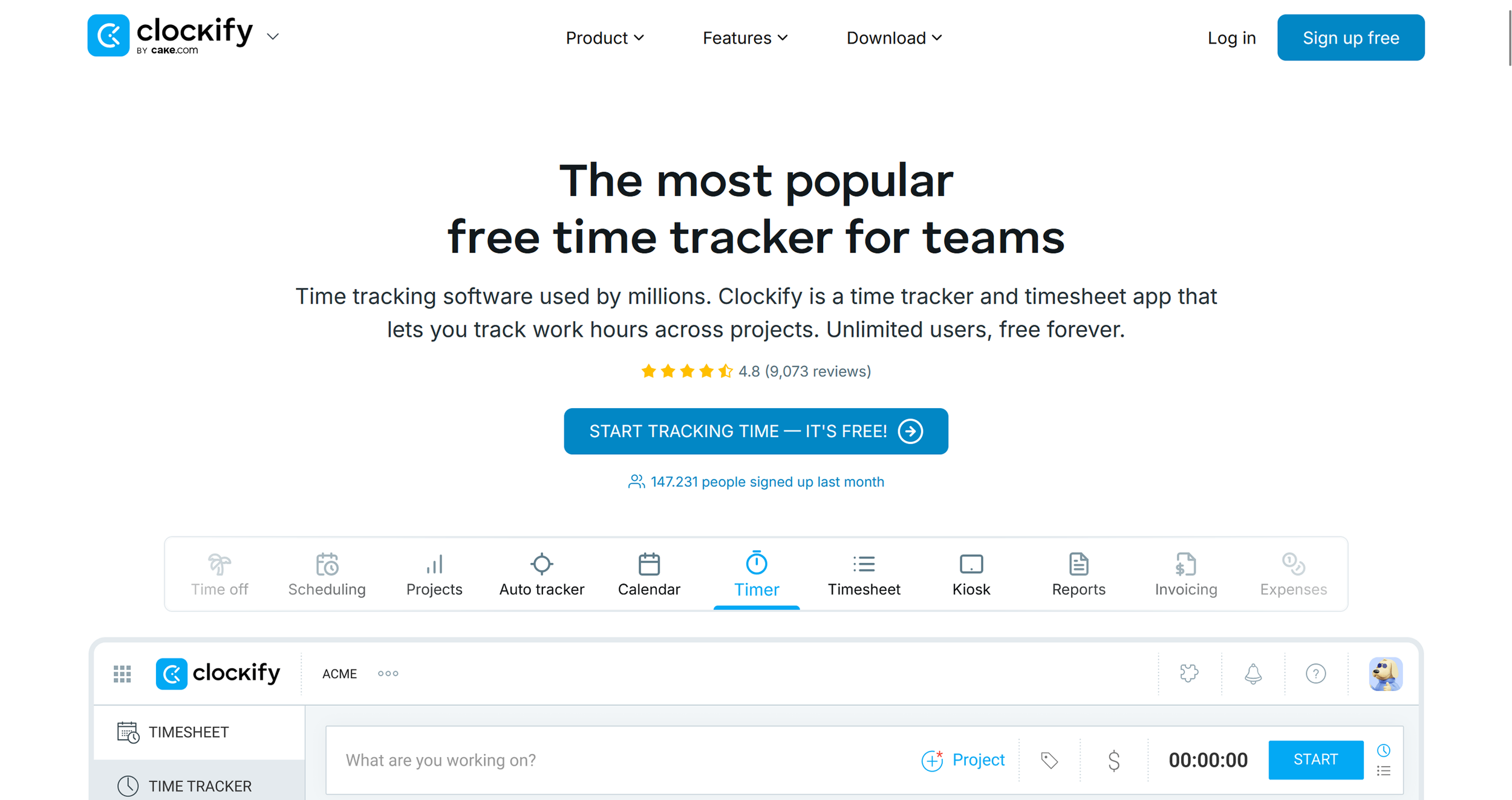
Clockify-Landingpage (Excerpt from clockify.me)
Key Features of Clockify
Real-time and manual time tracking: Log hours live with a timer or enter them retroactively — with the option to mark time as billable.
Calendar and timesheet view: Plan your week visually, use templates, or manage hours through the weekly overview — with reminders and approval options.
Project and task management: Track time budgets, assign tasks, set hourly rates, and get forecasts on project progress.
Reports and dashboards: Detailed breakdowns of working hours, projects, team activity, and revenue — filterable, shareable, and exportable.
Invoicing and expense management: Generate professional invoices directly from tracked time and expenses — including receipt capture and PDF export.
Cross-platform and integrations: Available as web, desktop, and mobile app, with 80+ integrations including Trello, Asana, QuickBooks, and Google Calendar.
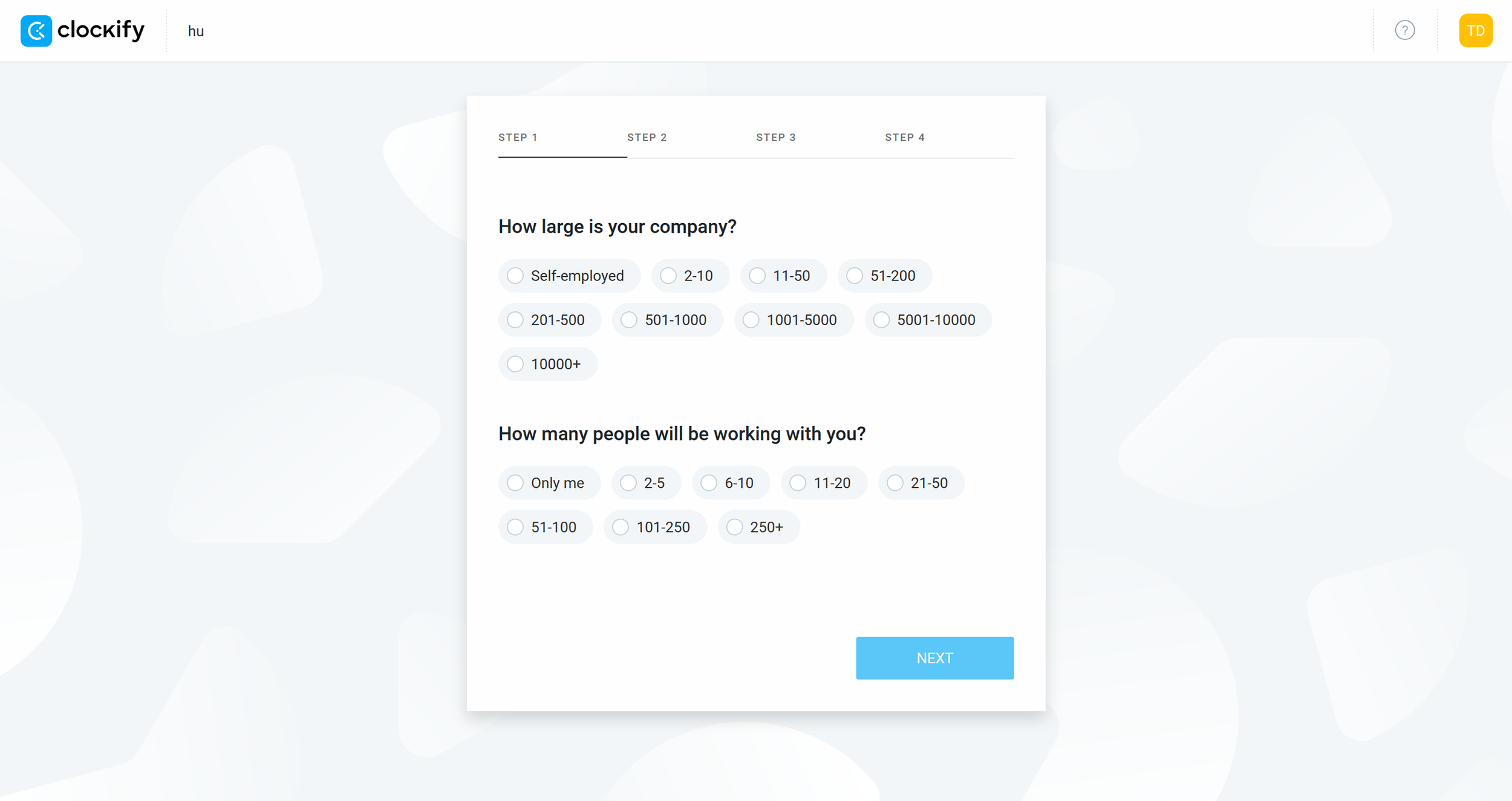
Quick and straightforward account setup for time tracking and invoicing — solo or with a team. (Own screenshot from Clockify)
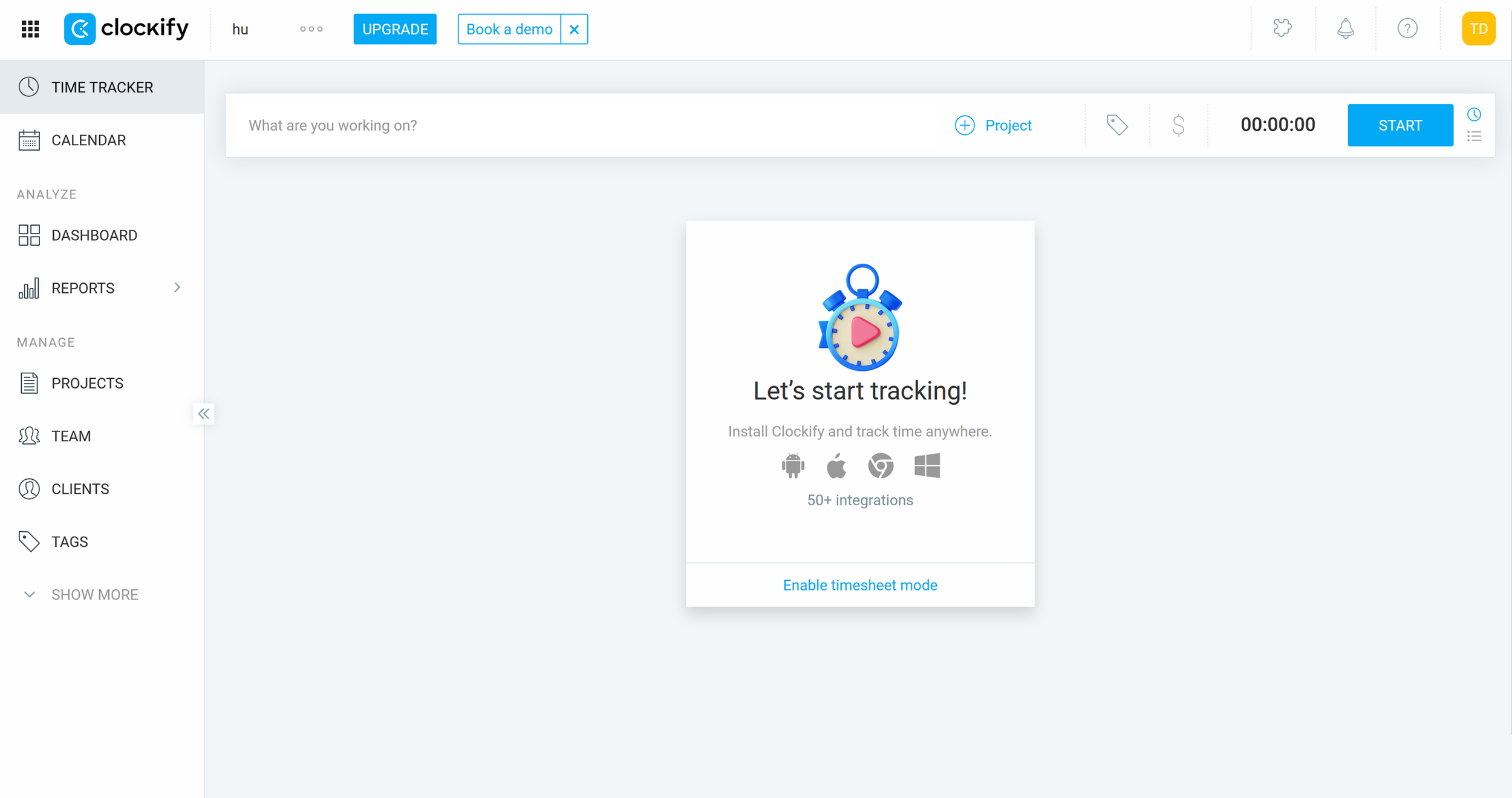
Clean dashboard with a well-structured feature layout in Clockify. (Own screenshot from Clockify)
Why Clockify Works Well for Freelancers and Side Business Owners
Clockify covers the core workflow most independent workers need daily. You can track time by project and client, bill hours accurately, and use the calendar and reporting views to see exactly where your time is going.
For solo freelancers especially, the combination of time tracking, project management, and reporting is genuinely valuable — whether for better planning, invoicing, or just understanding your own productivity patterns. Clockify helps you work more deliberately and organize your time more effectively. For anyone building a freelance practice or running a small online business, that kind of clarity makes a real difference.
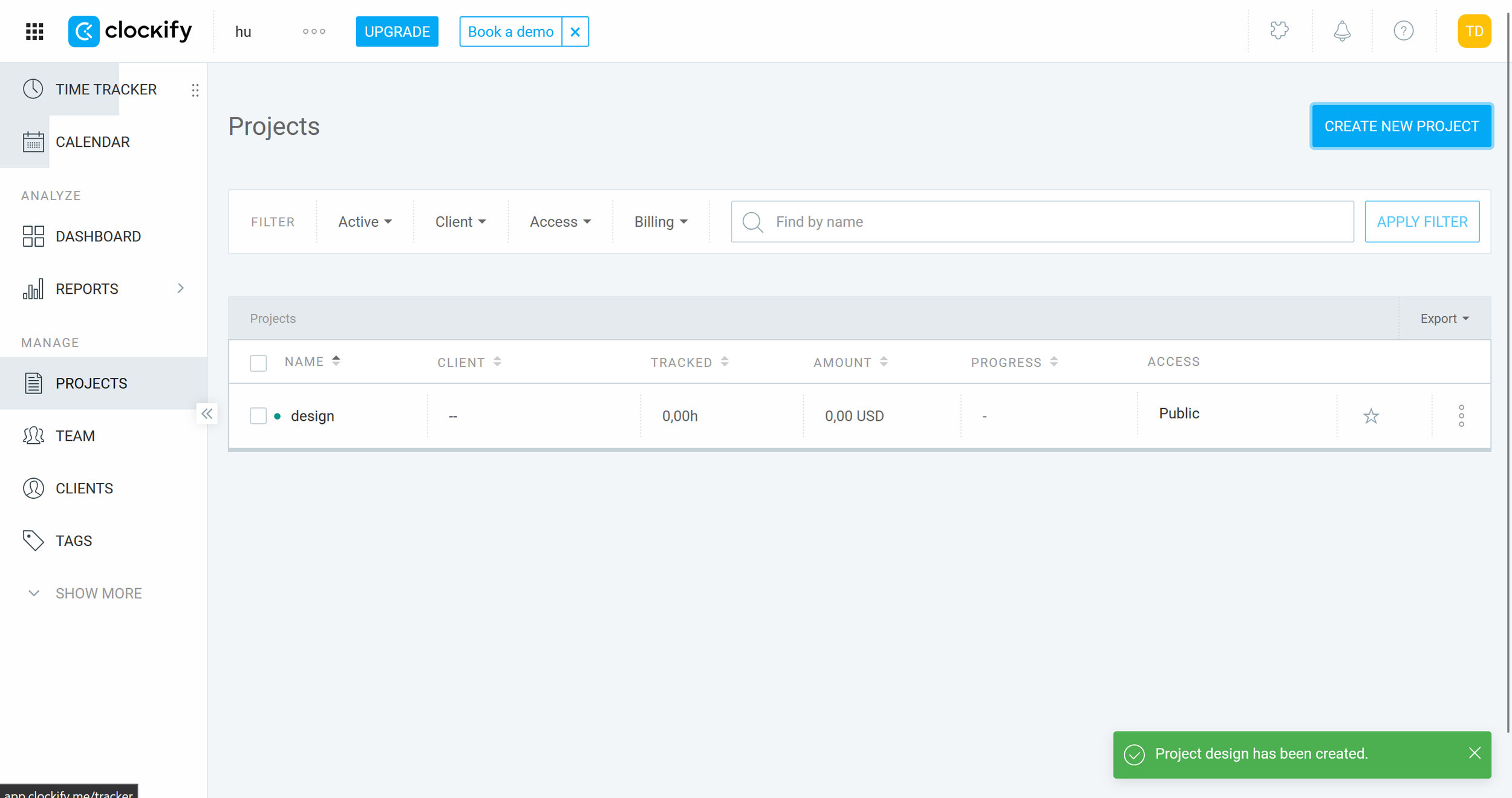
Clockify project overview with all key details including client, budget, and access settings. (Own screenshot from Clockify)
What We Like — and What We Don't
What we like:
Solid feature set on the free plan — time tracking, projects, and reports available without upgrading
Flexible tracking — live timer, manual entry, calendar view, or mobile app — fits any working style
Good reporting — dashboards and reports help with invoicing, retrospective analysis, and self-reflection
80+ integrations including Trello, Google Calendar, Notion, and QuickBooks
Scalable — works equally well as a solo setup or for a growing team
What we like less:
Key features like invoicing and reminders are only available from the Standard plan upward
The mobile app occasionally lags behind the web version in functionality and usability
Clockify Pricing
Clockify offers several pricing tiers depending on your needs:
Free: Permanent free access to core features including time tracking, project creation, and basic reporting.
Standard: From $5.49 per user/month (billed annually) — adds invoicing, time off management, and more.
Pro: From $7.99 per user/month (billed annually) — advanced features including GPS tracking, expense management, and project forecasting.
Enterprise: From $11.99 per user/month (billed annually) — for larger teams with additional security and admin controls.
For most freelancers and solo business owners, the free plan covers everything needed to manage time effectively.
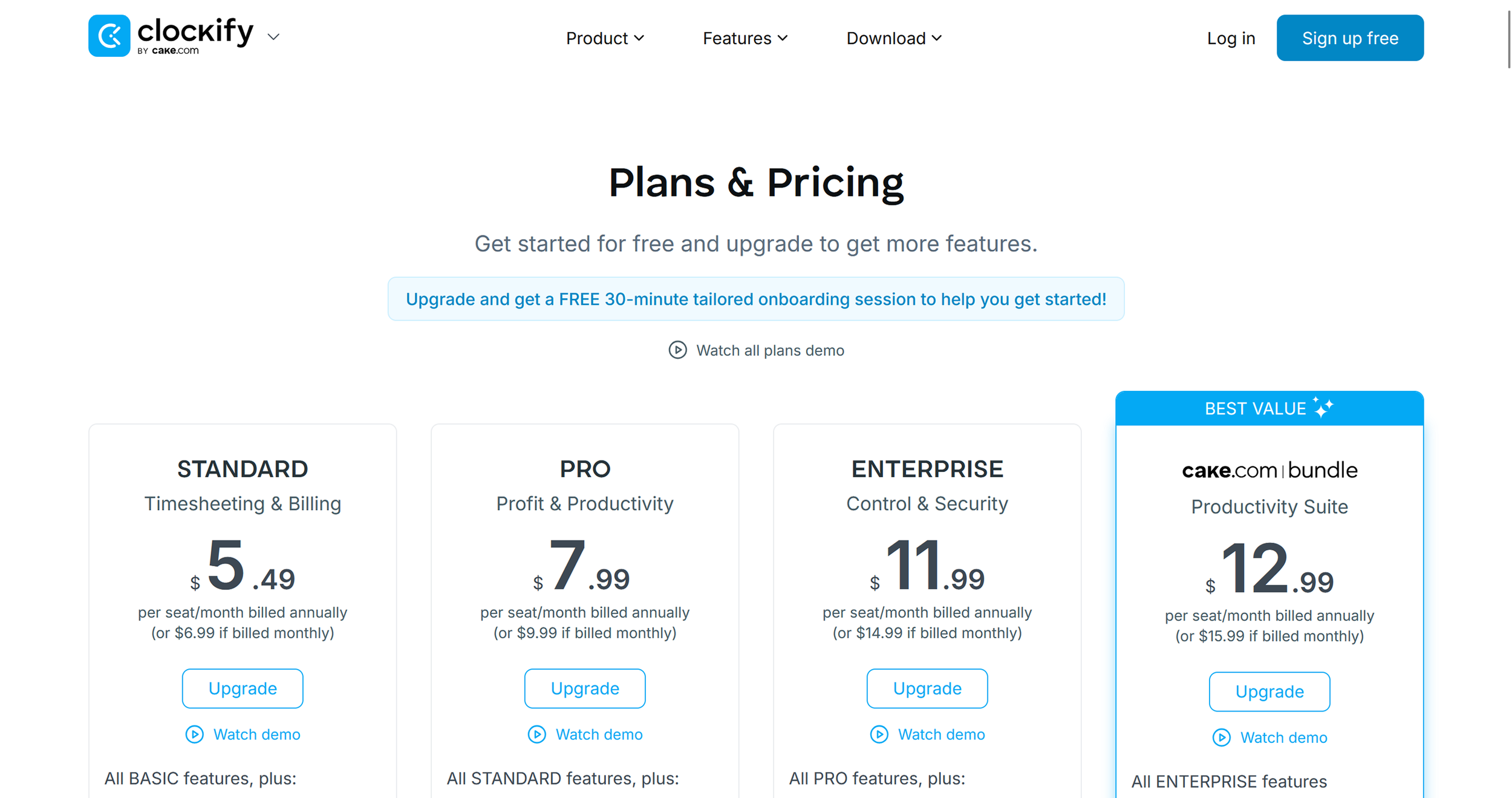
Clockify pricing overview (excerpt from clockify.me)
Note: Prices reflect the date of publication and may have changed. Always check current pricing on the official Clockify website.
Verdict: Is Clockify Worth It?
Absolutely. Clockify gives freelancers and independent business owners a comprehensive time tracking and project management solution — and the free plan alone takes you surprisingly far. You stay on top of your hours, organize projects efficiently, and get the reporting you need to analyze and improve how you work.
If you want to track time more deliberately, invoice more accurately, and build better habits around how you spend your working hours, Clockify is one of the strongest free options on the market.
Alternatives to Clockify
Toggl Track — user-friendly time tracking with a strong focus on intuitive design and ease of use
Harvest — combines time tracking with invoicing and expense tracking features
RescueTime — automatically analyzes how you spend time on your computer to identify productivity patterns
Timely — AI-powered time tracking that suggests and fills in time blocks automatically
For more time tracking options, check out our roundup of the 10 best time tracking tools for freelancers.
Best try for yourself:
If you purchase through this link, you support our work at no extra cost to you.
You need more Tools? We got you:


Transparenz-Hinweis: In diesem Beitrag verwenden wir Affiliate-Links. Wenn du über einen dieser Links ein Produkt oder eine Dienstleistung kaufst, erhalten wir eine Provision – für dich bleibt der Preis gleich. So kannst du unsere Arbeit unterstützen. Vielen Dank!
Abbildungs-Hinweise: Alle in unseren Artikeln verwendeten Screenshots, Marken- und Produktnamen sind Eigentum der jeweiligen Anbieter. Die Abbildungen dienen ausschließlich zu Illustrations- und Review-Zwecken. Screenshots, die wir selbst innerhalb der Software erstellt haben, zeigen das Interface oder andere Elemente der jeweiligen Tools und bleiben geistiges Eigentum der entsprechenden Marken. Wenn nicht anders gekennzeichnet, stammen die Abbildungen von den offiziellen Websites der Anbieter. Wir verlinken die Originalquellen, wenn möglich, und empfehlen, aktuelle Informationen und Preise direkt auf den offiziellen Produktseiten zu prüfen.