
ClickUp – The All-in-One Project Management Platform for Freelancers
As freelancers, we often juggle multiple projects, client requirements, and deadlines at the same time. Staying organized is the key to working efficiently and focusing on what truly matters: delivering high-quality work. That’s where ClickUp comes in – an all-in-one project management tool designed to optimize workflows and boost productivity.
ClickUp is especially valuable for freelancers who want to improve their self-organization and structure larger projects. Its strengths become even more apparent when working with a team.
This is an affiliate link. If you purchase through this link, you support our work at no additional cost.
What is ClickUp?
ClickUp is a versatile project management platform designed to streamline workflows and improve collaboration. Whether you work as a solo freelancer or with a small team, ClickUp allows you to manage your entire business in one place.
With features like task management, time tracking, customizable dashboards, and multiple project views, it adapts to your workflow. The platform is available on web, desktop, and mobile, giving you access to your projects anytime, anywhere.
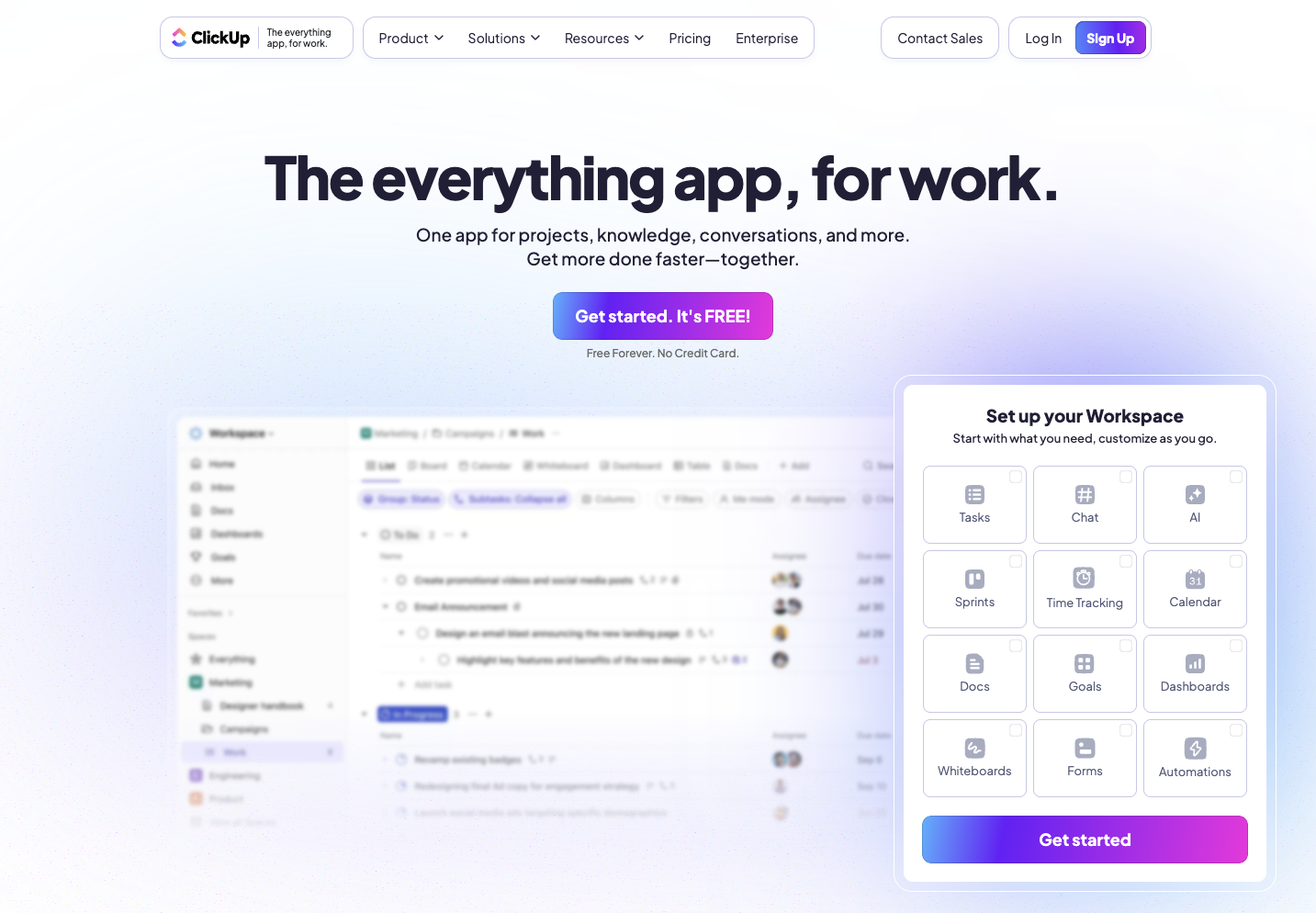
ClickUp landing page (excerpt from clickup.com)
How Does ClickUp Work?
ClickUp’s core strength lies in its flexibility. You can structure your workspace according to your needs by organizing projects into folders and separating client work clearly.
Tasks can be broken down into subtasks, assigned deadlines and priorities, and enriched with descriptions. Different views such as List, Kanban Board, Calendar, and Gantt Chart allow you to visualize progress in the way that suits you best.
Communication is integrated directly into the platform. Comments, file sharing, and automations help streamline collaboration. In many cases, entire project communication can happen within ClickUp. The platform even supports audio calls for faster coordination.
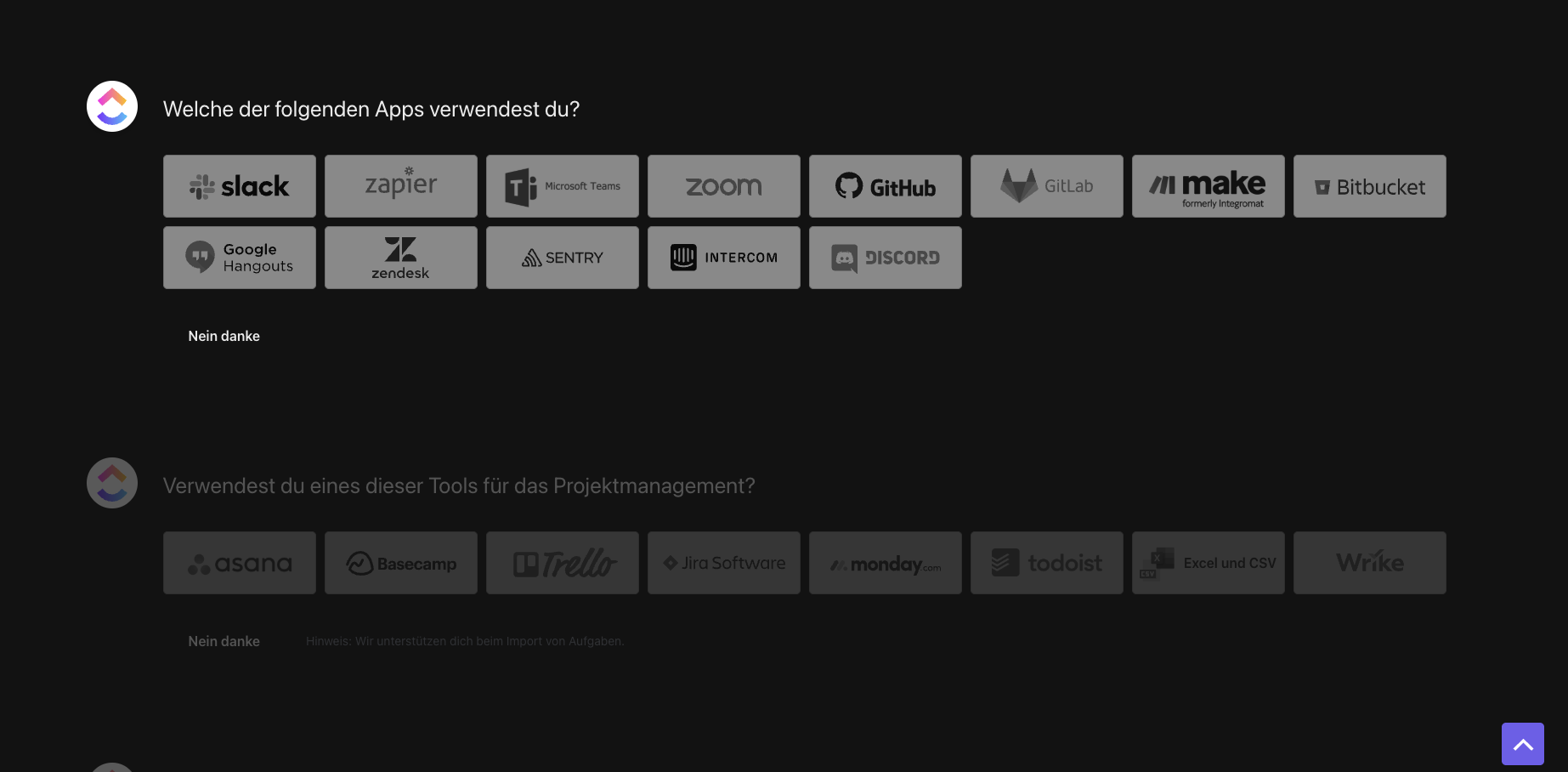
Quick setup in ClickUp (own screenshot from ClickUp)
The board view in ClickUp provides clear structure: tasks can easily be moved between workflow stages using drag & drop (Source: ClickUp.com)
Plan your tasks clearly in the calendar view and keep track of all deadlines across projects and teams (Source: ClickUp.com)
Why ClickUp Is Ideal for Freelancers
ClickUp is like a Swiss army knife for freelancers – it combines everything you need into one platform.
Customizable workspaces for organizing client projects
Built-in time tracking to monitor billable hours
Task dependencies for managing complex projects
Seamless integrations with tools like Google Drive, Slack, Zoom, or Trello
Collaboration features like comments and mentions
Ready-made templates for project planning and client onboarding
These features not only increase productivity but also help you present yourself more professionally to clients.
Workflows can be easily automated – for example, by automatically reassigning responsibilities when a task status changes (Source: ClickUp.com)

Checklist view (own screenshot from ClickUp)

AI integration “ClickUp Brain” (own screenshot from ClickUp)
Pros and Cons from a Freelancer’s Perspective
What We Like:
All-in-one solution for tasks, documentation, and time tracking
Highly customizable workflows
Generous free plan with strong features
Mobile app for flexibility
Scales with your growing business
What Could Be Better:
Occasional performance issues in larger workspaces
Learning curve for beginners
File uploads may sometimes be slow with larger files
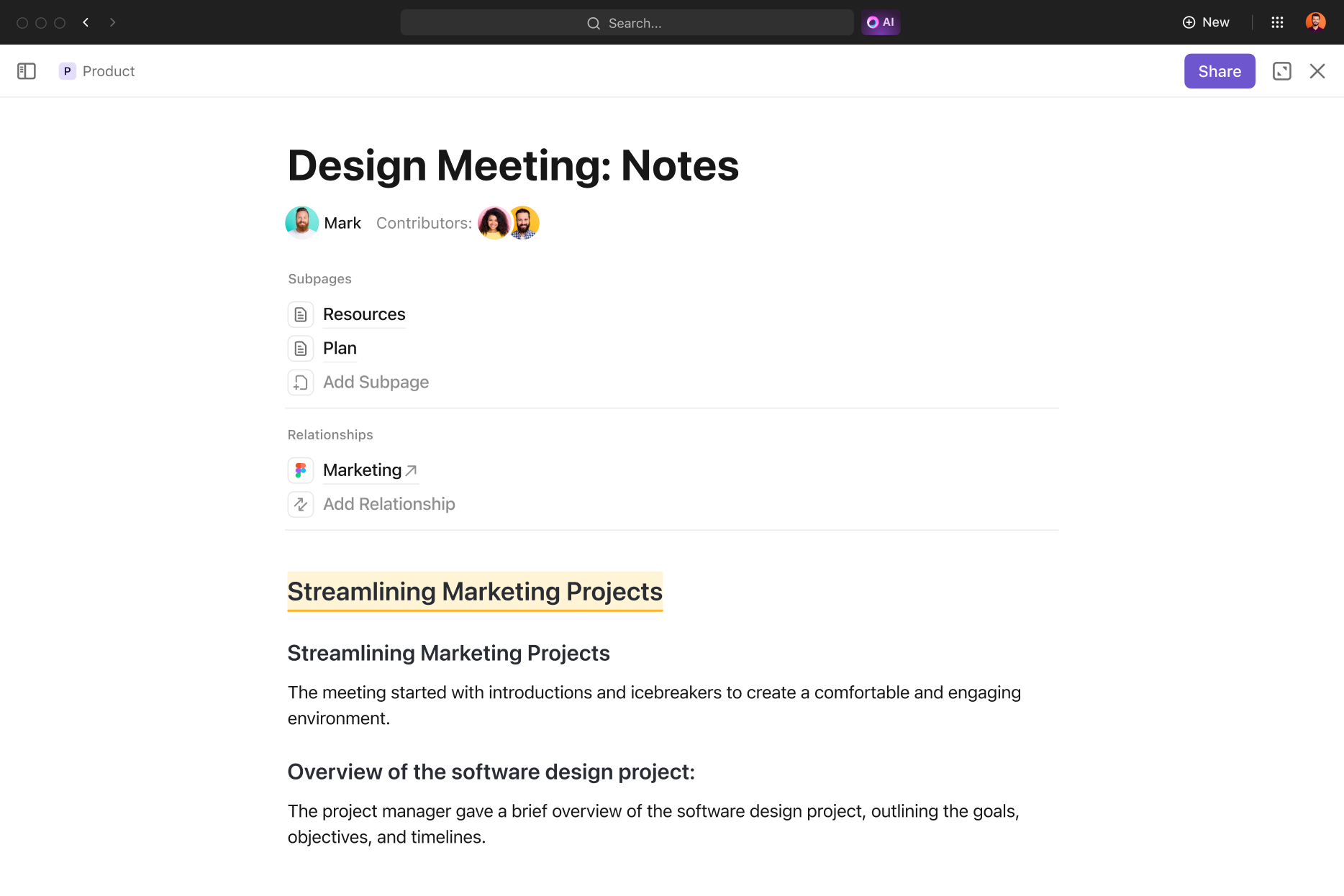
Klasse: Mit den Projektnotizen arbeitest du wie in Notion – perfekt für Meeting Notes, Pläne und verknüpfte Inhalte im Team (Gestellt von ClickUp.com)
Pricing – Is ClickUp Affordable for Freelancers?
ClickUp is known for its cost-efficiency. The Free Forever Plan offers unlimited tasks and multiple views, making it a strong starting point for solo freelancers.
Paid plans start at:
Unlimited Plan: $7 per month
Business Plan: $12 per month
These plans are ideal for freelancers working with subcontractors or small teams.
Note: Prices may change. Always check the official website for the most up-to-date information.

ClickUp pricing overview (excerpt from ClickUp.com)
Note: Prices may change. Always check the official website for the most up-to-date information. See current pricing.
Final Verdict – Is ClickUp Worth It for Freelancers?
ClickUp is more than just another tool – it’s a comprehensive system for structuring your freelance business. With its flexible setup, generous free plan, and scalability, it offers excellent value for independent professionals.
If you’re looking for a project management tool that saves time, improves organization, and grows with your business, ClickUp is one of the strongest options available.
See for yourself here:
This is an affiliate link. If you purchase through this link, you support our work at no additional cost.
Also check out these cool Freelancer Tools:
Transparency notice: This article contains affiliate links. If you purchase a product or service through one of these links, we may earn a commission at no additional cost to you. This helps support our work. Thank you for your support.
Image disclaimer: All screenshots, brand names, and product names used in our articles are the property of their respective owners. Images are used solely for illustration and review purposes. Screenshots created by us within the software show the interface or features of the respective tools and remain the intellectual property of the corresponding brands. Unless otherwise stated, images are sourced from the official websites of the providers. Where possible, we link to the original sources and recommend checking the official websites for the most up-to-date information and pricing.